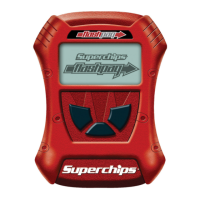
BATTERY VOLTAGE
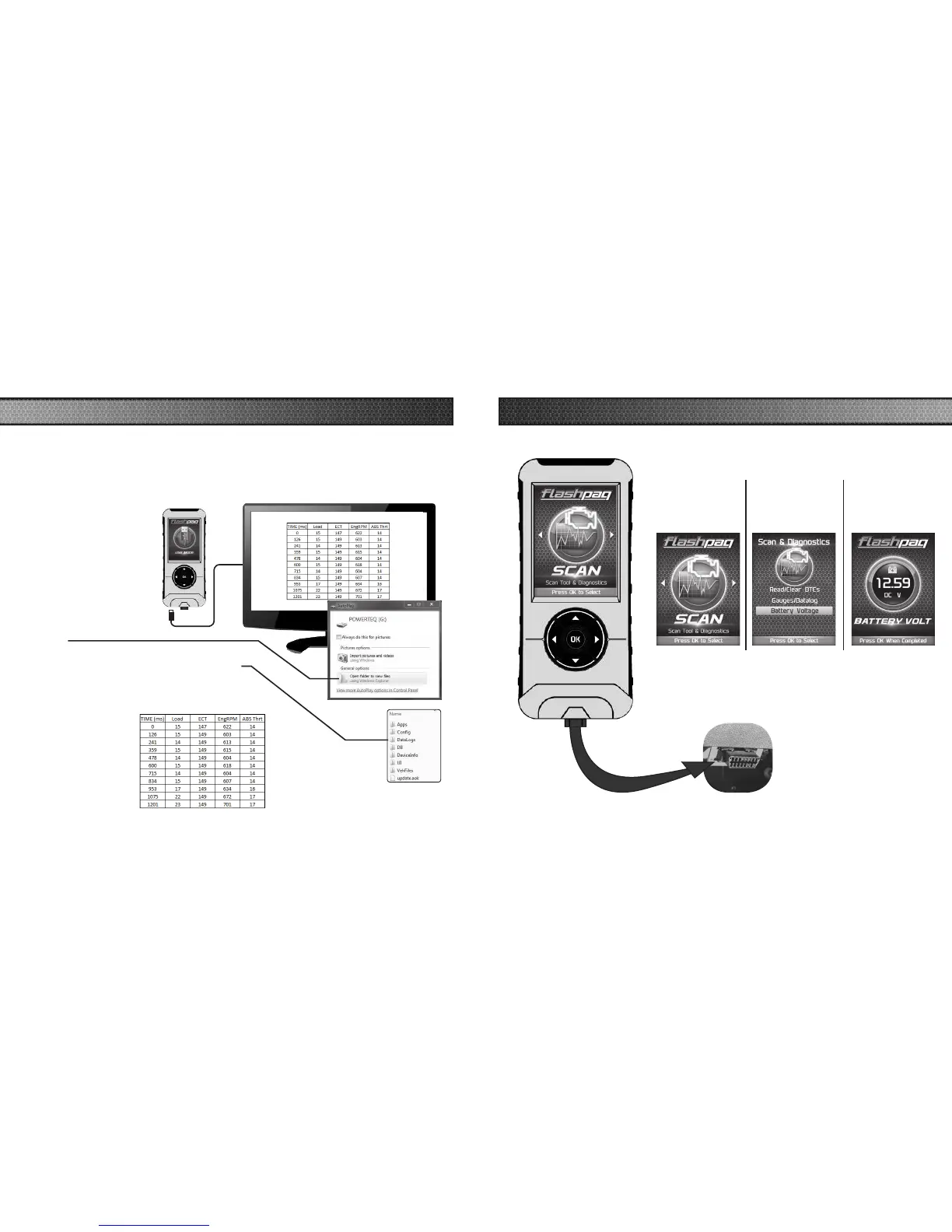
STEP 1 - Plug the device into the OBDII port.
STEP 2 - Enter
the Scan Menu.
STEP 3 - Select
the Battery
Voltage option.
STEP 4 - Press
OK to return
to the previous
screen.
DATA LOGGING RETRIEVAL
STEP 1 - Remove the device from the vehicle OBDII port.
STEP 2 - Using the USB
cable provided, connect the
device to your computer.
STEP 3 - The device will
enter USB Mode, and allow
your computer to open it’s
les.
STEP 4 - Open the folder to
view les.
STEP 5 - Open the folder named DataLogs.
STEP 6 - Copy the Excel le to your computer
desktop, then open it. A le will open that looks
similar to the following:
To learn more about how Data Logging results can be extracted from the device,
please follow these instructions:



 To Next Page