Questions and Answers
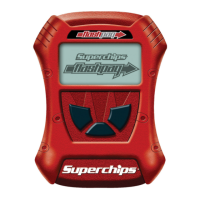
Q: Can my Flashpaq program more than one vehicle at a time?
A: No, only after you return your rst vehicle back to factory stock.
-----------------------------------------------------------------------------
Q: Does Superchips support custom tuning?
A: Not at this time.
-----------------------------------------------------------------------------
Q: What aftermarket accessories will my Flashpaq work with?
A: Flashpaq programmers are engineered to work with the following
parts right out of the box: throttle body spacers, shorty headers, cat-back
exhaust system, and cold air intake kits. Compatibility may vary by make
and model.
-----------------------------------------------------------------------------
Q: How do I change my vehicle’s calibration?
A: Refer to the TUNING sections of this guide for detailed instructions.
NOTICE:
Before taking your vehicle into a service center, return your vehicle to stock.
The service center might reprogram your vehicle with an updated program
without your knowledge. If you do not use this device to return your vehicle
to factory stock and your vehicle is reprogrammed by the service center, the
programmer will no longer be able to program your vehicle.
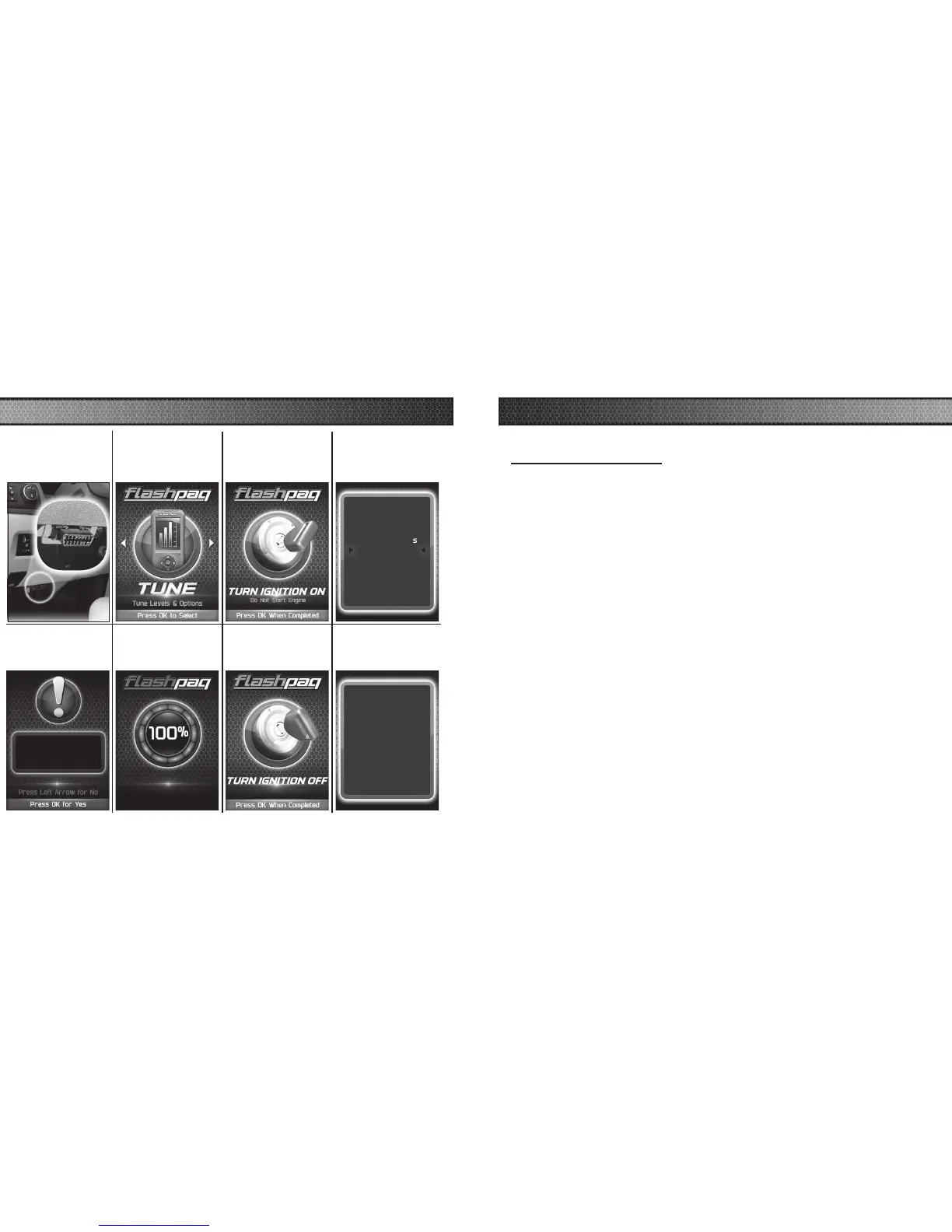
STEP 1 - Plug
the device into
the OBDII port.
Installing Engine
STEP 6 - Allow
the stock settings
to be re-installed.
Install the Stock File?
18
19
RETURNING YOUR VEHICLE TO STOCK
COMMON TUNING QUESTIONS
STEP 2 - Enter
the Tuning Menu
by pressing OK.
STEP 3 - Turn
the ignition on,
but do not start
the engine.
STEP 4 - Select
the Stock option
from the list.
Select Tuning
Performance
Tow
87 Octane
Mileage XS SAVE
Stock w/ Options
Stock
STEP 5 - Install
the Stock File by
pressing OK.
STEP 7 - Turn the
Ignition Off. Press
OK to continue.
STEP 8 - Press
OK to return to
the main menu.
Select Tuning
Vehicle was Returned to
Stock Successfully
Press OK to continue



 To Next Page