12
2.2.4 Configure your computer
• Windows 95/98/ME
Step 1. TCP/IP Configuration
After you have completed the hardware setup by connecting your devices, you need to
configure your computer to connect to your Router.
1. From the Windows desktop, click the “Start” button and choose “Settings”, then click “Control
Panel.”
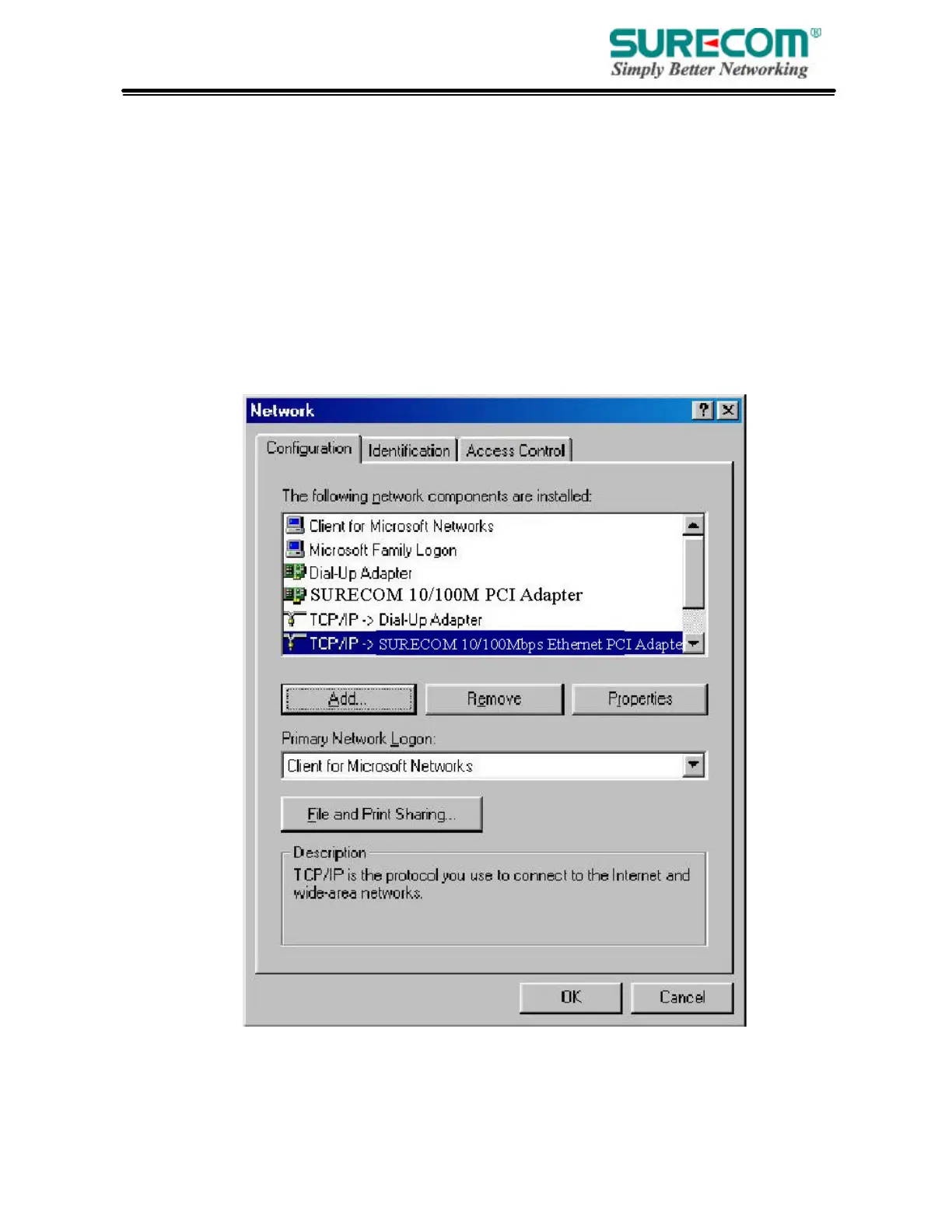
2. From “Control Panel”, double-click the “Network” icon.
3. In the “Network” window, under the “Configuration” tab, double-click the “TCP/IP” entry that is
listed with your network card.
.



 To Next Page