26
3. Using Configuration Menu
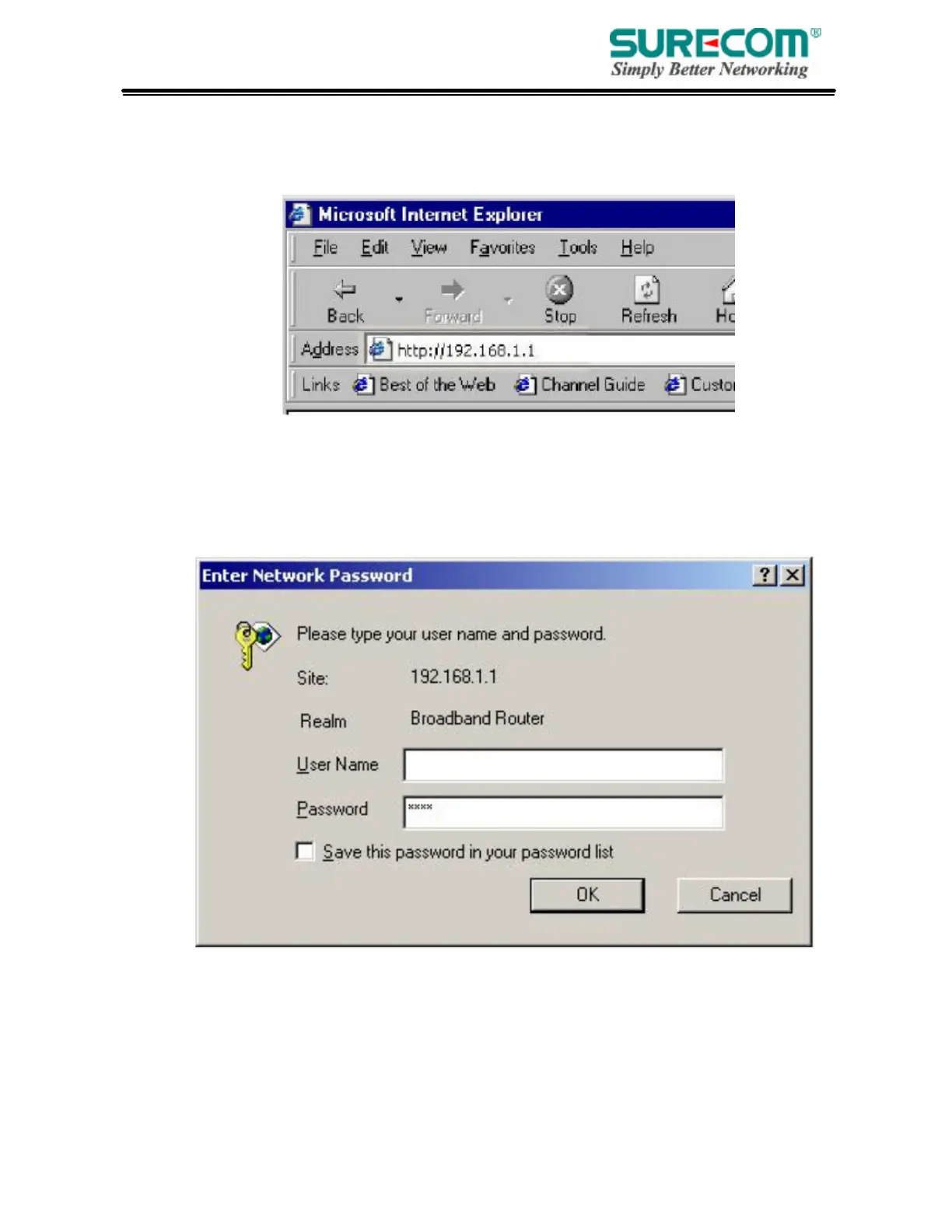
After configuration of your network, you can access the Router via Web browser and type the IP
Address of Router. The default IP address of this Router is shown as following.
Please note that if you have changed the default IP Address assigned to the Router, make sure to
enter the correct IP Address.
Then the “Password” dialogue will be shown up. The default “User Name” is null. The
default “Password” is “admin”. Please refer to “Device Admin” page to check how to change
your password.



 To Next Page