47
3.16 Time Settings
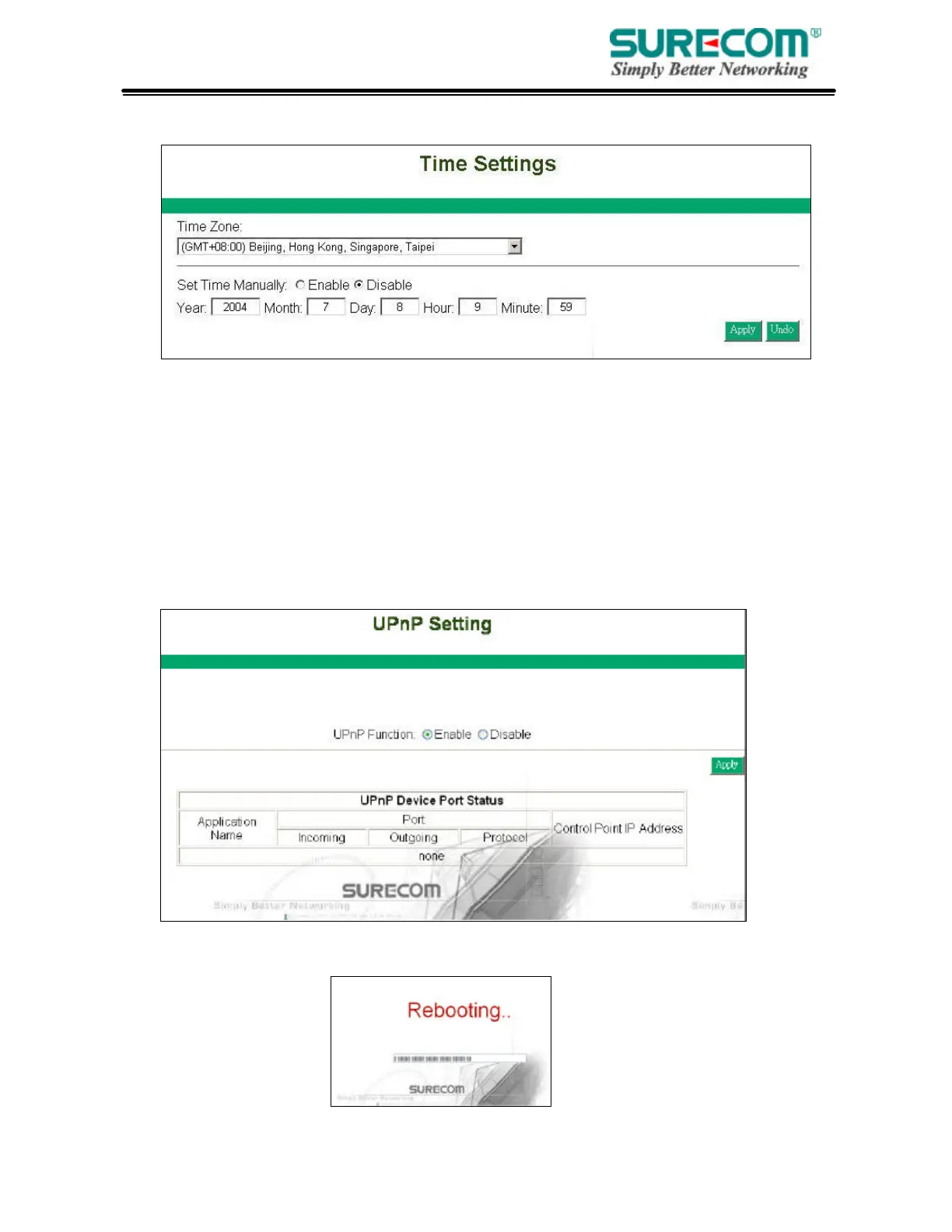
Select your local time zone by selecting in the drop down menu. If you want to configure this router’s
time an date munally, enter the time and date in the column and enable this feature. If you disable this
feature, the router will use the Internet time settings.
3.17 UPnP
UPnP stands for Universal Plug and Play. UPnP service allows computers to discover and use
network-based devices. Windows ME and XP include native UPnP services; Windows 98 and
98SE do not include a native UPnP service, but you can install via the Internet Connection
Sharing client shipped with Windows XP.
Select Enable/Disable to enable this function or disable. Then click “Apply” and the router will
reboot automatically. After a few second, complete window will show up.



 To Next Page