33
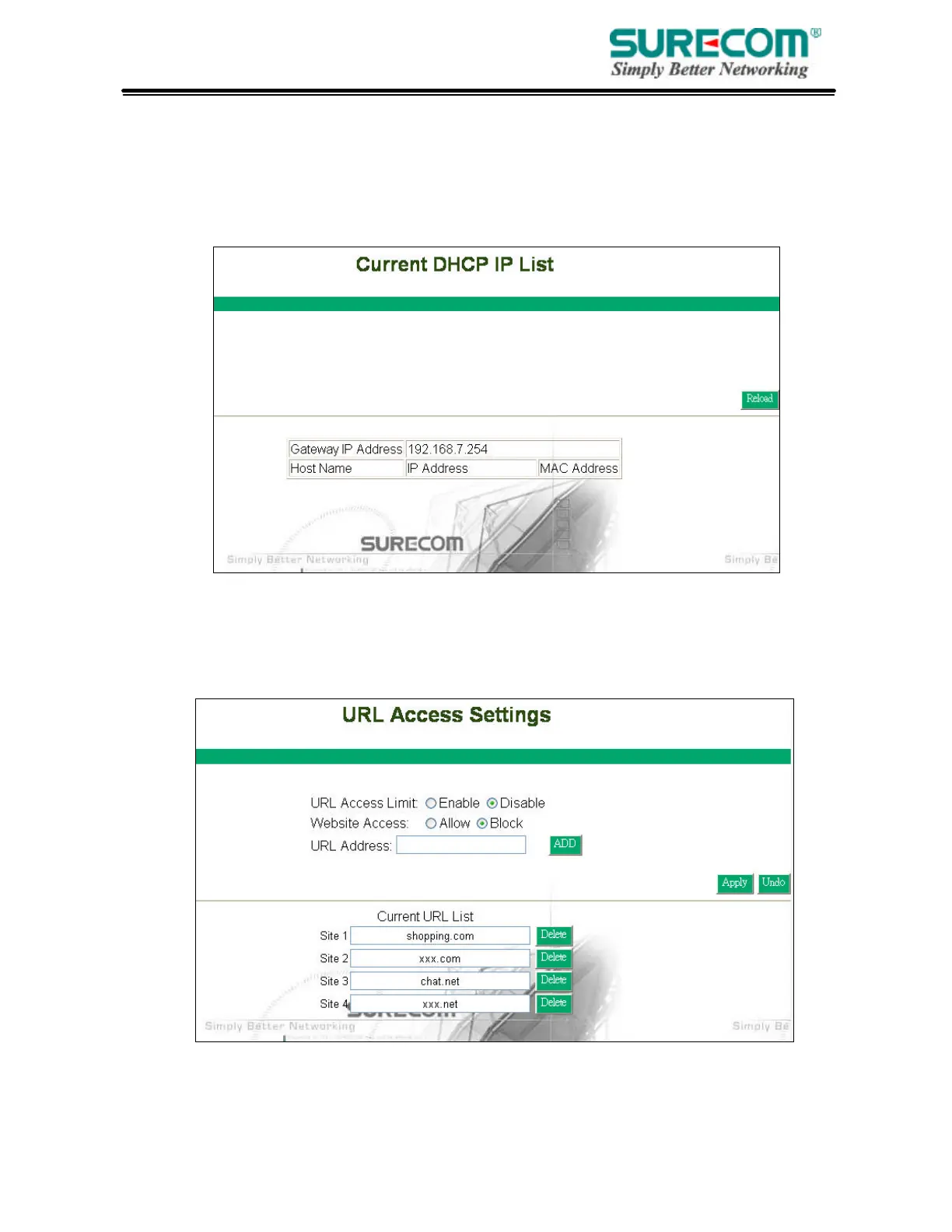
3.2.1 DHCP Client Table
This table will show you how many networked computers have been found on your DHCP server and
the IP Address and MAC Address of networked computers connected to the Router. Click “Reload” to
get updated information.
3.3 URL Access Setting
Use URL Access filters to allow or deny computers access to specific Internet domains whether
it is through www, ftp, snmp, etc.



 To Next Page