48
4. Install Printer Server
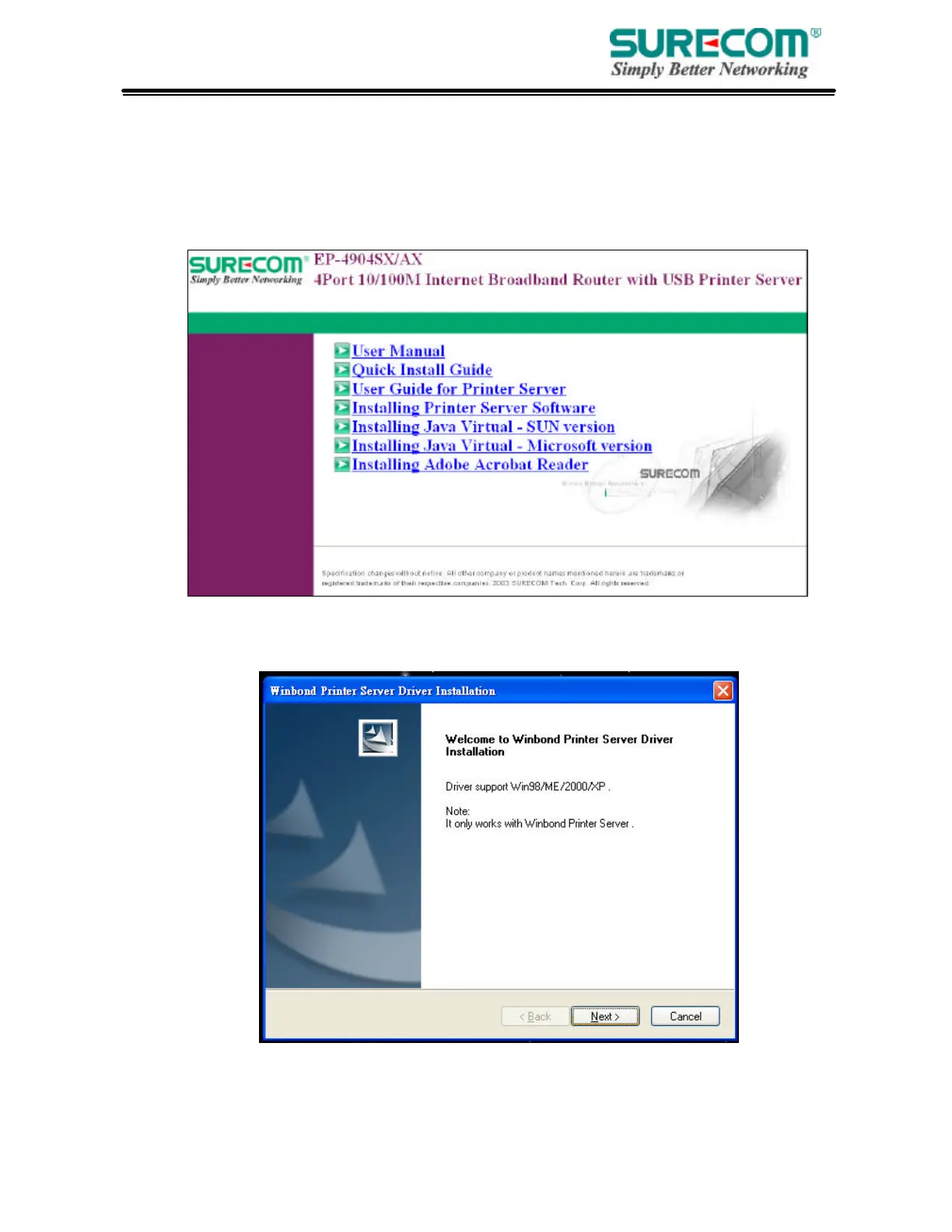
• Insert the CD-ROM into the CD-ROM drive
The following window is shown automatically. If not, please find setup.exe on the CD-ROM\
Printer Server. And click “Installing Printer Software”. The Printer Server Driver only supports
Window 98/ME/2000/XP.
• System will auto run setup program
The setup wizard will lead you to complete the installation. Click “Next” to proceed.



 To Next Page