20
4. Click “OK,” and then click “OK” again to close the “Internet Options” window.
• Netscape
1. Open Netscape and click the stop button. Click “Edit,” then click “Preferences…”
2. In the “Preferences” window, under “Category” double-click “Advanced,” then click
“Proxies.” Select “Direct connection to the Internet.” Click “OK.”
Step. 3 Obtain IP Settings from Your Router
1. From the Windows desktop, click the “Start” button, then “Programs“, then “Accessories” and then
click“Command Prompt.”
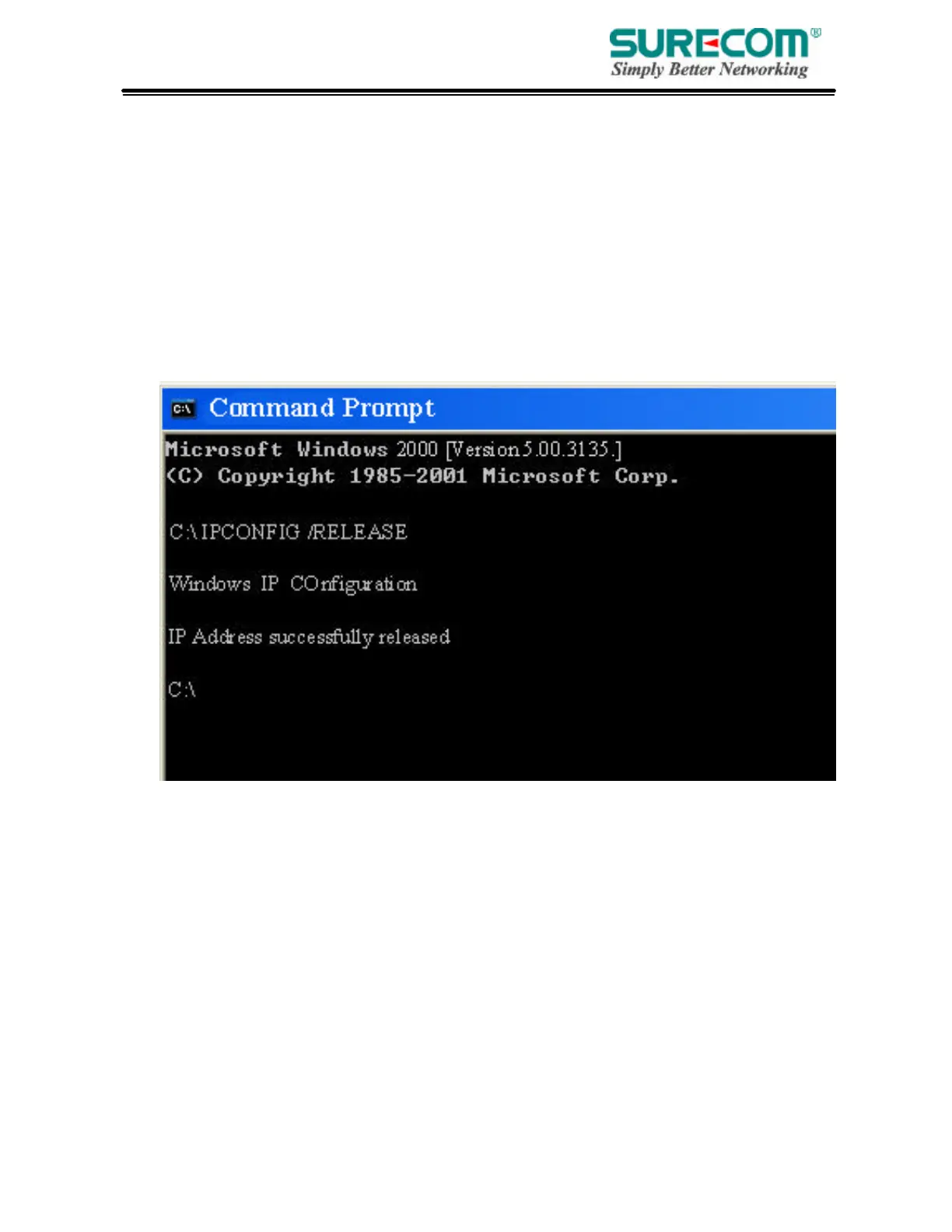
2. Type “IPCONFIG /RELEASE” and press “Enter”.



 To Next Page