23
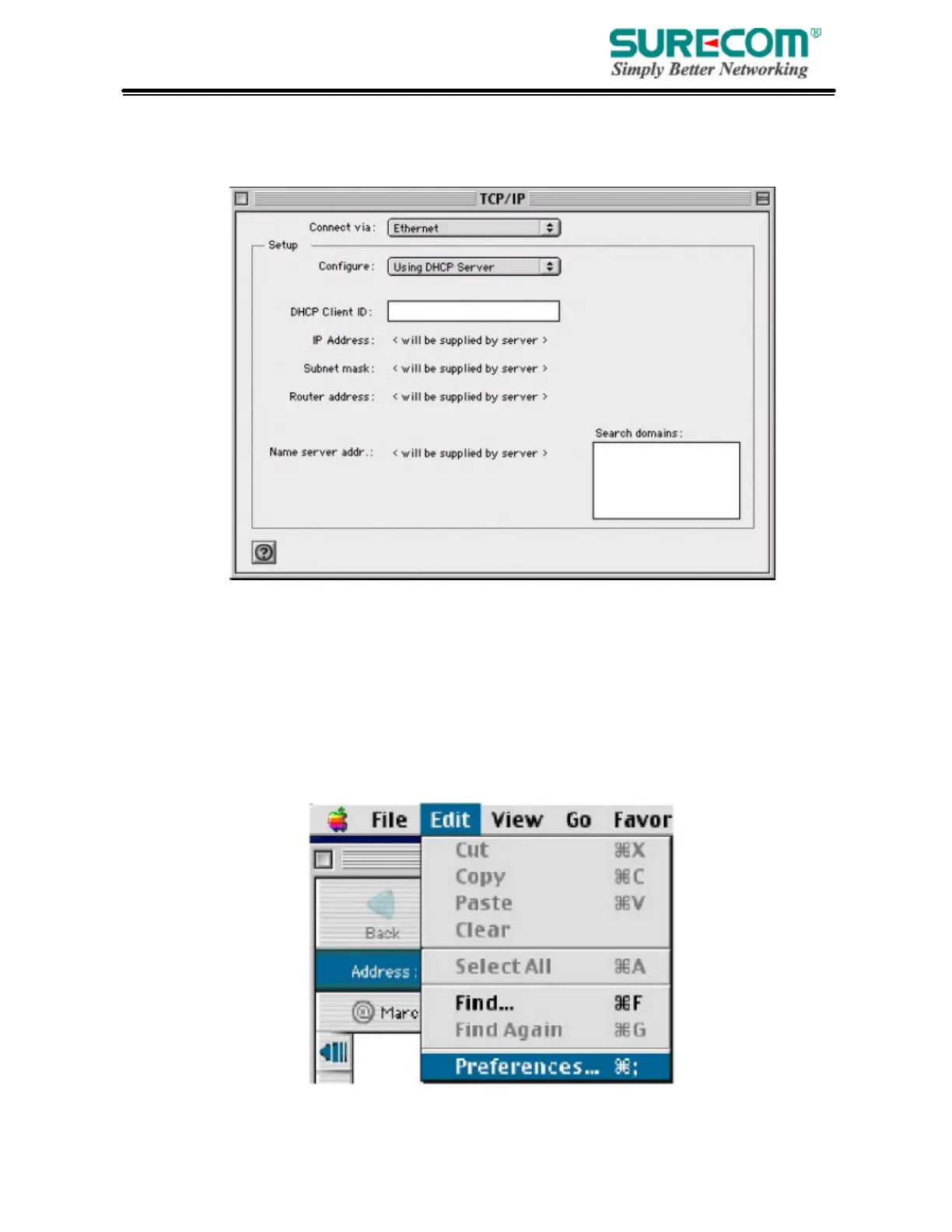
2. In the TCP/IP dialog box, make sure that “Ethernet” is selected in the “Connect Via:”field. Make
sure “Using DHCP Server” is already selected in the “Configure”field and close
window.
3. Another box will appear asking whether you want to save your TCP/IP settings. Click
Save.
Step. 2 Disable HTTP Proxy
• Internet Explorer
1. Open Internet Explorer and click the stop button. Click “Edit” then “Preferences”



 To Next Page