20
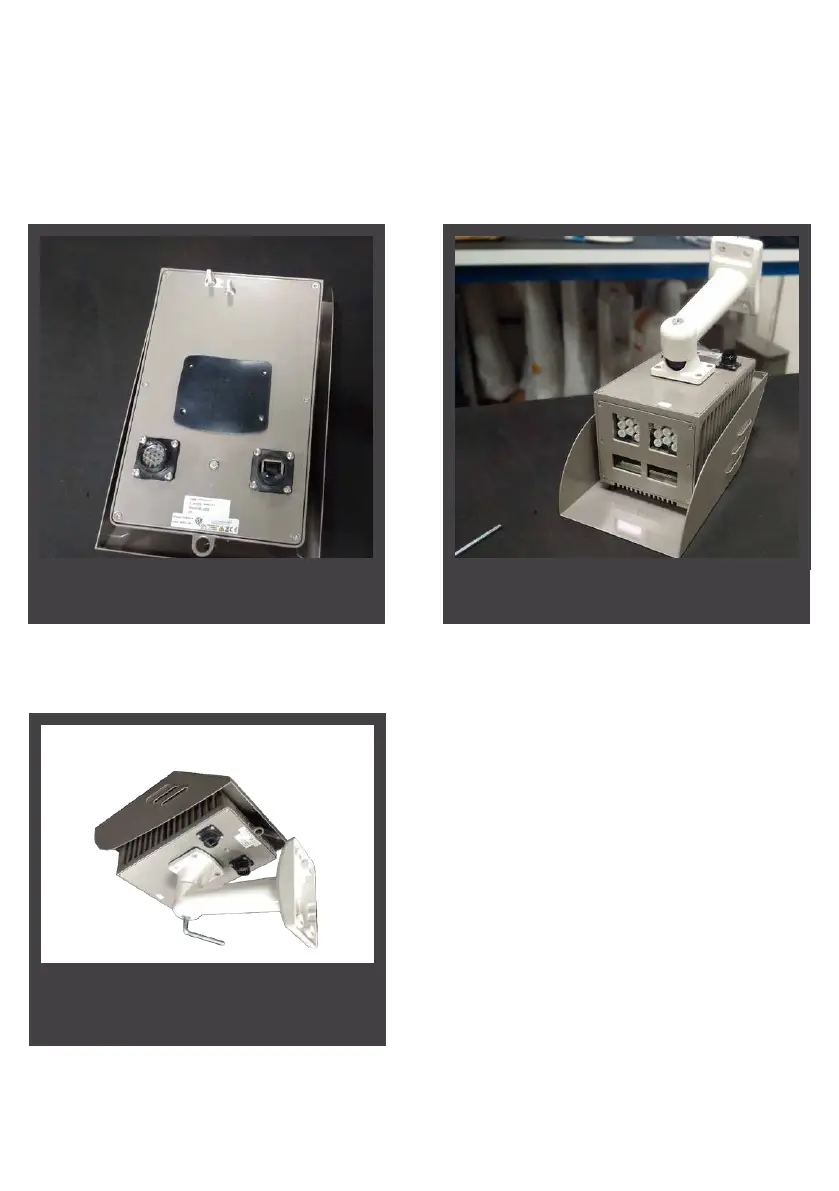
Step 3
2.3.2 Support bracket installation procedure
Step 1
Step 2
Turn over the VISIPAK and t the rubber
plate
The VISIPAK can be mounted from underneath as illustrated below or by above by using
the holes of the visor screws to attach the bracket.
Fit the bracket into place, t and tighten
the supplied screws
Adjust the aiming angle of the sensor
by using the key on the central wheel/
joint


 To Next Page