Operation
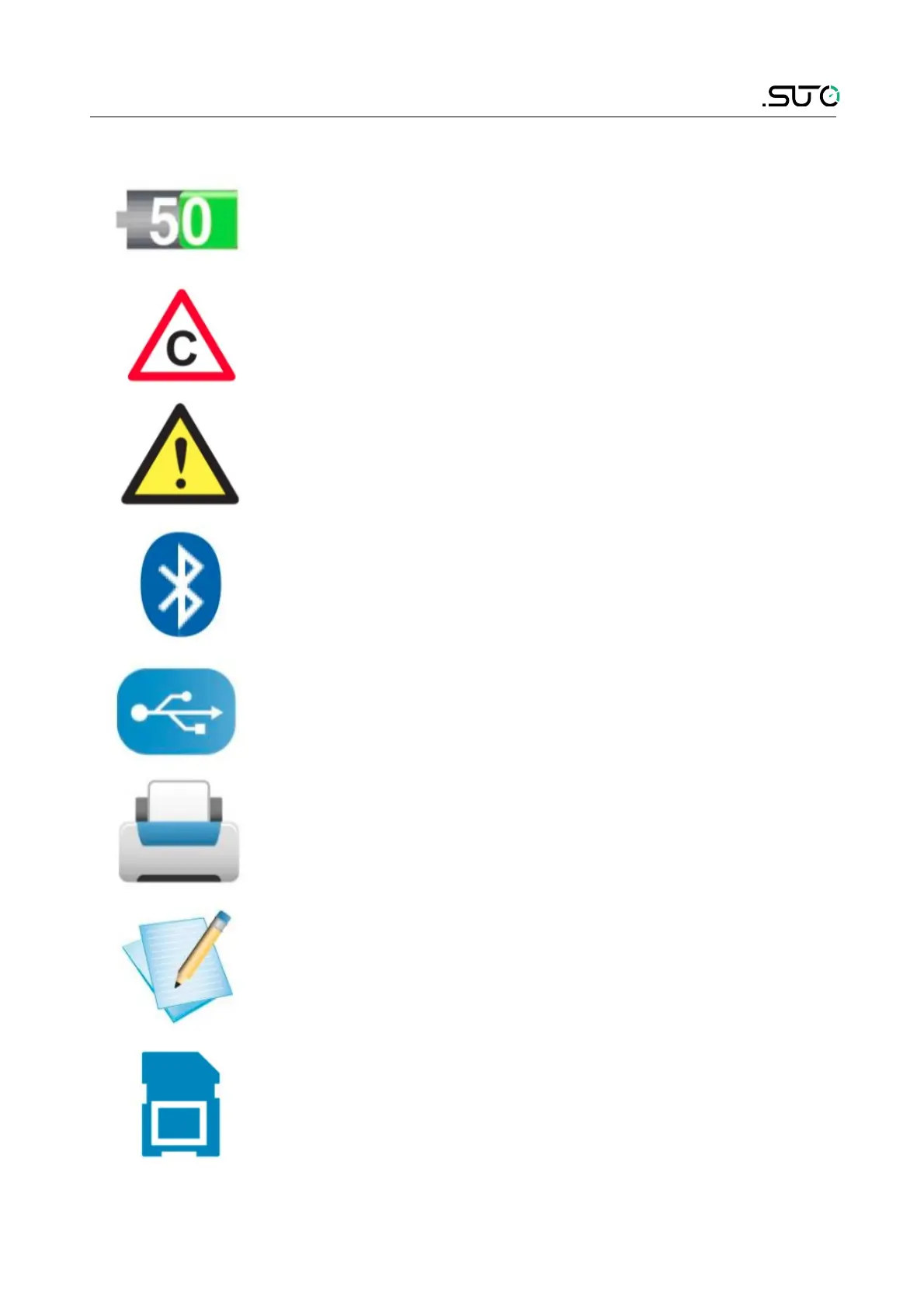
8.2 Symbols on screen
The symbol shows the battery status in % of available
energy.
The calibration is experted. It is recommended to re-
calibrate the sensor unit. For this pleas contact the
manufacturer.
General error indication. Please note down the error
code and contact the manufacturer.
Bluetooth is active and ready to connect.
USB connection is established.
A connection to the printer is established.
The data logger is active.
The SD card is inserted
S505 15


 To Next Page