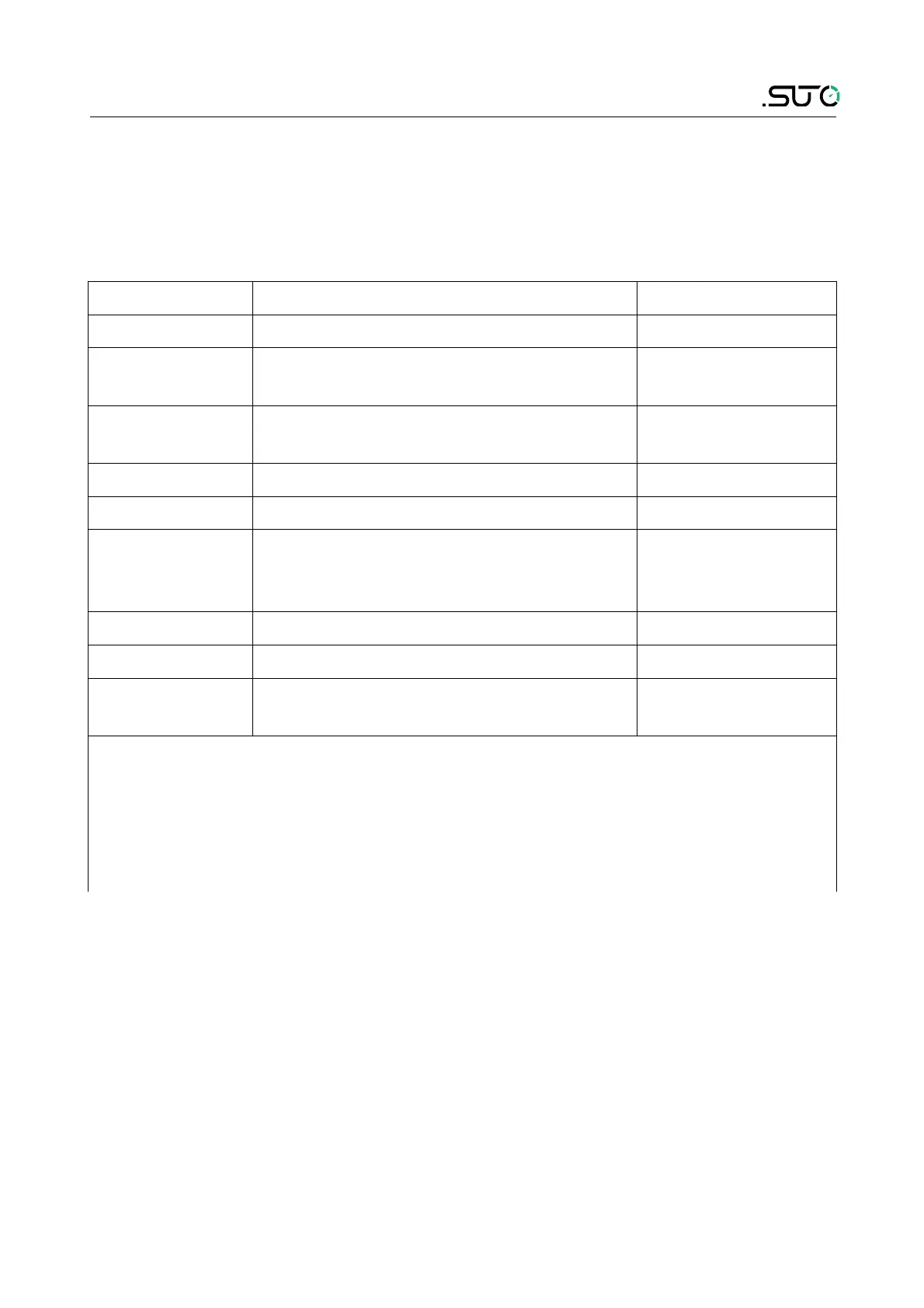
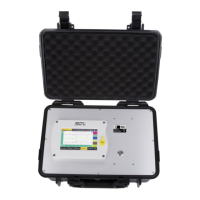
Optional accessories
10.1.2 Basic operations
• Press and hold the printer power button for 3 seconds to turn on
or off
• Press and hold the setting button to enter the setting interface to
change the settings.
Menu Function Default setting
Print selftest To print the selftest Not applicable
Print To select the print mode: Normal,
Fast, Precise
Normal
Auto feed To set if closing the cover will
automatically feed the paper.
No
Auto reprint To turn on/off auto reprint Yes
Darkness To set the print density:-1,0,1 0
BT INFO To check the bluethooth information,
including name, address, and
number of bytes received and sent
Not applicable
SYS INFO To check the system information Not applicable
Restore factory To restore factory settings Not applicable
Language To set the language to Chinese or
English
Chinese
Note:
Setting button:To switch setting items
Feed button:To change the setting value.
Save and exit: Press the power button or no operation on any buttons
for 10 seconds. The printer will automatically save settings and exit the
setting status.
• When the printer is turned on, if there is no button operation or
data transmission within 5 seconds, the printer will automatically
enter the sleep state.
Note: The printer wakes up when the power or "OPEN" button is
pressed or the printer receives any data.
S505 21


 To Next Page