Operation
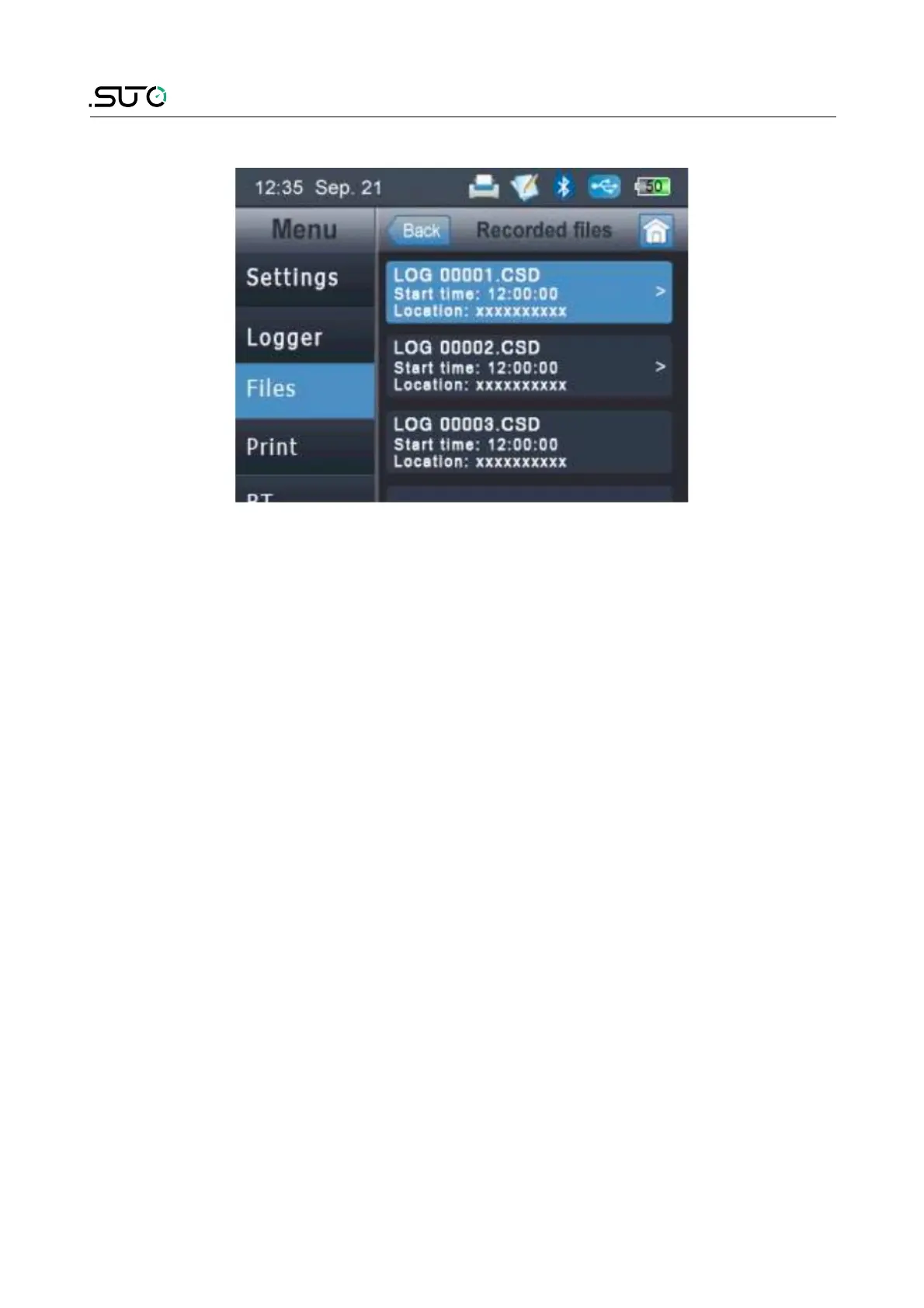
8.6 File menu
The file menu is used to view all recorded data. We distinguish between
two data files:
• Single record data file ( can be printed with CS2).
• Multiple record data file (can be analysed with S4A).
8.7 Print menu
The print menu looks very much the same as the file menu but it will
list only single recording files. Only this files can be printed with the
wireless printer.
8.8 Bluetooth menu
The BT menu is used to establish the connection with the portable
printer. In order to establish a connection The S505 and the printer
need to be paired.
1. Turn on the printer.
2. Select the S505 menu and tick "Connect to printer"
3. S505 will start to search for the printer. After a few seconds the
spinning wheels on the screen should disappear and the printer
symbol should be shown at the top of the screen.
4. Click the printer name "CS2_3631".
5. View the printer screen. If the upper left Bluethooth icon displays
the word "CON". The printer has been paired with S505
successfully.
18 S505


 To Next Page