Sutron Corporation X-Link Operations & Maintenance Manual, Rev 1.63 5/24/2016 pg. 44
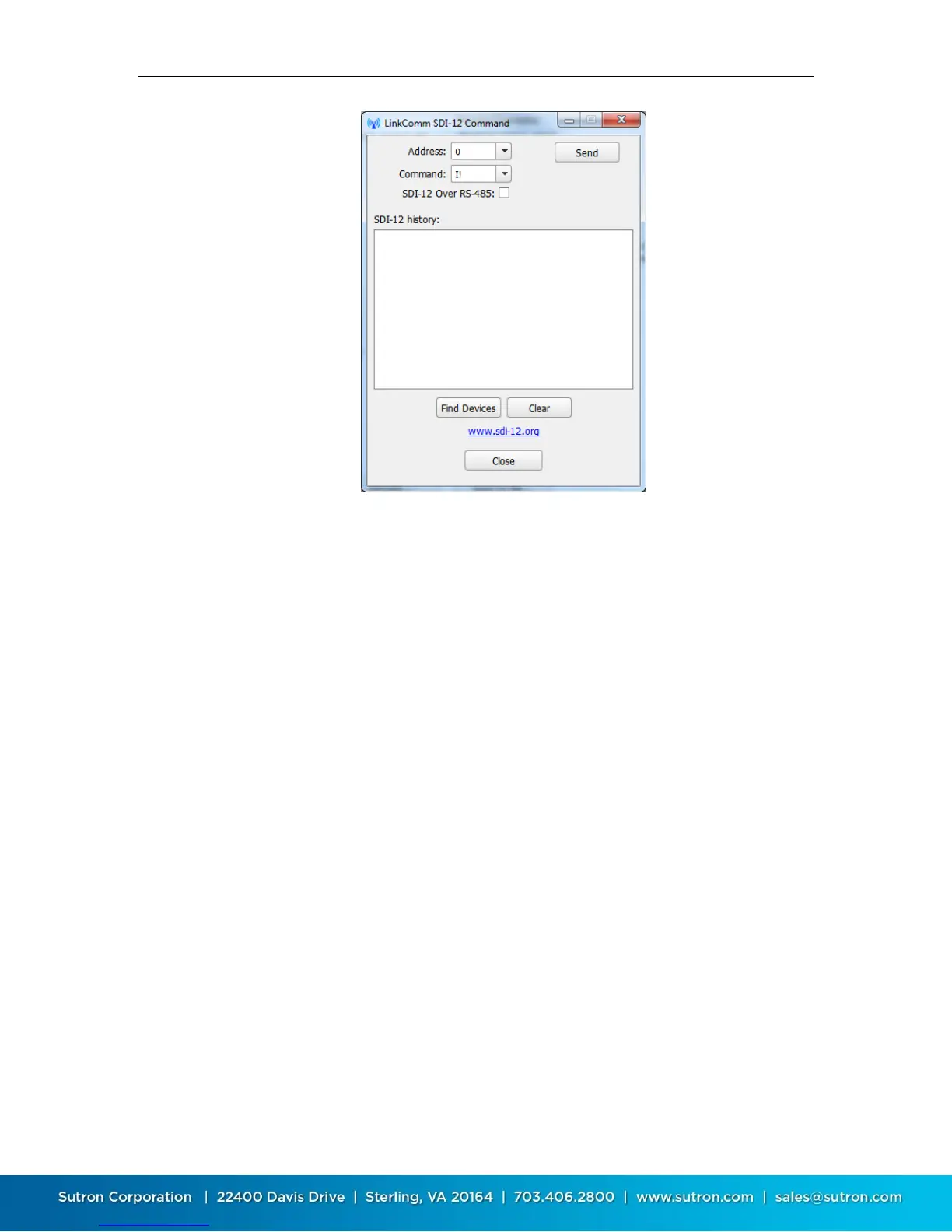
To send a command to an SDI-12 device connected to X-Link, enter the Address
and Command fields, and then press the Send button. Be sure to check SDI-12
over RS-485, if you need to send the command over the RS-485 bus. The results
of the command are shown in the SDI-12 history window.
To have X-Link look for any and all sensors on the SDI-12 bus, press the Find
Devices button. Information regarding what sensors are found is displayed in the
SDI-12 history window.
Press the Clear button to clear the SDI-12 history window.
4.8.6. Setting the Clock
Press the Set Clock button on the Diagnostics tab to open the Set Clock dialog.
The Set Clock dialog is shown below:


 To Next Page