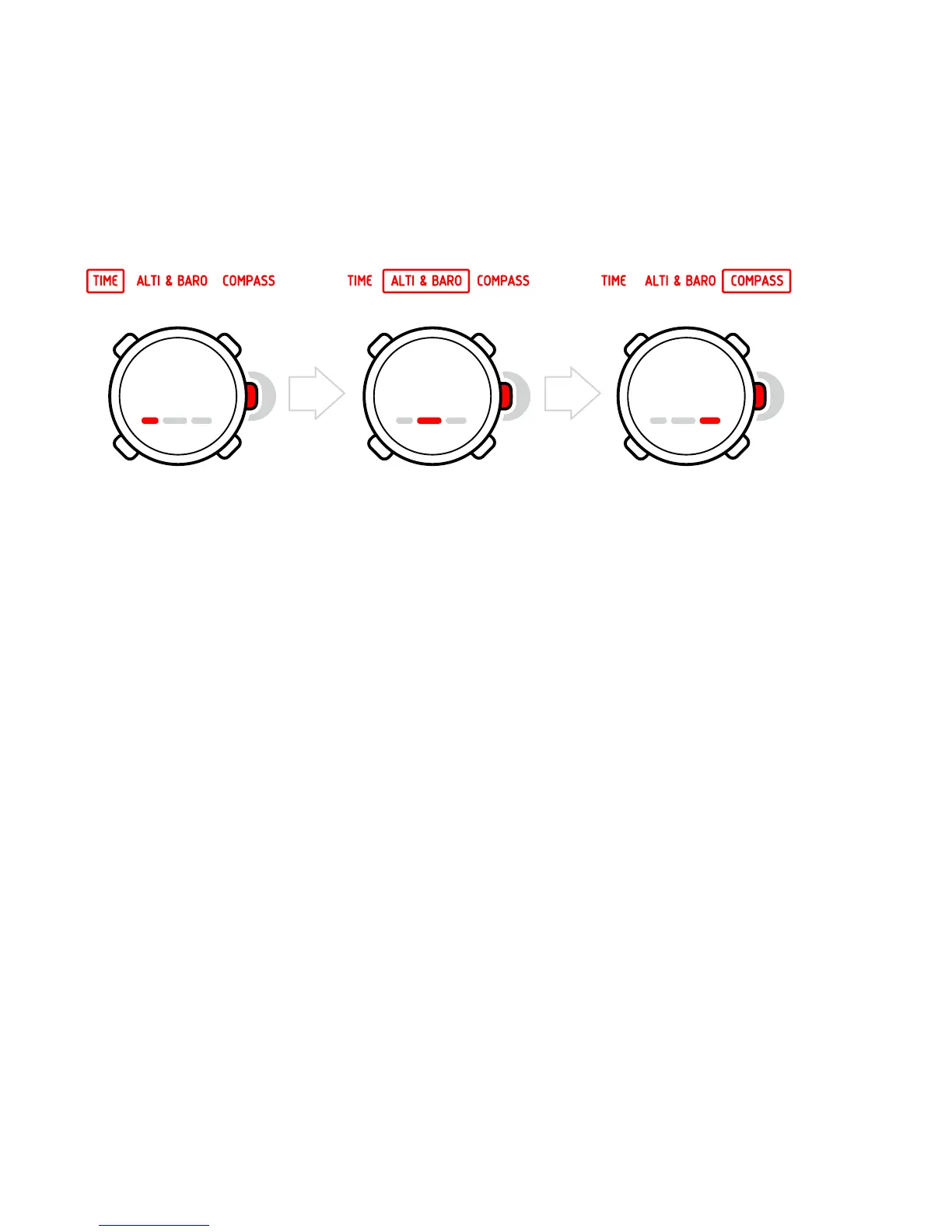
name. You switch between the main modes with the right middle
[Mode] button. Try it!
Views
Each mode has a set of views that you access with the lower left
[View] button. Views are presented in the lower part of the display.
Views contain supplementary information about the enabled mode,
for example, viewing seconds as supplementary information in the
TIME mode. Some views are also interactive.
Suunto Essential has four interactive views:
•
Stopwatch (TIME mode)
•
Countdown timer (TIME mode)
•
Log recorder (ALTI & BARO mode)
•
Altitude difference measurer (ALTI & BARO mode)
When interactive views are enabled, you can start, stop and restart
them with the upper left [Start Stop] button and reset them by
keeping the upper right [+] button pressed. Enter the stopwatch in
TIME mode and try it out!
10















 To Next Page