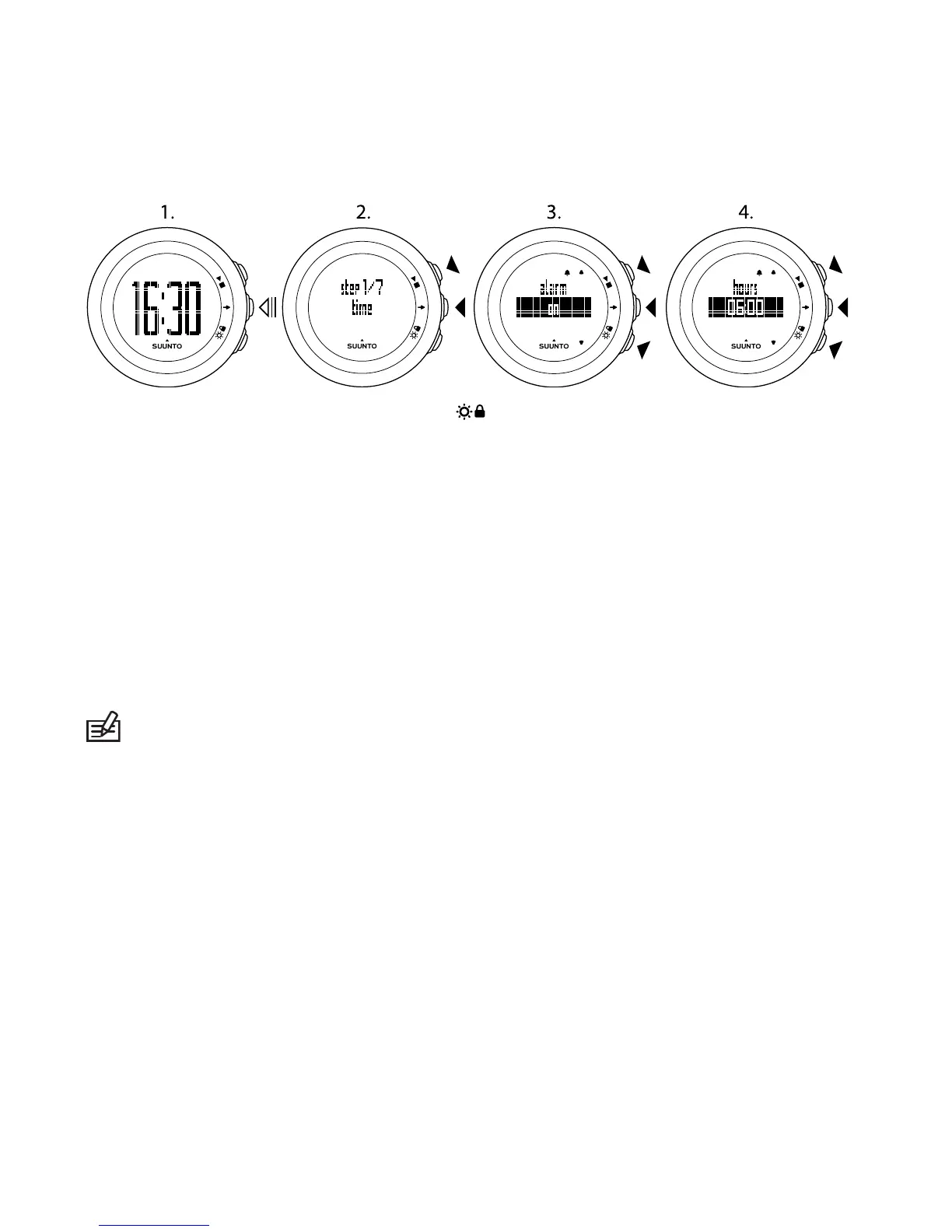
When the alarm sounds, press STOP ( ) to turn it off.
After you have stopped the alarm, it sounds the same time the following day.
13.2 Changing language
If you want to change the device's language or you have chosen the wrong
language when setting up the device, the device needs to be put to sleep. For
information on how to put the device to sleep, see Section 13.1 Sleep mode and
initial settings on page 29. For more information on battery replacement, see
Section 16.1 Replacing battery on page 34.
NOTE: The device remembers your previous initial settings and recorded
exercises.
30



 To Next Page