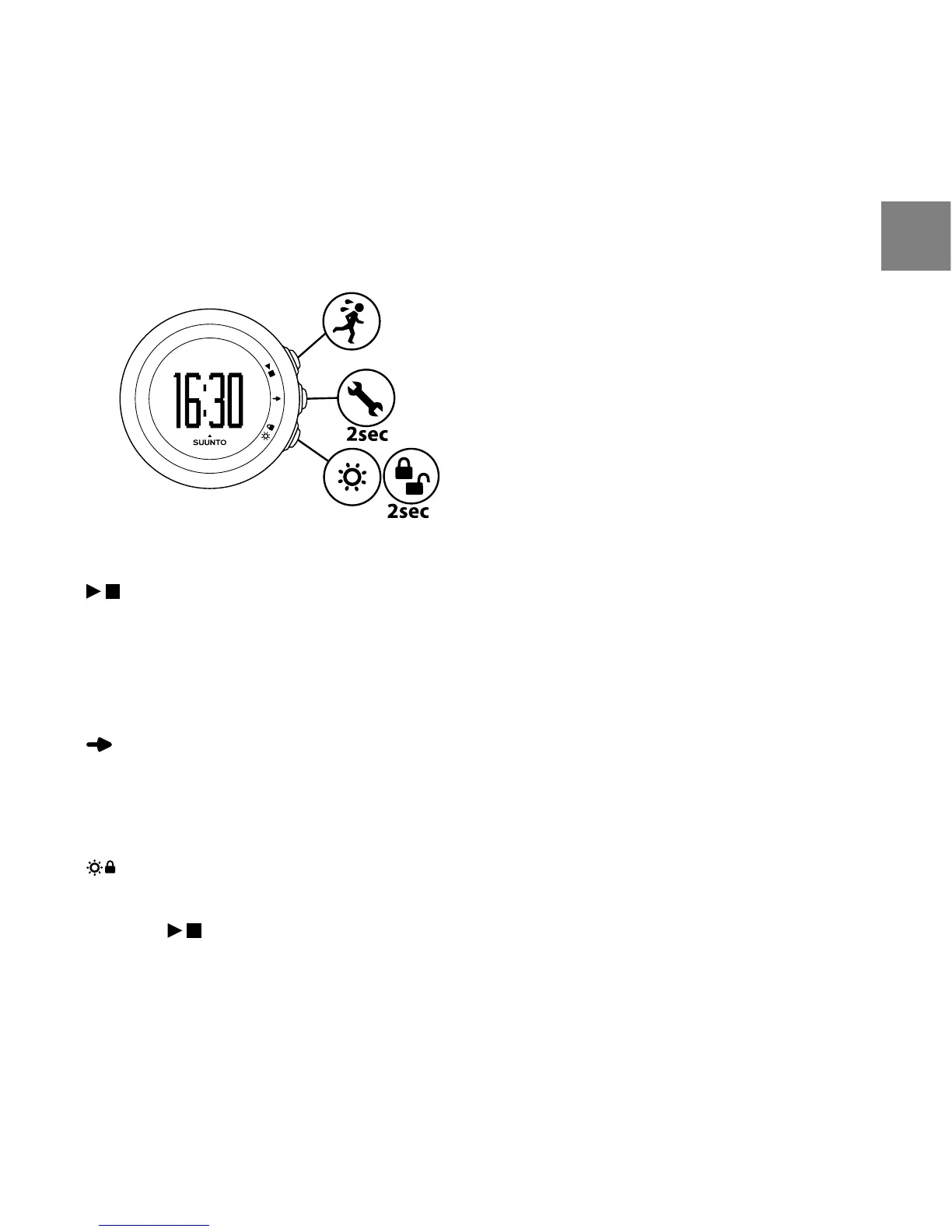
3 USING BUTTONS
By pressing the following buttons, you can access the following features:
(PLAY/STOP):
●
choose EXERCISE, SUGGESTION, PREV. EXERCISE, HISTORY & TREND, FITNESS TEST,
WEB CONNECT
●
start/stop exercise
●
increase/move up
(NEXT):
●
switch views
●
enter/exit settings by keeping pressed
●
accept/move to the next step
(LIGHT/LOCK):
●
activate the backlight
●
lock button by keeping pressed
●
decrease/move down
7
en



 To Next Page