41
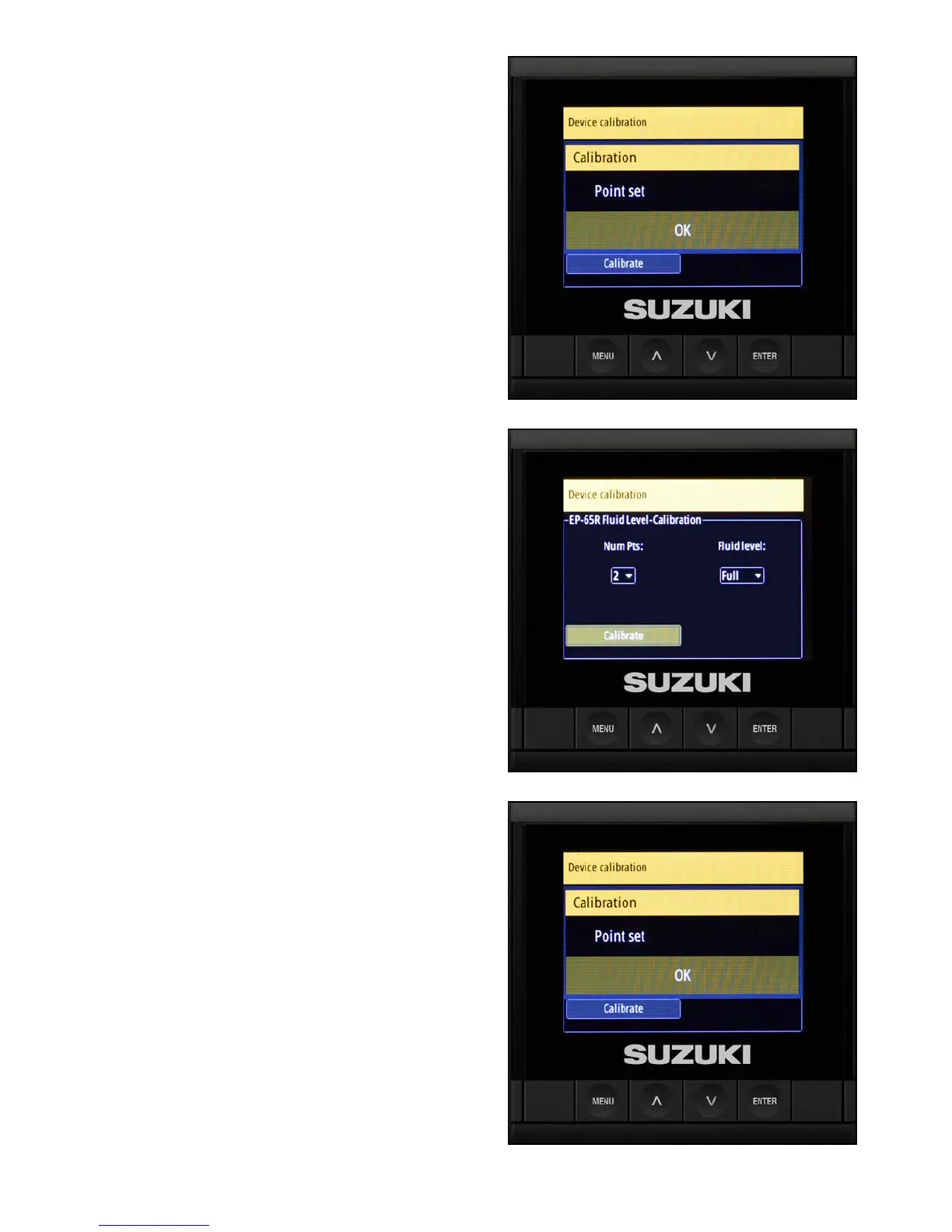
5. When the Calibration/Point Set screen opens,
OK is highlighted — press Enter again.
6. Fill the fuel tank to full capacity.
7. When the Fluid Level - Calibration screen
re-opens, select Full from the Fluid level drop-
down, then select Calibrate and press Enter.
8. When the Calibration/Point Set screen opens,
OK is highlighted — press Enter again.
9. The calibration for the uid level is now
complete — press Menu twice to navigate
back to the Device List screen.



 To Next Page