Page
12
of
45
IAM03 Time Clock User Manual
Version 1.00
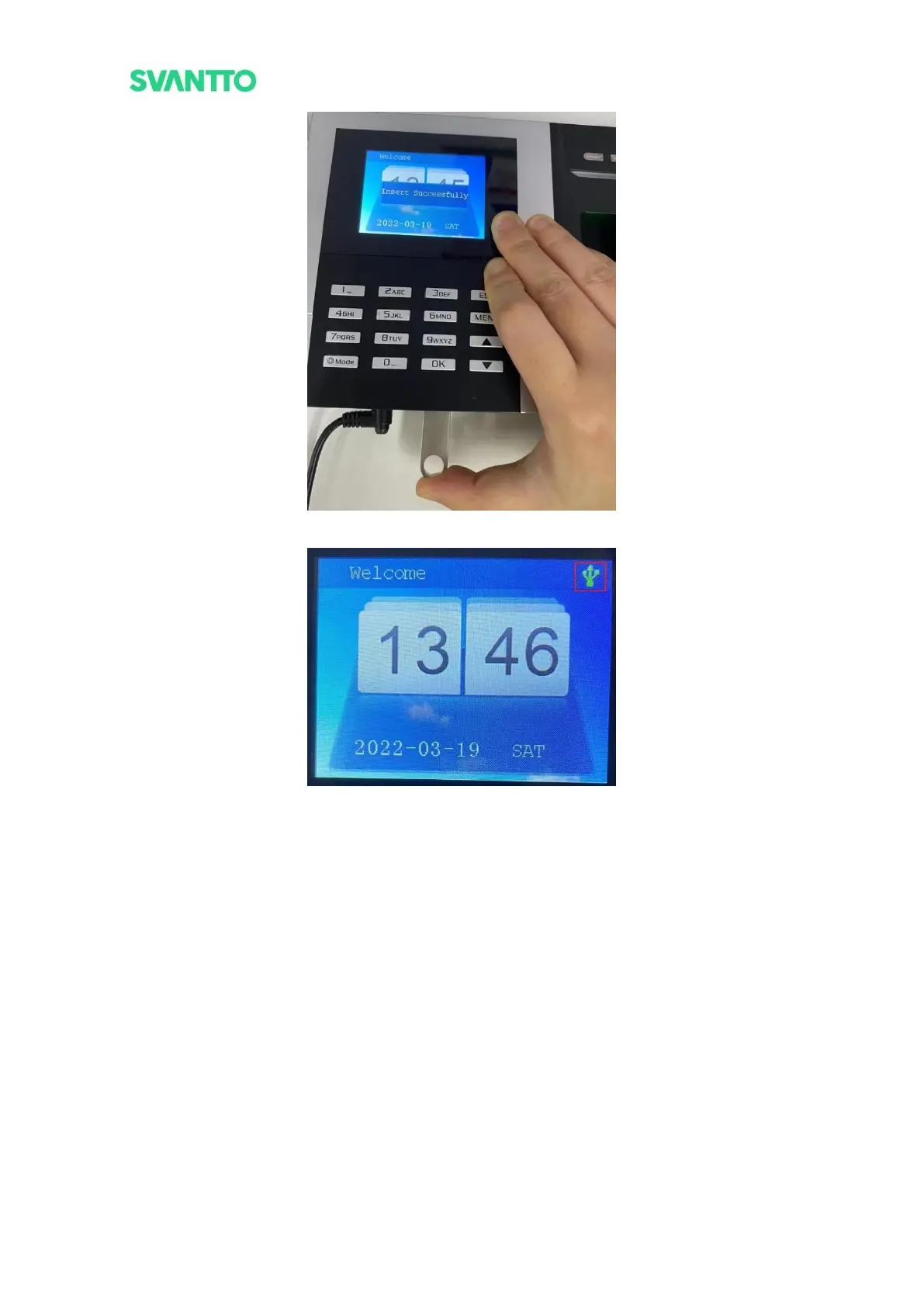
Figure 3-11 Plug the USB Flash Drive
Figure 3-12 USB Inserted Icon
2) Press the [MEUN] key to enter the menu interface, press the [up]/[down] key to select [U-Down]. Press
[OK] to enter U-Down interface. Select the [UserInfo], press the [OK] key, wait for about 5 seconds,
the screen shows "Download OK!", and the user information table template is successfully downloaded
in the USB flash drive.



 To Next Page