Page
24
of
45
IAM03 Time Clock User Manual
Version 1.00
5.0. Menu Setting
In the initial interface, pressing the [MENU] key can enter the menu interface. When an administrator has been
registered, there must be verify the administrator's identity through the registered administrator's fingerprint, ID
card or password before entering the main menu.
5.1. Employee
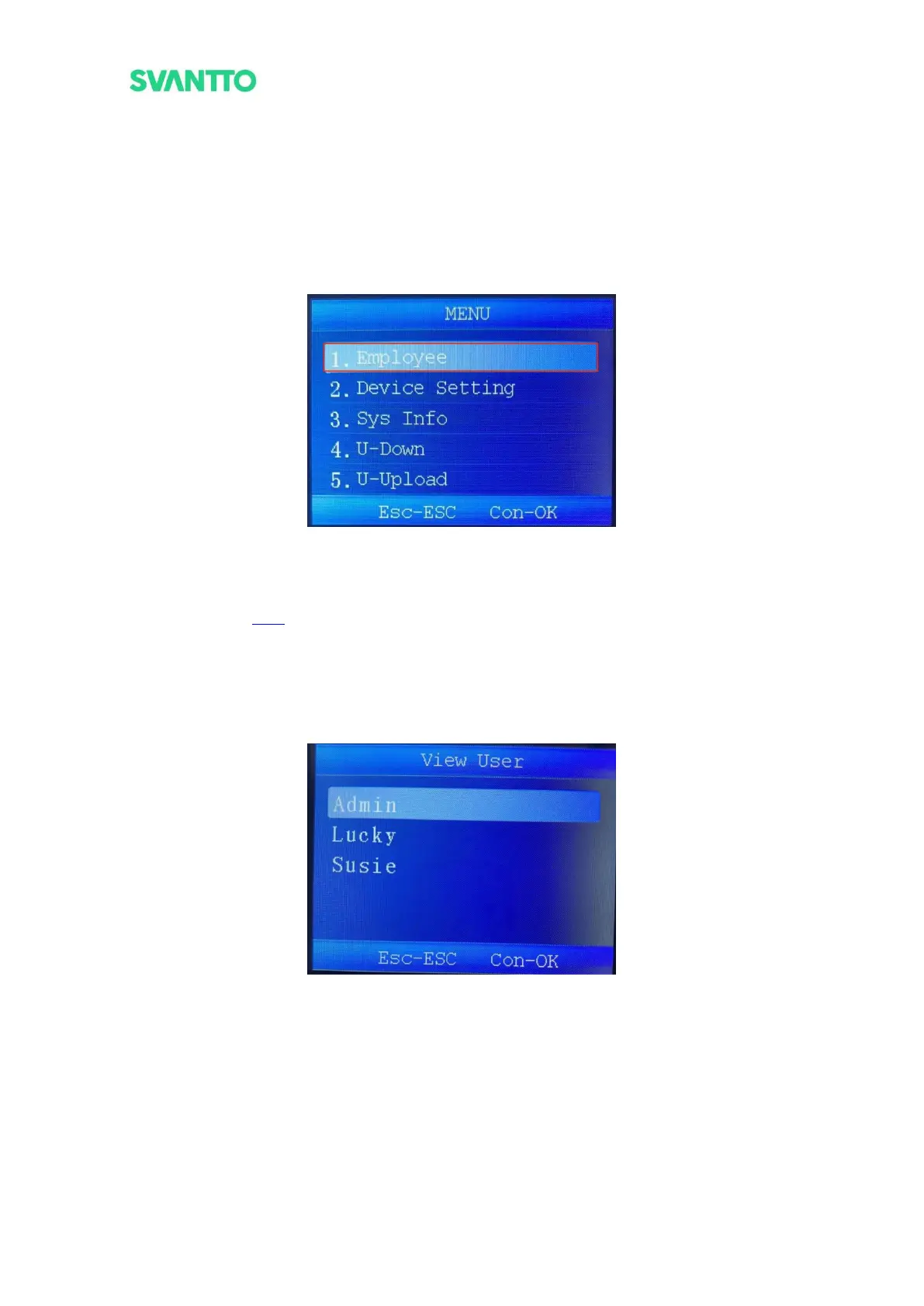
In the menu interface, select the [Employee] and then press the [OK] key to enter the “Employee” interface.
Figure 4-1 Select Employee Interface
5.1.1.Register
Please refer to section
3.2.1 to register users.
5.1.2.View User
View the registered user’s information.
Select [View User] in “Employee” interface and press [OK] key to enter “View User” interface, then select any
user and press [OK] key to view the user information.
Figure 4-2 View User Interface



 To Next Page