Page
15
of
45
IAM03 Time Clock User Manual
Version 1.00
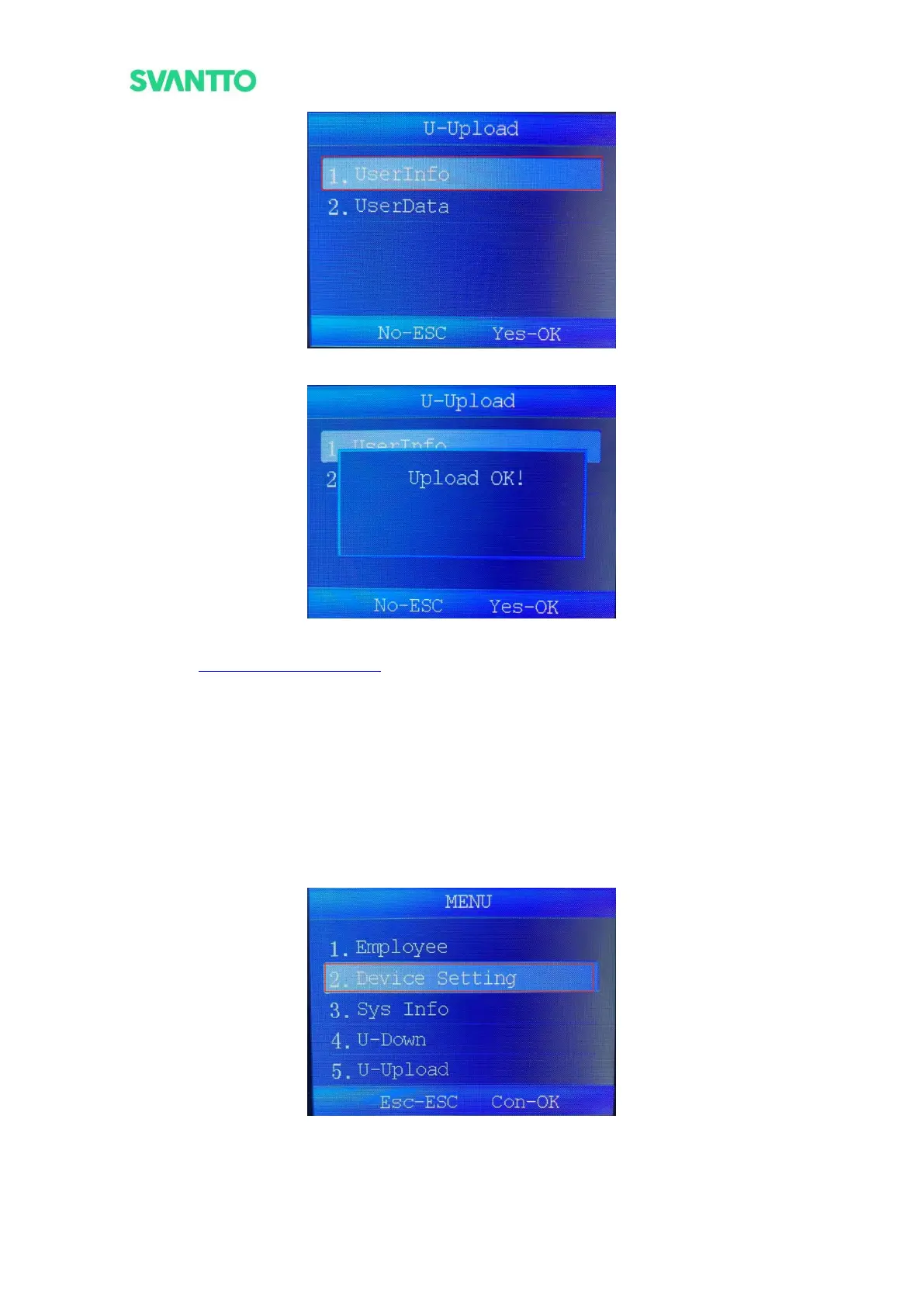
Figure 3-20 Select User Information Interface
Figure 3-21 Upload Complete Interface
Demo video: https://bit.ly/IAM03SyncInfo
3.3. Set the Shift Schedule
3.3.1.Set the Shift Schedule on the Machine
1) Press the [MEUN] key to enter the menu interface, then press the [Down] key to select the [Device
Settings], press the [OK] key to enter the Device Setting interface.
Figure 3-22 Menu Interface
2) Select the [Att.Rule], press [OK] key to enter the attendance rule interface, then select the [Shift
Schedule], press [OK] key to enter the shift schedule interface.



 To Next Page