Page
43
of
45
IAM03 Time Clock User Manual
Version 1.00
7.0. U-Upload
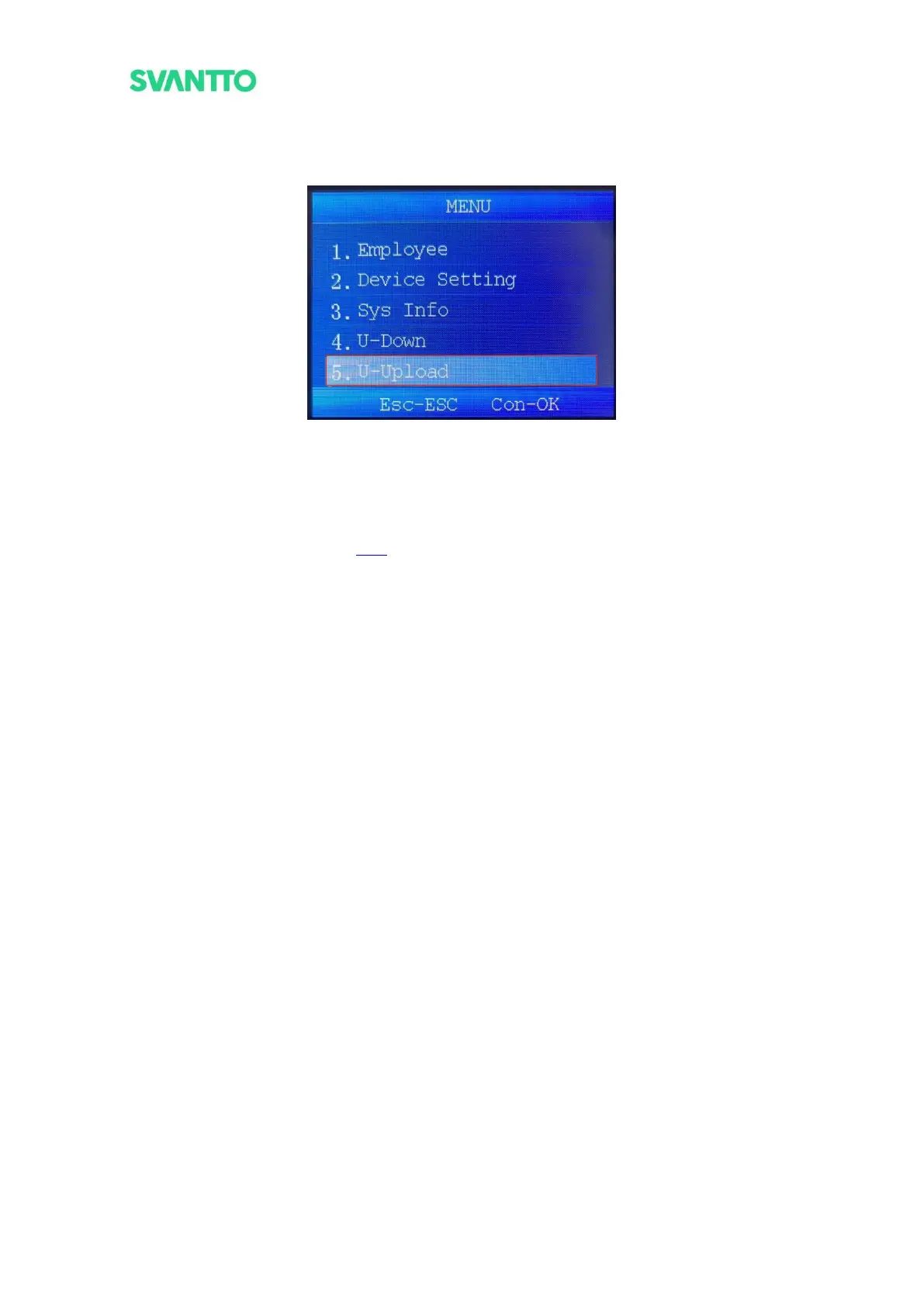
In the menu interface, select the [U-Upload] and then press the [OK] key to enter the “U-upload” interface.
Figure 6-1 Select U-Upload Interface
7.1. User Information
Through this module and user information in U-Down module, the administrator can download the user
information template file, fill it on the computer and upload it to the attendance machine to synchronize user
information. Please refer to the section 3.2.2.



 To Next Page