Page
30
of
45
IAM03 Time Clock User Manual
Version 1.00
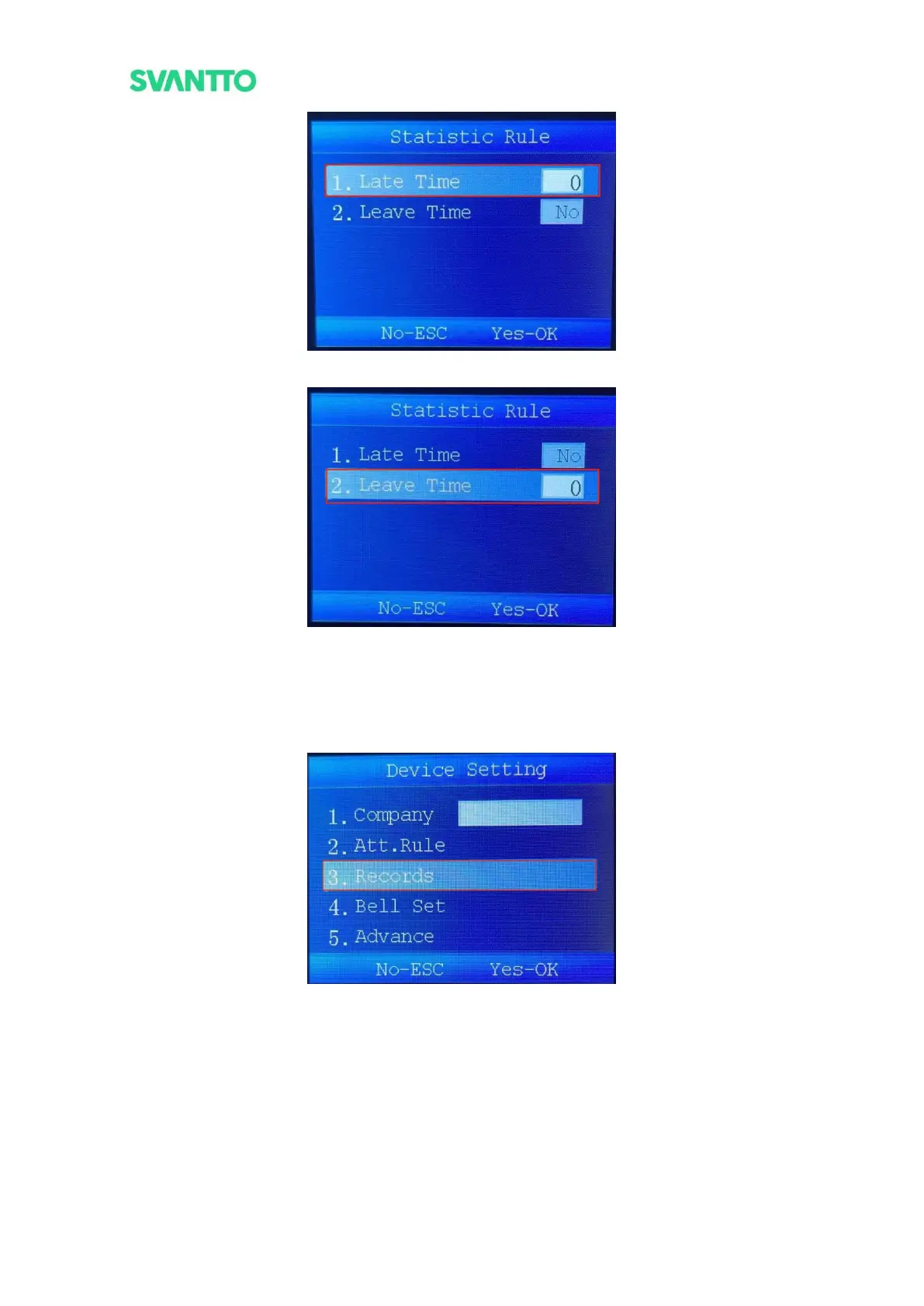
Figure 4-18 Set Time Range of Late
Figure 4-19 Set Time Range of Leave
5.2.3.Records
Set the maximum number of punch cards in a day and the time interval between two valid punches (time in
minutes). Select the [Records] and then press the [OK] key to enter the “Records” interface.
Figure 4-20 Select Records Interface
Enter the records settings interface and select [Verify Interval], press [OK] key to set the time interval between
two valid punches.



 To Next Page