Page
39
of
45
IAM03 Time Clock User Manual
Version 1.00
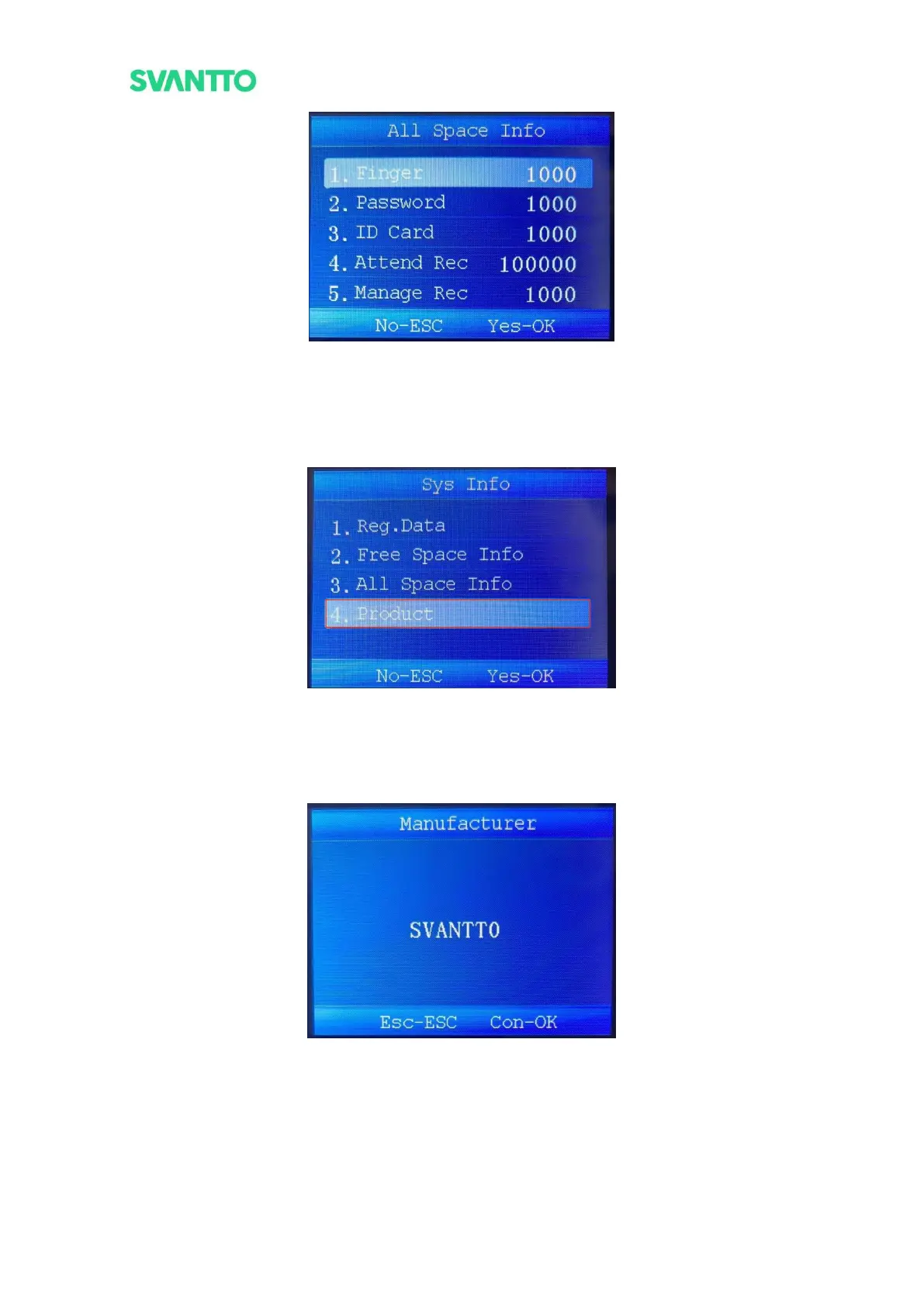
Figure 4-44 All Space Information
5.3.4.Product
View the relevant information about the device, including its manufacturer, product model, date of manufacture,
firmware version, etc. Select the [Product] and then press the [OK] key to enter the “Product” interface.
Figure 4-45 Select Product Interface
5.3.4.1.Manufacturer
View the manufacturer of the machine. Select the [Manufacturer] in product interface and then press the [OK]
key to enter the “Manufacturer” interface.
Figure 4-46 Manufacturer
5.3.4.2.Device Name
View the name of the machine. Select the [Device Name] in product interface and then press the [OK] key to
enter the “Device Name” interface.



 To Next Page