Page
28
of
45
IAM03 Time Clock User Manual
Version 1.00
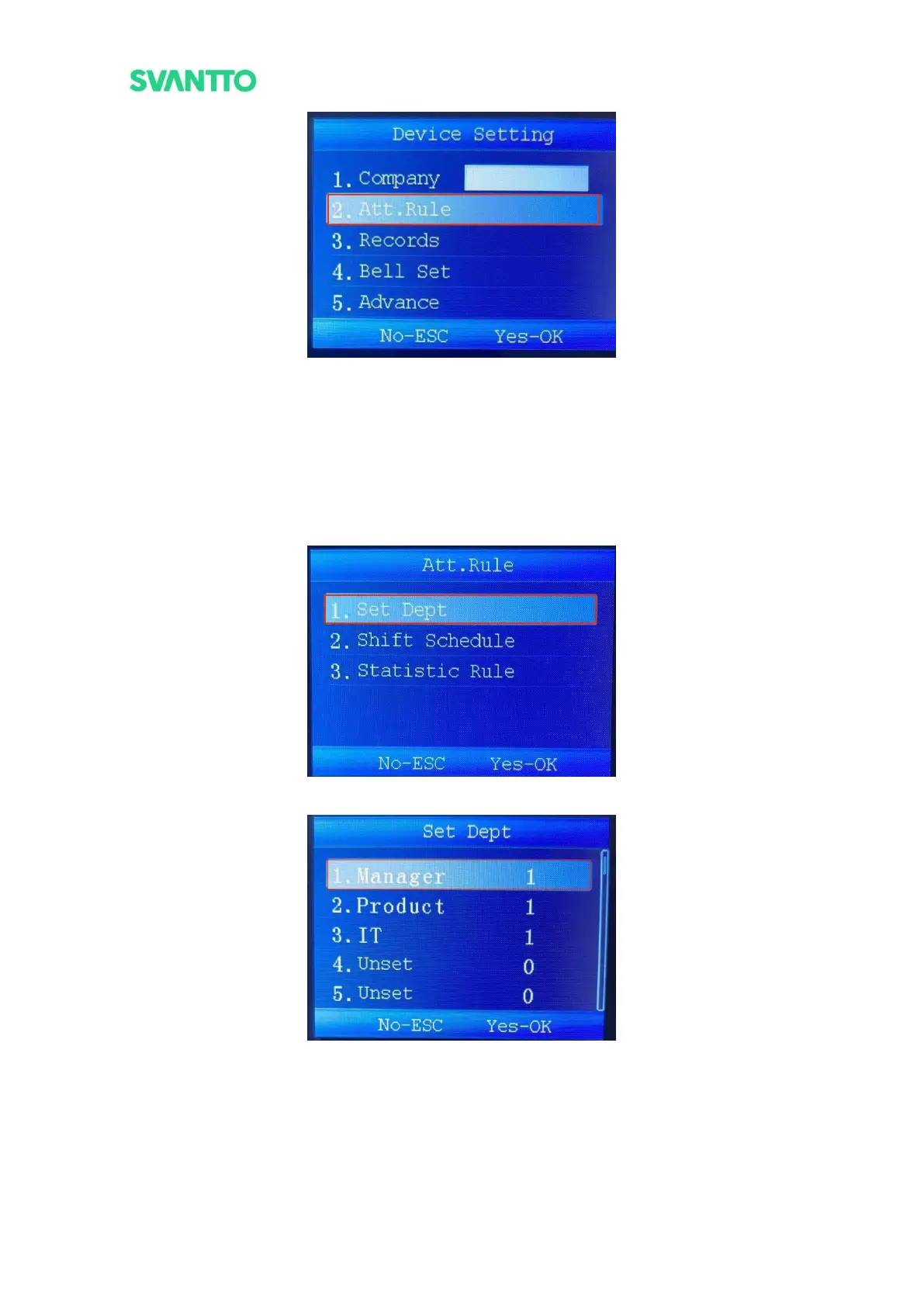
Figure 4-12 Select Attendance Rule Interface
5.2.2.1.Set Department
Add or modify the departments.
Select [Set Dept] in “Att.Rule” interface and press [OK] key to enter “Set Dept” interface, then select any
department and press [OK] key to set the department name and shift.
Note: The longest department name that can be entered is 11 characters.
Figure 4-13 Set Department
Figure 4-14 Set Department



 To Next Page