Page
33
of
45
IAM03 Time Clock User Manual
Version 1.00
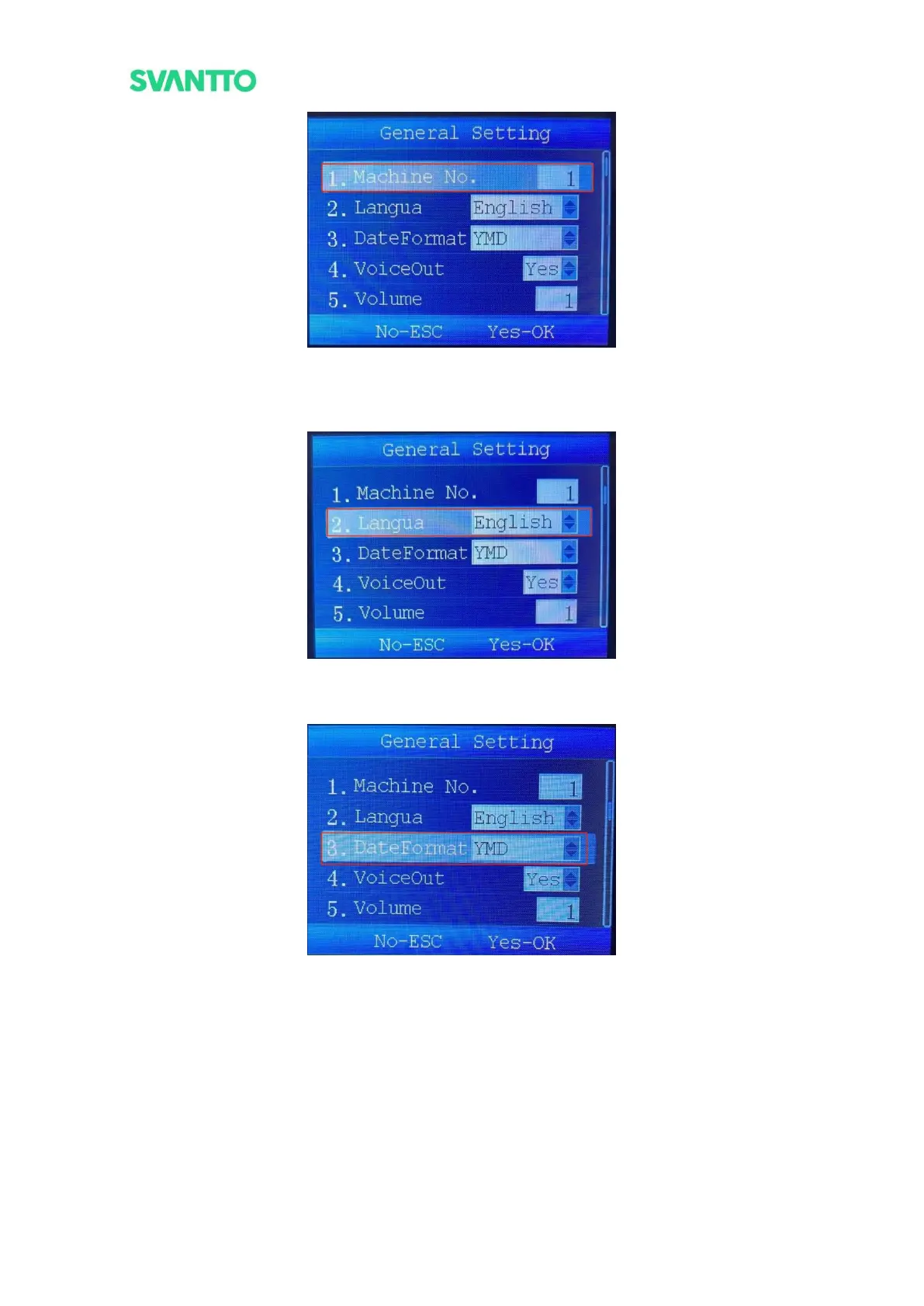
Figure 4-27 Set Machine Number
2.Set the machine system language. Currently only English system is supported, subsequent machine
upgrades may add other languages.
Figure 4-28 Set Machine Language
3.Set the date display format, there are three options: year-month-day, day-month-year, month-day-year.
Figure 4-29 Set Date Format
4.Set the machine sound on or off when punching.



 To Next Page