Page
37
of
45
IAM03 Time Clock User Manual
Version 1.00
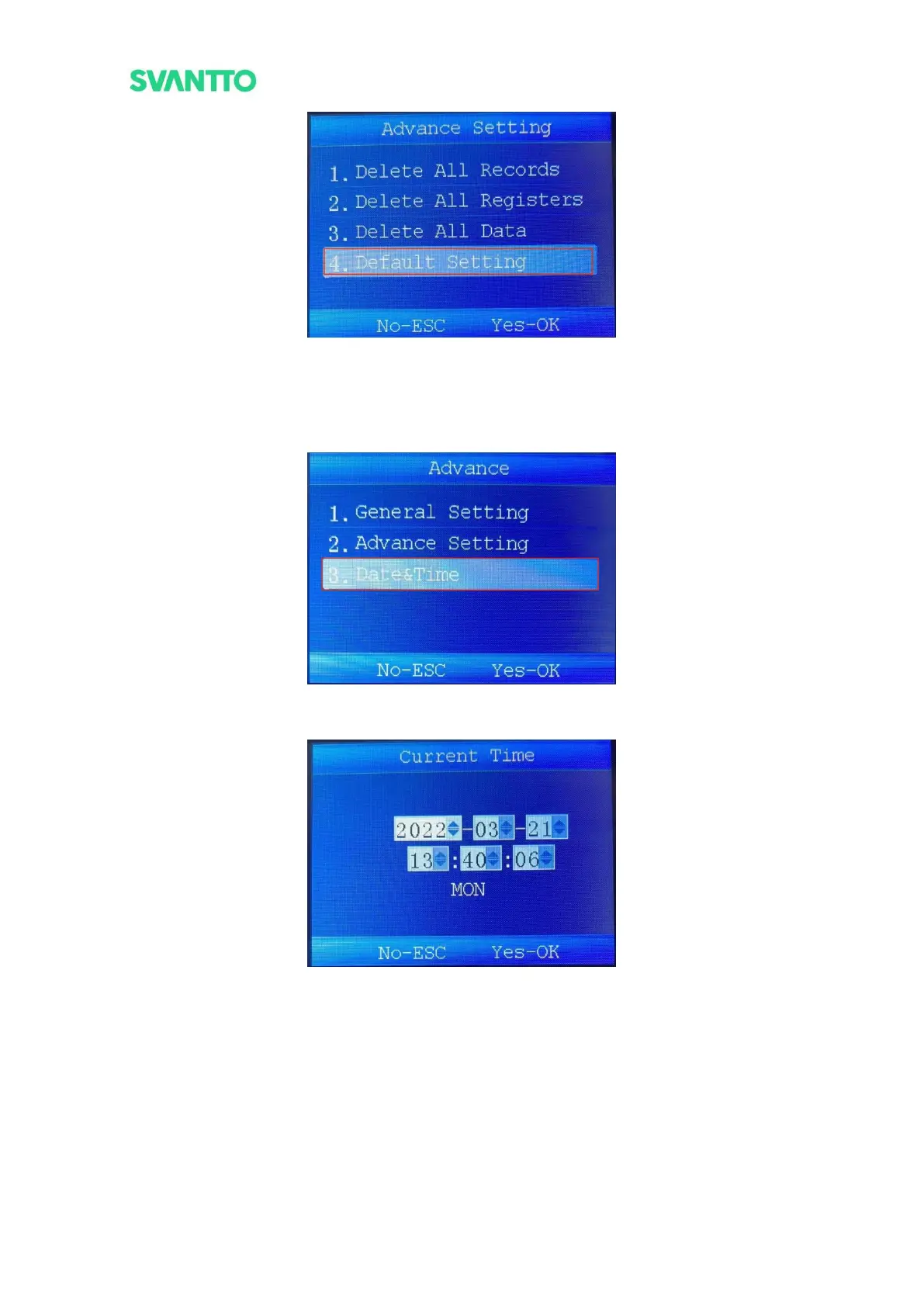
Figure 4-39 Default Setting
5.2.5.3.Date & Time
Set the system current time of the machine. Select the [Date & Time] in advance interface and then press the
[OK] key to enter the “Current Time” interface.
Figure 4-40 Select Date Time
1) Press the [OK] key to confirm the setting and press [Up]/[Down] to adjust the date and time.
Figure 4-41 Set Current Time



 To Next Page