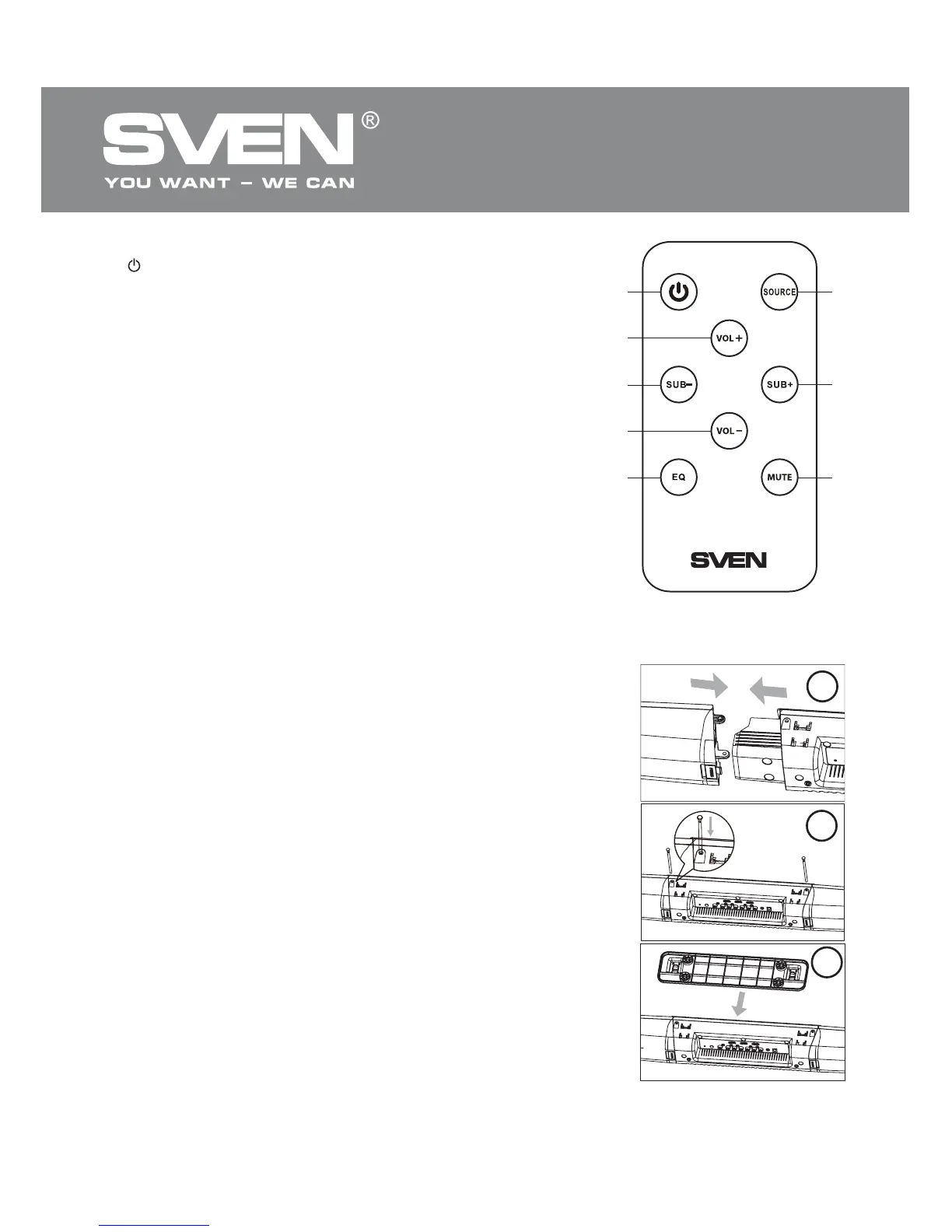
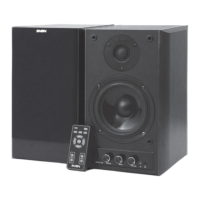
Fig. 3. Remote control
Remote control
a : go to standby mode
b VOL+: master volume up button
c SUB-: subwoofer volume down button
d VOL-: master volume down button
e EQ: equalizer option (Flat, Rock, Pop, Classic, Jazz)
selection button
f SOURCE: signal source selection button
g SUB+: subwoofer volume up button
h MUTE+: sound oԚ/on button
Note. Before operating the RC, extract the installed batte-
ry, remove the insulation strip the battery is packed with to
avoid discharging during transportation, and insert the
battery back into the RC.
5. PREPARATION AND OPERATION
Table placement
• The soundbar is packaged unassembled. Attach the left and
right speakers to the center bar with the ԛxing axles, (Steps 1
and 2, Fig. 4). Then connect the table stand to the bottom of the
soundbar (Step 3, Fig. 4) and place the device on the table. The
wireless subwoofer emits non-directional sound, therefore it can
be located in any place of the room where it sounds the best.
The installation is complete.
Wall mounting
• It’s recommended that the soundbar be wall mounted under
the TV set.
• Mark the places for mounting the bracket. Place the bracket
against the wall and and mark two locations where the bracket
will be secured. Place the bracket aside.
• Drill holes on the marked locations. Insert a rubber stopper
into each hole (Step 1, Fig. 5).
• Screw the 4 × 35 mm self-driving screws into the rubber
stoppers (Step 2, Fig. 5) so that the soundbar can be ԛxed on
them.
• Attach the bracket to the previously assembled soundbar with
3 × 8 mm screws (Step 3, Fig. 5).
• Fix the soundbar on the screws attached to the wall (Step 4,
Fig. 5), and tighten the screws hard.
af
g
h
c
e
b
d
Fig. 4. Soundbar assembly
3
1
2
ENG
4
Soundbar with Wireless
Subwoofer



 To Next Page