5. CONNECTION GUIDE
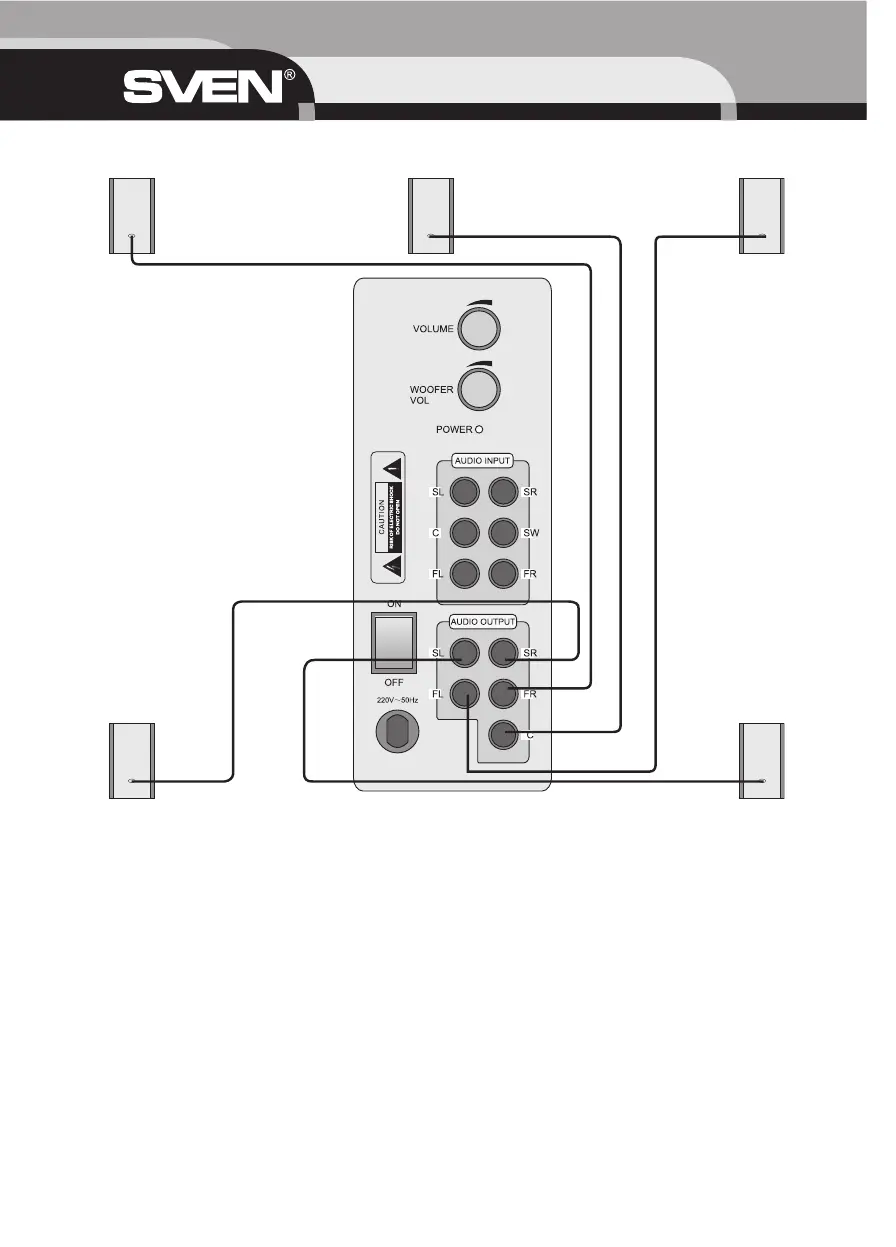
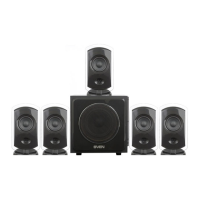
1. The output clip 5 connects with speakers (Fig. 2).
2. Connect 5.1 CH signal input terminal 4 with 5.1 CH output terminal on DVD. If there is double channel sound source (such as CD),
then connect L and R output terminals of the double channel sound source with Front L and Front R of subwoofer (Fig. 3).
3. Press the power switch 6 to turn on the subwoofer power, the lamp 3 lights up; press it again to turn off the subwoofer power, the
green lamp is dark.
4. Turn the master volume control 1 to adjust the volume of the subwoofer, left front speaker, right front speaker, center and left and
right surround speaker at the same time.
5. Knob 2 of the subwoofer controls the volume of the subwoofer. While turning to the middle position, the ratio of the subwoofer and
input signal are the same.
OPERATION MANUAL
12
Fig. 2. Connection with speakers
Right
front speaker
Left
front speaker
Right
surround speaker
Left
surround speaker
Center
speaker


 To Next Page