©2021 Swellpro Technology Co., Limited 11
Drone Indication Lights
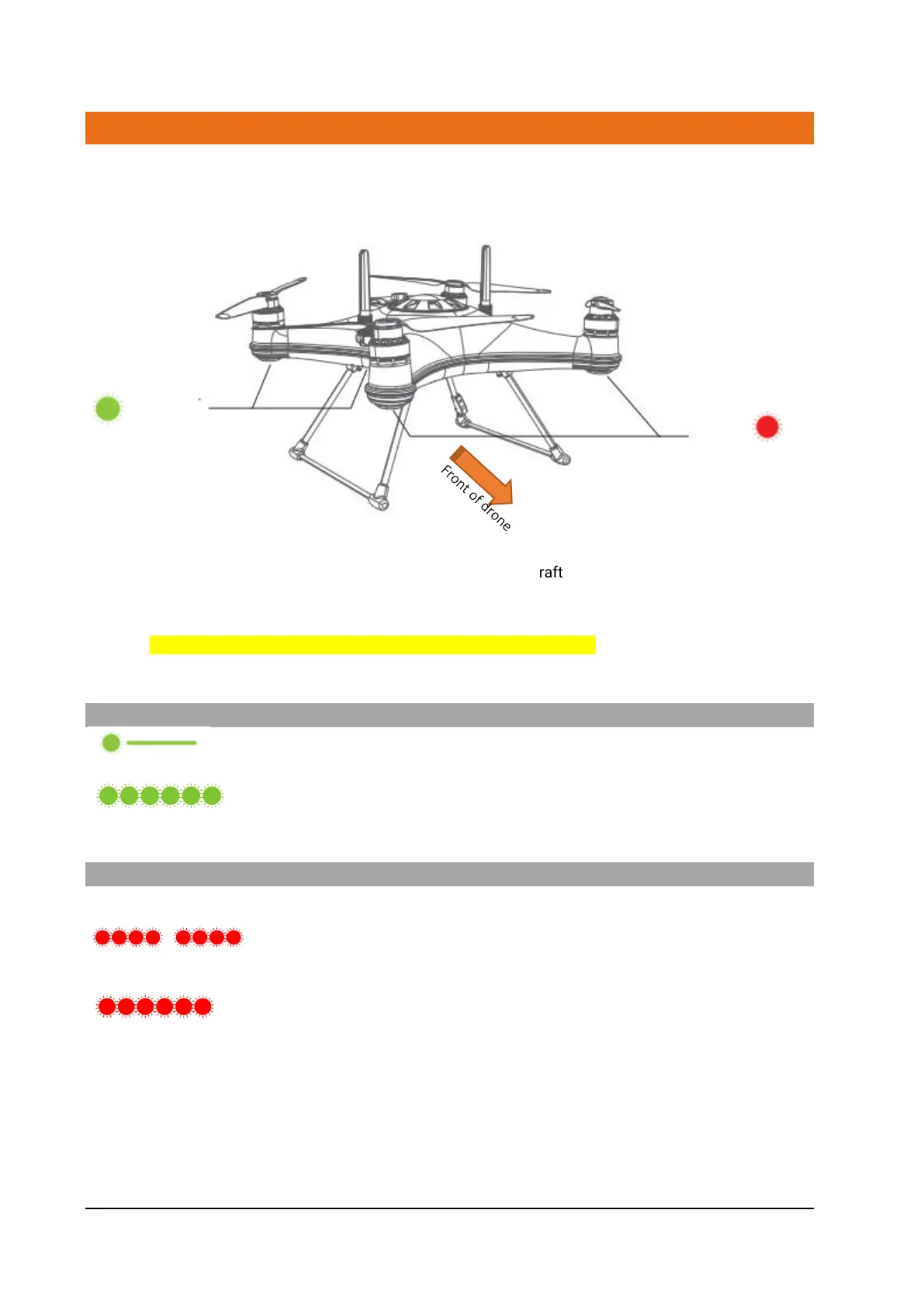
The fuselage of the aircraft includes drone status indicator light (red) and GPS signal status
indicator light (green). Their location is shown in the figure below.
The nose LED indicator is used to indicate the direction of the aircraft's nose. These lights will glow
alternatively red and green during startup.
The aircraft status indicator lights on the rear arms indicate the current status of the flight control
system. All navigation lights can be turned on or off through APP settings
GPS Status
Steady Green - Good GPS signal
Fast Flashing Green - Poor GPS signal
Low battery warnings
Two Red Flashes - First level low battery warning. Land as soon as
possible.
Fast Red Flashing - Second level low battery warning. Drone will auto land.



 To Next Page