56 57
Troubleshooting
9
9.1 Error Codes
The display can sometimes show an error code. These are the
most common that you may encounter with the corresponding
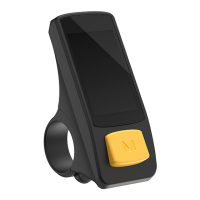
solutions. For other error codes, check the LCD Display manual.
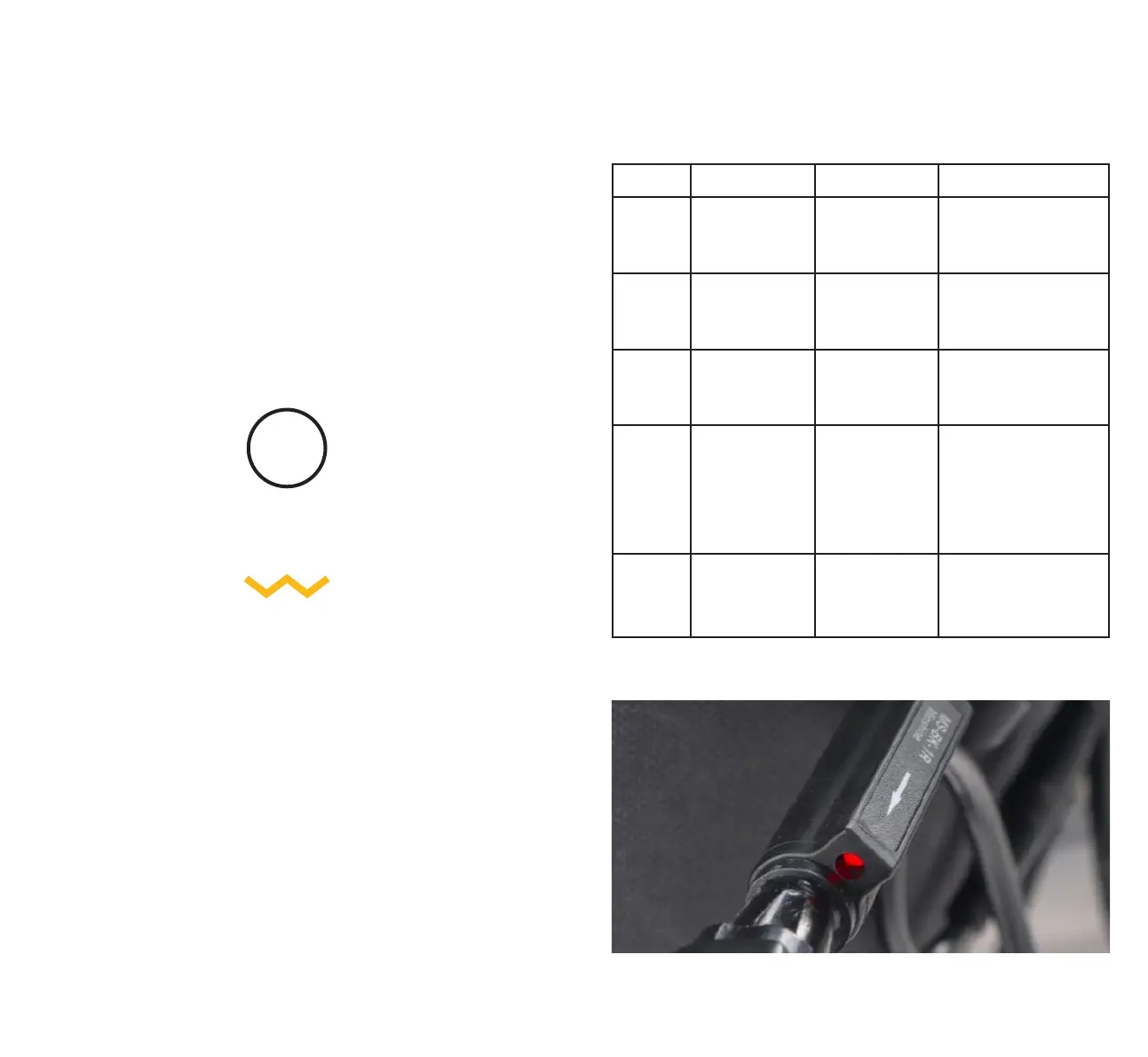
Brake sensor light will indicate when it is on. (Error 25)
Error Code Lights Problem Solution
21 Flash at PAS
Level 1
Motor Current
Abnormality
Contact Customer
Service
23 Flash at PAS Level
3 & 5
Motor Phase
Abnormality
Contact Customer
Service
24 Flash at PAS
Level 5
Motor Hall Signal
Abnormality
Fit the Hall Sensor Bypass
Cable / disconnect the
hall sensor cable
25 Flash at PAS Level
3 & 5
Brake Abnormality
(Commonly
happens when
the brakes are
engaged before
the Power Pack is
turned on)
Turn off the brake sensors
before turning on the
Power Pack. Brake sensor
light will indicate when
it is on.
Alternatively, turn on
the Power Pack before
connecting to bike.
30 Flash at all levels
of both PAS and
Battery
Communication
Abnormality
(Controller and
Display aren’t
connected)
Check the display
is connected to the
controller inside the
Power Pack



 To Next Page