B
-6-
3. Turning off the drone
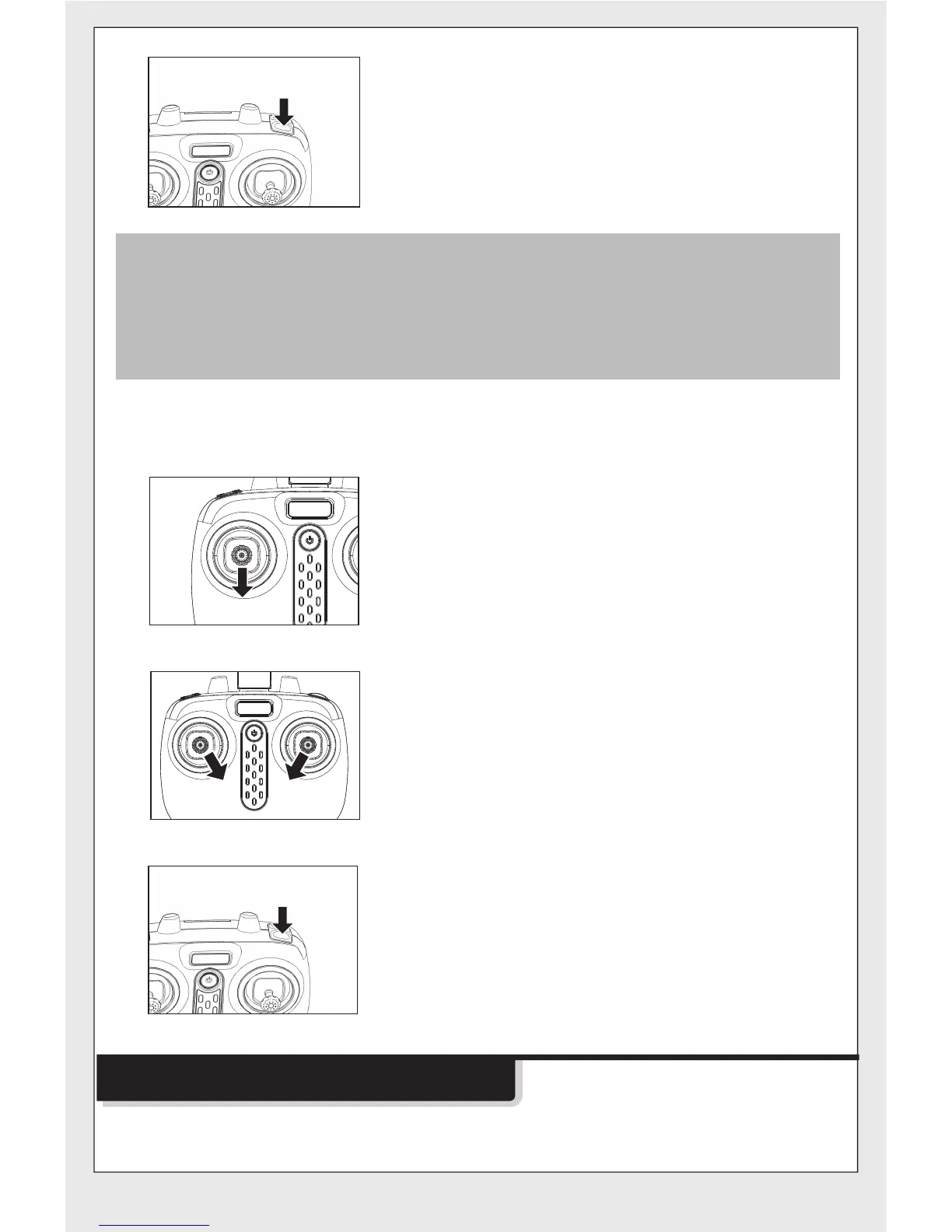
Method 1:Push the left joystick (throttle) to
the lowest level and hold for 2 to
3 seconds, the drone can then be
turned off.
Method 3:
B
1.If the drone is out of the range of the flight, the indicator light will
flash slowly, and then slow down.
2.When the remote control is switched off or the power is cut off, the
drone will automatically slow down to stop.In the process , open
the remote control to control again.
Method 3: When the drone is in flight, press
the button B, the drone will descend
to the ground and lands.
Method 2:Push the left and right joysticks
to the bottom inner corners for 1
second, the blades of the drone
start rotating slowly.
When the drone is stationary, press
the button B, the drone automatically
takes off and hovers at a certain
height.
Operating direction
Drone Controlling Diagram


 To Next Page