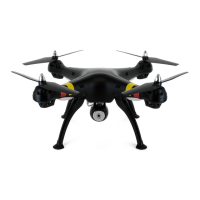
-5-
1. Flight preparation
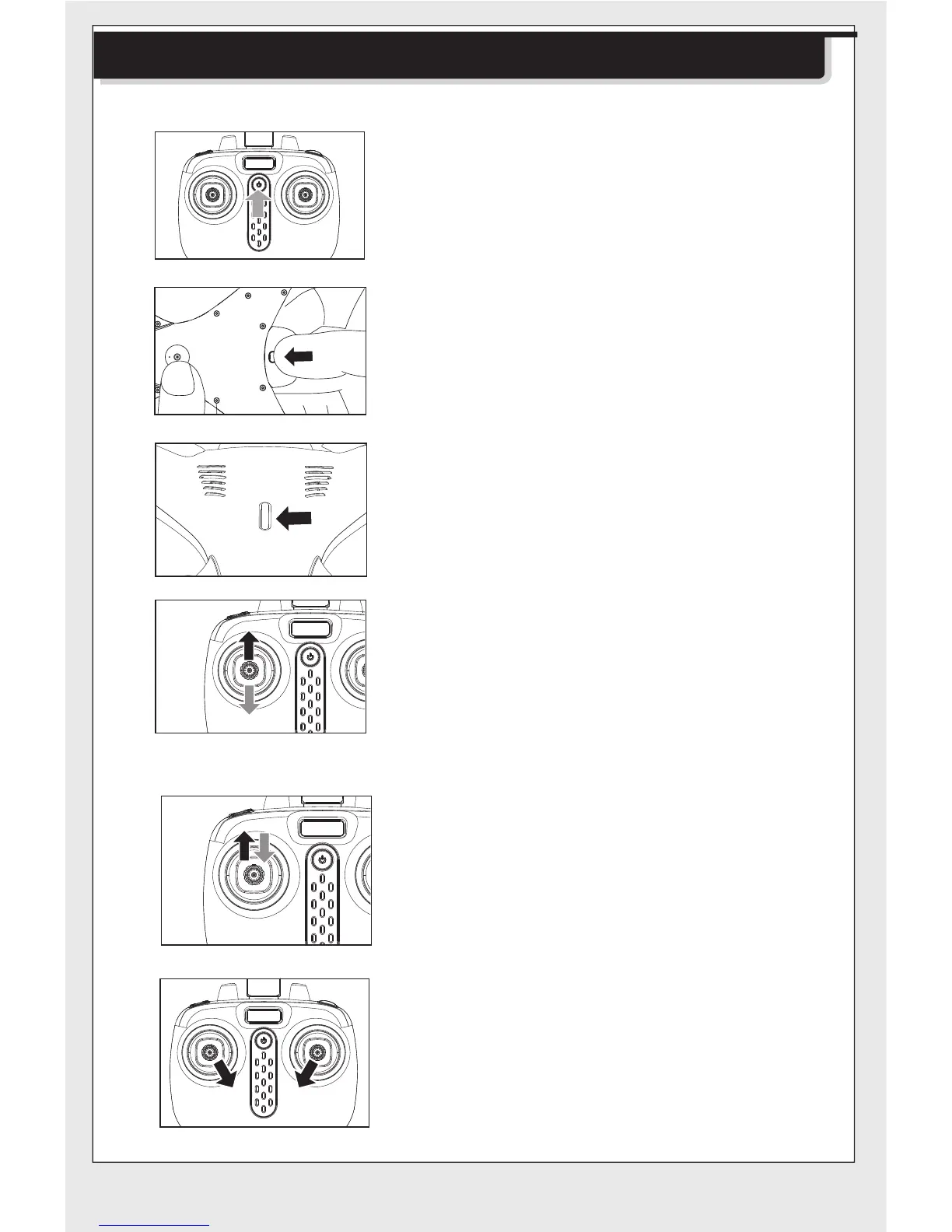
2.Turning on the drone
Method 2:
Method 1:
Press the power button of the remote
control.
Press the power button on the top of
the drone to 1-2S make sure the
drone is turned “ON”.
Push the left joystick (throttle) to the
highest point and then back to the
center, the blades of the drone start
rotating slowly.
Push the left and right joysticks to
the bottom inner corners for 1
second, the blades of the drone start
rotating slowly.
Push the left joystick (throttle) up to
the highest point and then pull down
to the lowest point. When the indica-
tor lights in the drone change from
quick flashing to the continuous
lighting, it means that the drone goes
into the flight standby mode.
Install the drone battery in place.
Step1:
Step2:
Step3:
Step4:
Flight Preparation and Turning the Drone ON and Off


 To Next Page