5-80
P470/370 RF Scanner Product Reference Guide
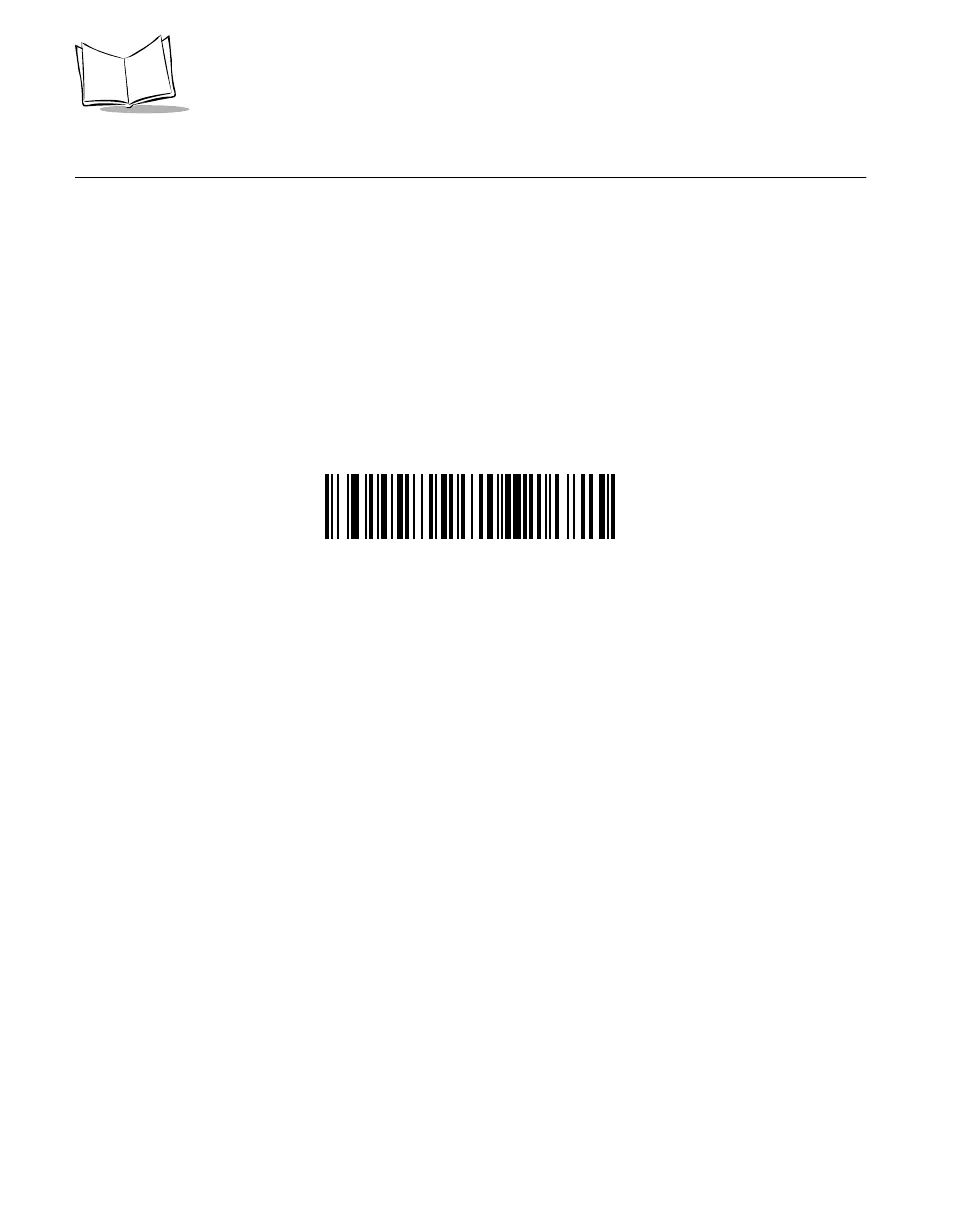
Pause Duration
This parameter allows a pause to be inserted at any point in the data transmission. Pauses
are set by scanning the bar code below followed by a two digit number (i.e. two bar codes),
and are measured in 1/10 second intervals. For example, scanning bar codes “0” and “1”
inserts a 1/10 second pause; “0” and “5” gives you a 1/2 second delay. Numeric bar codes
begin on page 5-101. If you make an error, or wish to change your selection, scan
CANCEL on page 5-103.
PAUSE DURATION



 To Next Page