5-15
Parameter Menus
Sleep Time
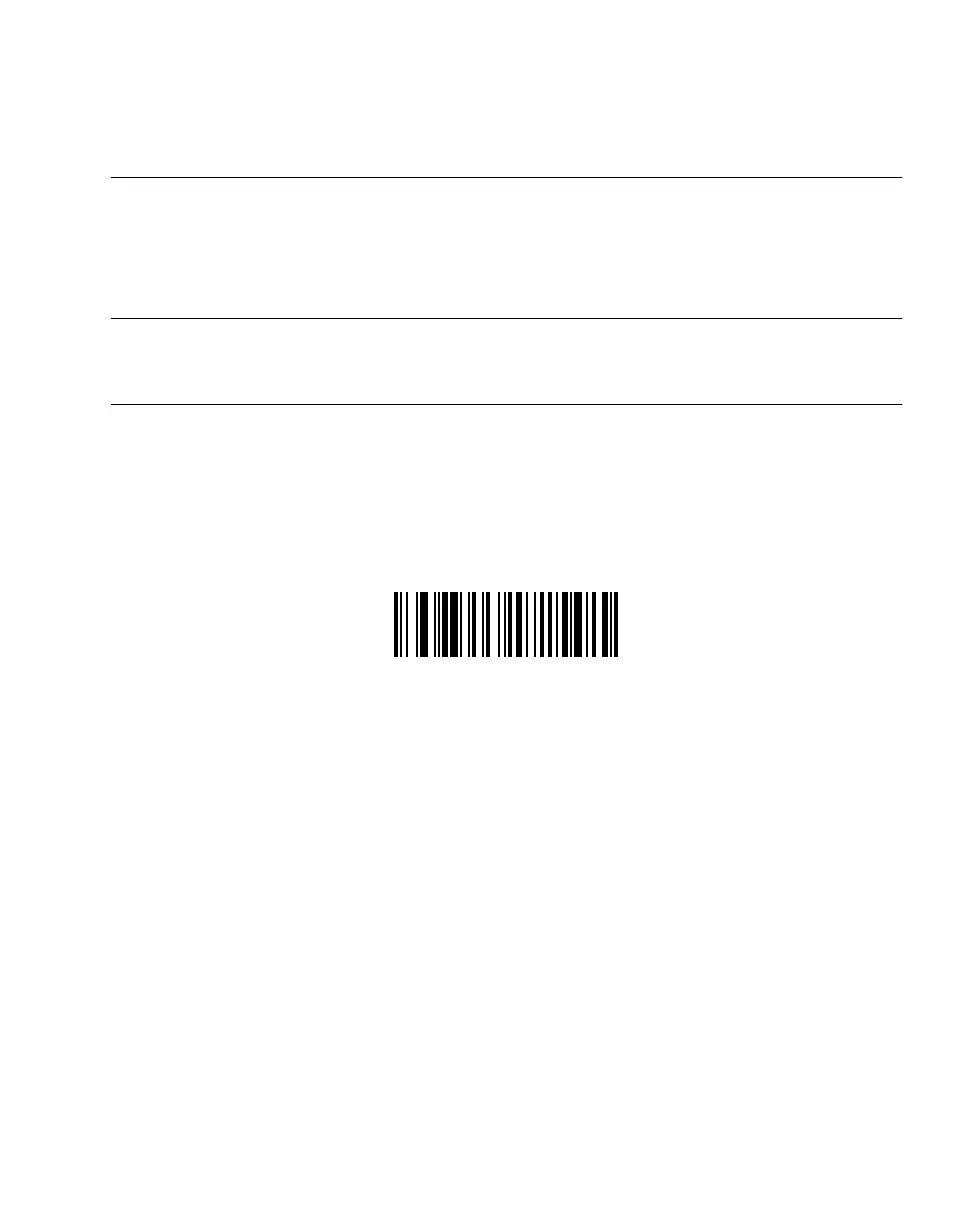
Scan the bar code below to select how long the scanner will “stay awake” (not power down)
in seconds after a trigger pull or a key press. First scan this bar code, then enter a range
from 05 to 32, using the Numeric Bar Codes on page 5-101. It can stay awake from 5
seconds to 32 seconds.
Note:Allowing the scanner to stay awake longer than originally
programmed may affect the battery life time for that session before
needing a charge.
SLEEP TIME (RANGE OF 5 TO 32 SECONDS)



 To Next Page