3-17
Operation
123Scan
123Scan is an intuitive Windows based utility that allows you to customize your scanner
setup and generate Advanced Data Formatting (ADF) rules. An Advanced Data Formatting
rule gives you the ability to modify the bar code data before sending it to the host such as
appending a carriage return, or some other prefix/suffix value, to the bar code data. This
enhances capability between bar code data and your host software, allowing you to
program the scanner rather than modifying your host application. The cordless scanner can
be programmed via a cordless (RF) download or by scanning 123Scan generated
programming bar codes. Scanner programming is saved in a setup file which can be
distributed electronically (Web site, floppy disk, E-mail, or fax).
A copy of 123Scan is on the CD included with your scanner. It is also available on the
Symbol Web site http://www.symbol.com. Use the web site’s search tool to find
“123Scan” and select the P470/370 product line.
Note:Advanced data formatting rules created with 123Scan are for use
with the default application only and will not work with applications
created with MCL-Designer.
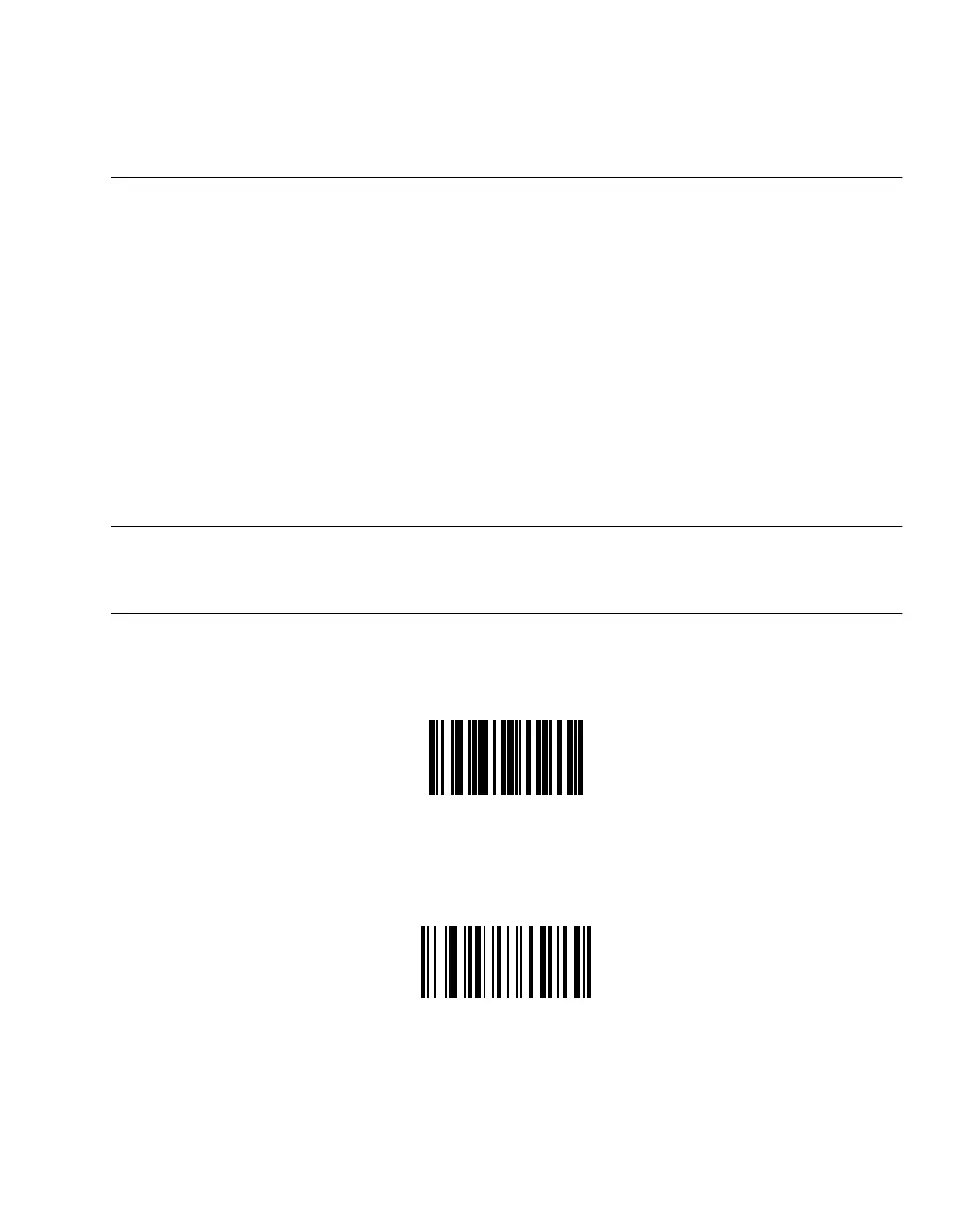
To download a 123Scan generated ADF rule, scan the bar code below, then initiate the
download on the PC utility.
To remove previously programmed ADF rules from the scanner, scan the bar code below.
Load 123Scan File
Reset Default Application
(Clears previously programmed ADF rules)



 To Next Page