3-13
Operation
4. Base Station Code Updates the cradle’s operating system (Firmware). To enter this
mode using the key pad, select this option on the system menu.
Press the <ENTER> key to confirm the choice (Yes) or the <BK>
key to cancel the choice (No).
OR
To enter this mode from an application without entering the
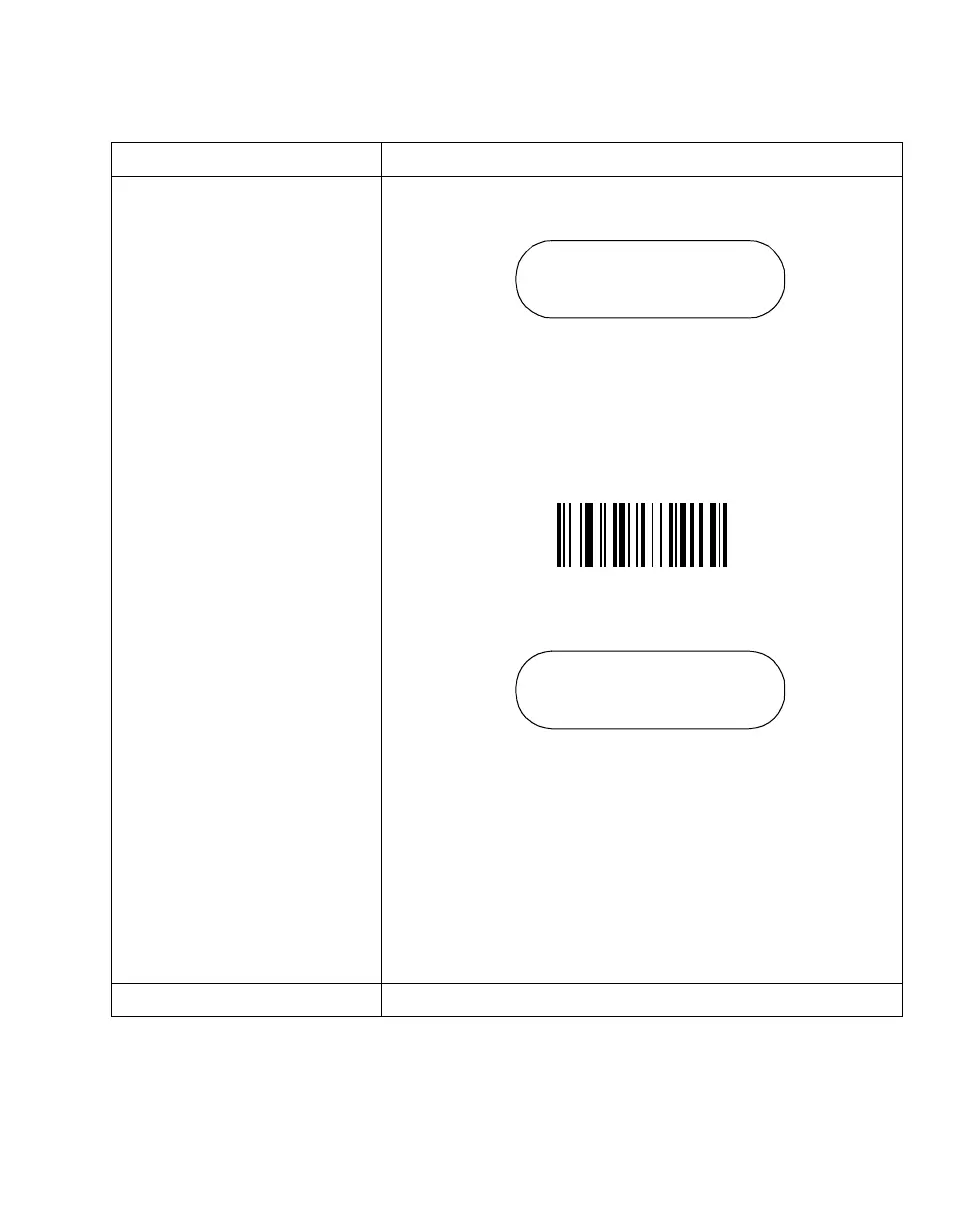
system menu or entering key strokes, scan the bar code below.
To start the download to the cradle, press the start button on the
PC Utility.
Note: You will automatically exit this message after 15 seconds
and return to the application, even if the PC download is NOT
initiated.
To exit this mode and prevent the download of new firmware or if
the PC download is not initiated, the power to the cradle must be
cycled (powered off then on) before it will communicate with the
scanner again. No action is required on the scanner side.
9. Back to Main Returns the user to the system menu.
Option Description
Load New Base Code
<ENTER>=YES
<BK>=NO
Base Station Code
Base Station ready,
on PC start download



 To Next Page