EasyManua.ls Logo

Symetrix 528 - Use Wide Peaks, Narrow Notches; Tuning the Eq;Notch Filter; Parametric Eq;Notch Filter Examples

Symetrix 528
49 pages
Print Icon
To Next Page IconTo Next Page
To Previous Page IconTo Previous Page
Loading...
www.SteamPoweredRadio.Com
...
If
levels
are
too
low,
increase
the
preamp
gain
(or
the
output
gain
of
the
device
feeding
the
line
input).
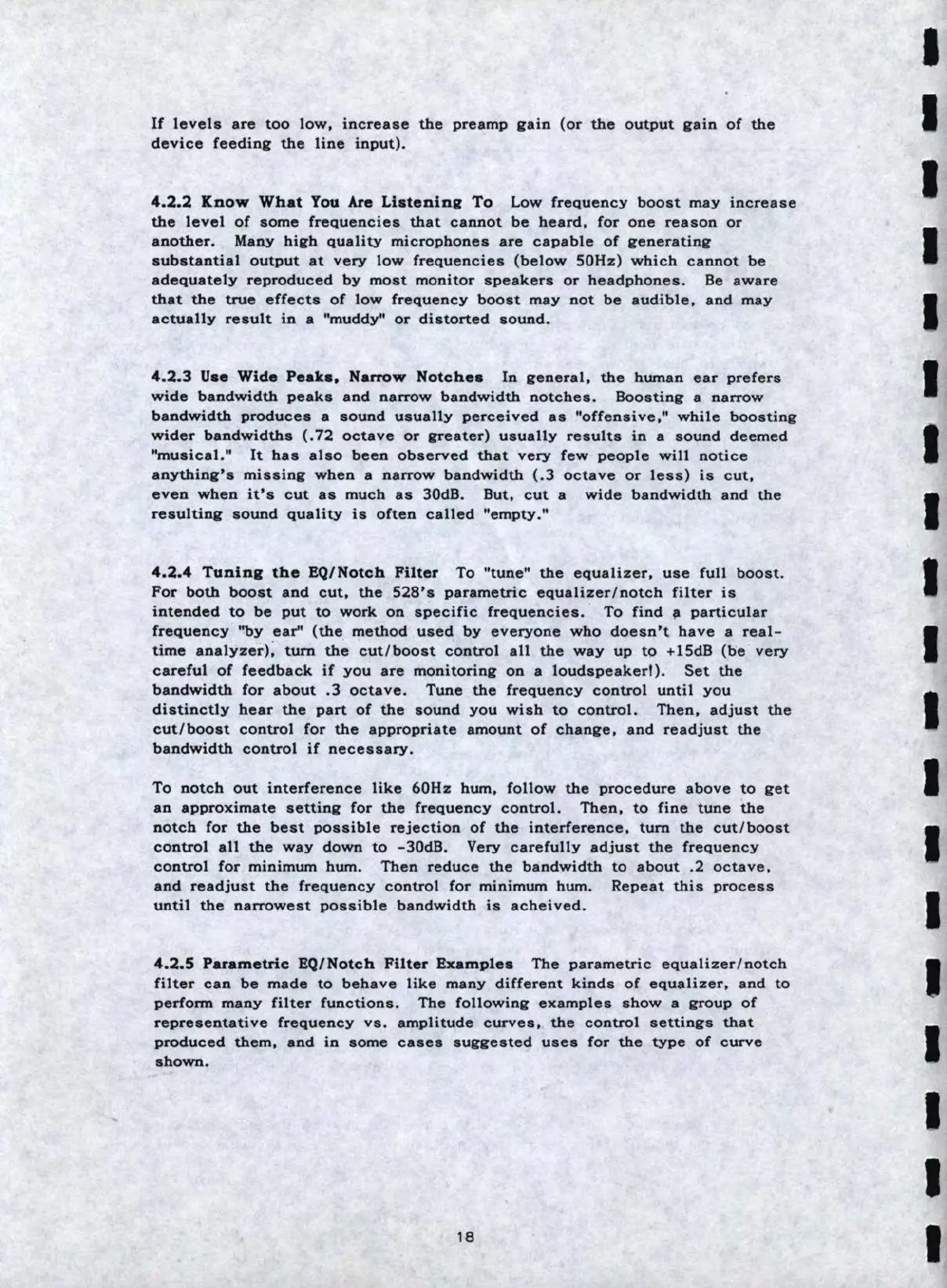
4.2.2
ICnow
What
You
Are
Liatening
To
Low
frequency
boost
may
increase
the
level
of
some
frequencies
that
cannot
be
heard,
for
one
reason
or
another.
Many
high
quality
microphones
are
capable
of
generating
substantial
output
at
very
low
frequencies
(below
S0Hz)
which
cannot
be
adequately
reproduced
by
most
monitor
speakers
or
headphones.
Be
aware
that
the
true
effects
of
low
frequency
boost
may
not
be
audible
,
and
may
actually
result
in
a
"muddy"
or
distorted
sound.
4.2.3
Uae
Wide
Peaka,
Narrow
Notchea
In
general,
the
human
ear
prefer
s
wide
bandwidth
peaks
and
narrow
bandwidth
notches
.
Boosting
a
narrow
bandwidth
produces
a
sound
usually
perceived
as
"offensive
,"
while
boosting
wider
bandwidths
(.
72
octave
or
greater)
usually
results
in
a
sound
deemed
"musical."
It
has
also
been
observed
that
very
few
people
will
notice
anything's
missing
when
a
narrow
bandwidth
(.3
octave
or
less)
is
cut,
even
when
it's
cut
as
much
as
30dB
.
But,
cut
a
wide
bandwidth
and
the
resulting
sound
quality
is
often
called
"empty
."
4.2.4
Tunina
the
EQ
/N
o
tch
Filter
To
"tune"
the
equalizer,
use
full
boost
.
For
both
boost
and
cut,
the
528
' s
parametric
equalizer
/
notch
filter
is
intended
to
be
put
to
work
on
specific
frequencies
.
To
find
fl
particular
frequency
"by
ear'
'
(the
method
used
by
everyone
who
doesn
't
have
a
real
-
time
analyzer);
tum
the
cut
/
boost
control
all
the
way
up
to
+lSdB
(be
very
careful
of
feedback
if
you
are
monitoring
on
a
loudspeaker!)
.
Set
the
bandwidth
for
about
.3
octave
.
Tune
the
frequency
control
until
you
distinctly
bear
the
part
of
the
sound
you
wish
to
control.
Then,
adjust
the
cut/boost
control
for
the
appropriate
amount
of
change
,
and
readjust
the
bandwidth
control
if
necessary.
To
notch
out
interference
like
60Hz
bum,
follow
the
procedure
above
to
get
an
approximate
setting
for
the
frequency
control.
Then,
to
fine
tune
the
notch
for
the
best
possible
rejection
of
the
interference,
turn
the
cut
/
boost
control
all
the
way
down
to
-30dB.
Very
carefully
adjust
the
frequency
control
for
minimum
hum.
Then
reduce
the
bandwidth
to
about
.2
octave,
and
readjust
the
frequency
control
for
minimum
hum.
Repeat
this
process
until
the
narrowest
possible
bandwidth
is
acheived
.
4.2.5
Parametric
EQ/N
o
tch
Filter
Examples
The
parametric
equalizer
/
notch
filter
can
be
made
to
behave
like
many
different
kinds
of
equalizer,
and
to
perform
many
filter
functions.
The
following
examples
show
a
group
of
representative
frequency
vs
.
amplitude
curves,
the
control
settings
that
produced
them
,
and
in
some
cases
suggested
uses
for
the
type
of
curve
shown.
18
I
I
I
I
I
I
I
I
I
I
I
I
I
I
I
I
I
I
I

Table of Contents

Other manuals for Symetrix 528

Related product manuals