15
Chapter 3: Install DSM on Network Video Recorder
5
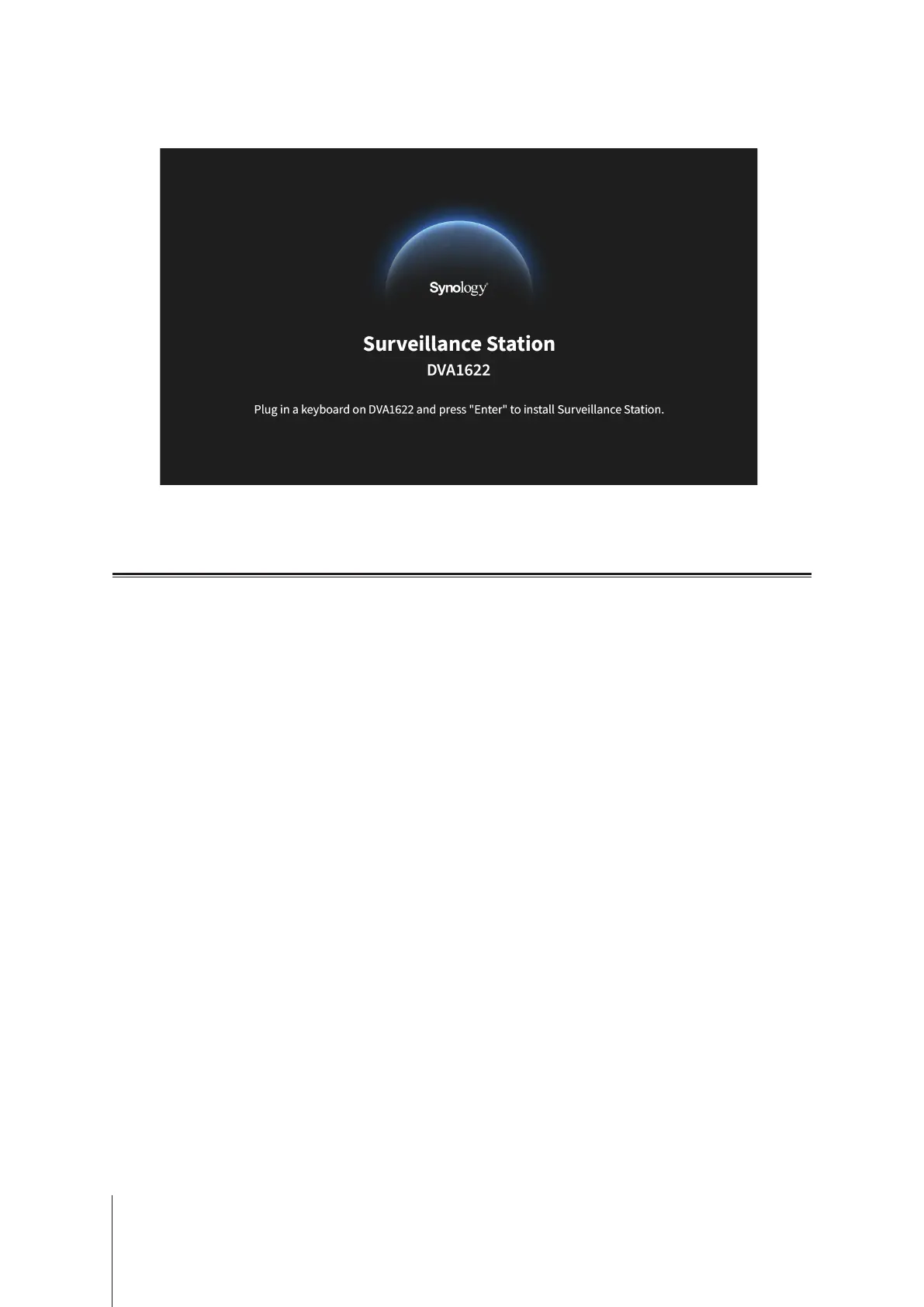
Press "Enter" to start the installation process. Your DVA1622 will automatically detect and install the newest
version of DSM and Surveillance Station package.
6
Once the installation has completed, you can create an administrator account.
7
You can now start using Surveillance Station.
Learn More
Your DVA1622 is now ready for action. For more information or online resources about your DVA1622, please
visit
Synology's ocial website
, which contains
step-by-step tutorials and frequently asked questions
.













 To Next Page