5
Chapter 1: Before You Start
System Modes and LED Indicators
System Modes and Denitions
There are 7 system modes in Network Video Recorder. The system modes and their denitions are as below:
System mode Denition
Powering on
Network Video Recorder is powering on when you press the power button or
restarting when you run operations in DSM. During the boot up process, the device
also performs hardware initialization, such as hardware reset or BIOS initialization.
Shutting down
Network Video Recorder is shutting down when you press the power button or run
operations in DSM.
DSM not ready
DSM is not ready for use. This could either be:
• Network Video Recorder is powered on, but DSM is not properly installed.
• Network Video Recorder is currently powering on and initializing services
necessary for DSM to fully function.
• The attached UPS device has insucient power; DSM stops all services to
prevent data loss (enters safe mode).
DSM is ready for use DSM is fully functioning and users can sign in.
Hibernation Network Video Recorder has been idle for a while and is now in Hibernation mode.
Application
Certain packages/services (e.g., USB Copy and Find me service) while in operation
will control the actions of the LED. After the operation is complete, the LED indicator
will return to its normal state.
Powered o Network Video Recorder is powered o.
Identify System Modes
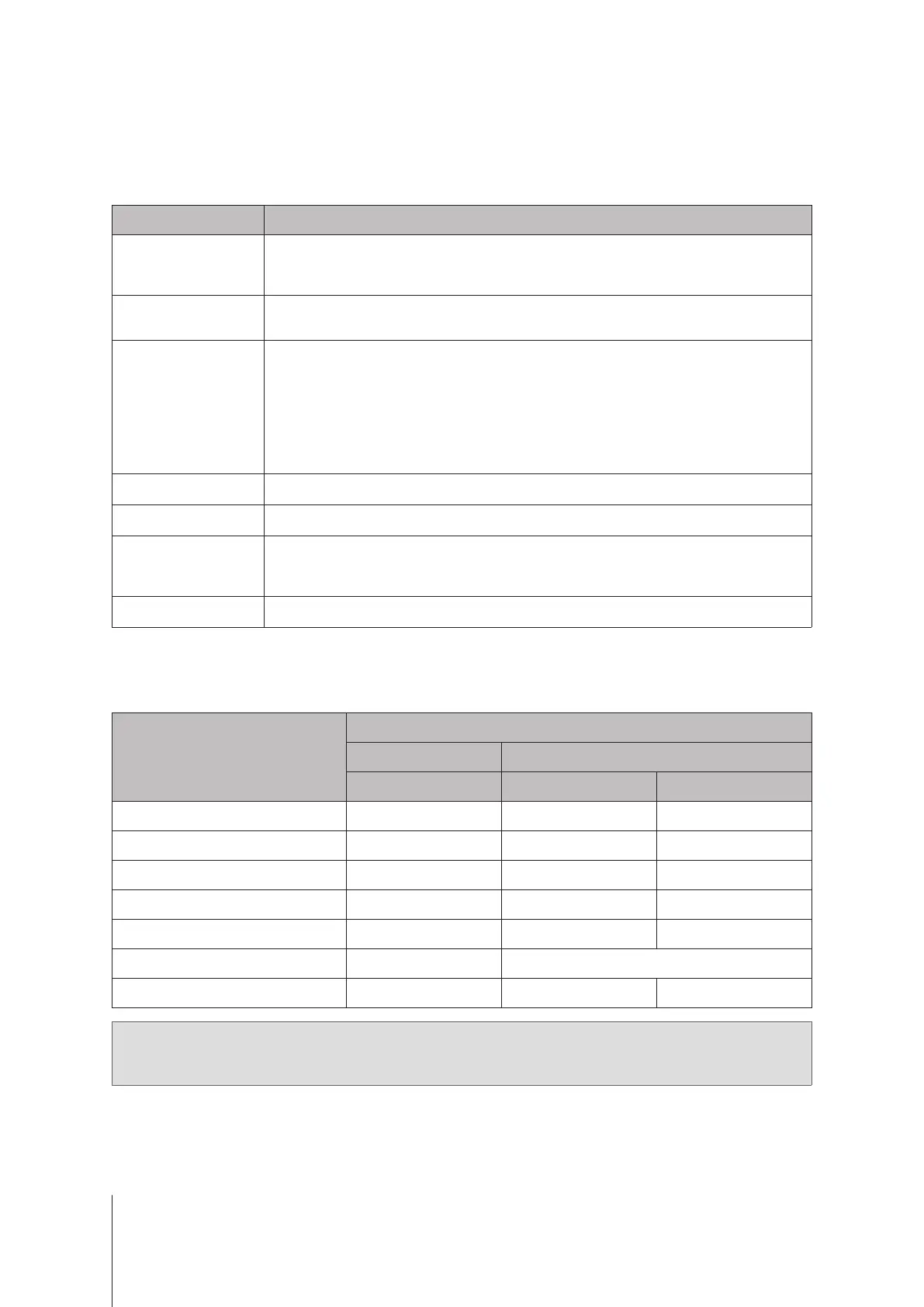
You can identify the system mode through the POWER and STATUS LED indicators. Please refer to below table
for more details.
System mode
LED Indicator
POWER STATUS
Green Green Orange
Powering on Blinking O O
Shutting down Blinking Static O
DSM not ready Static Blinking O
DSM is ready for use Static Static O
Hibernation Static O O
Application Static Switching
Powered o O O O
Note:
If the STATUS LED remains static orange or continuously blinks orange, this indicates there are
system errors such as fan failure, system overheating, or volume degrade. Please sign in to DSM for detailed
information.













 To Next Page