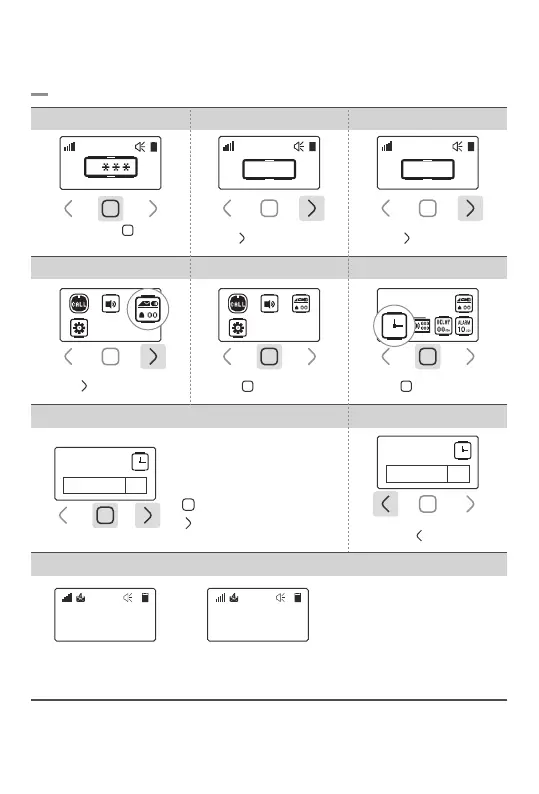
7.Display Setting
7-1. Time Setting
-13-
Tap ‘ ’ button
4.Shift the Menu
7.Time Setting 8.Save & Exit
5.Select Display Setting
: Shift the cursor position
: Number and on/off setting
6.Select Time Setting
Set the Time
on00:00
Time Setting
Set the Time
on13:36
*‘on’ mode *’off’ mode
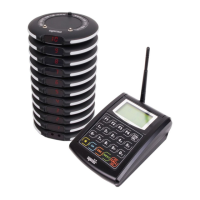
‘Pager SB-700’
ID:
13:36:47
Time displayed
User ID displayed
(Refer to p17 for User ID Setting)
Tap ‘ ’ button once
Tap ‘ ’ button once
Touch and hold ‘ ’ button
for 1sec
1. Password Field 2.Enter Password 0000 3.Go to Settings
Tap ‘ ’ button 3 times
Tap ‘ ’ button twice
0
0 0 0 0
Tap ‘ ’ button once
0 0 0 0



 To Next Page