page
7
January 2020 - Rev. 1.2
Order Cod. 1902503003
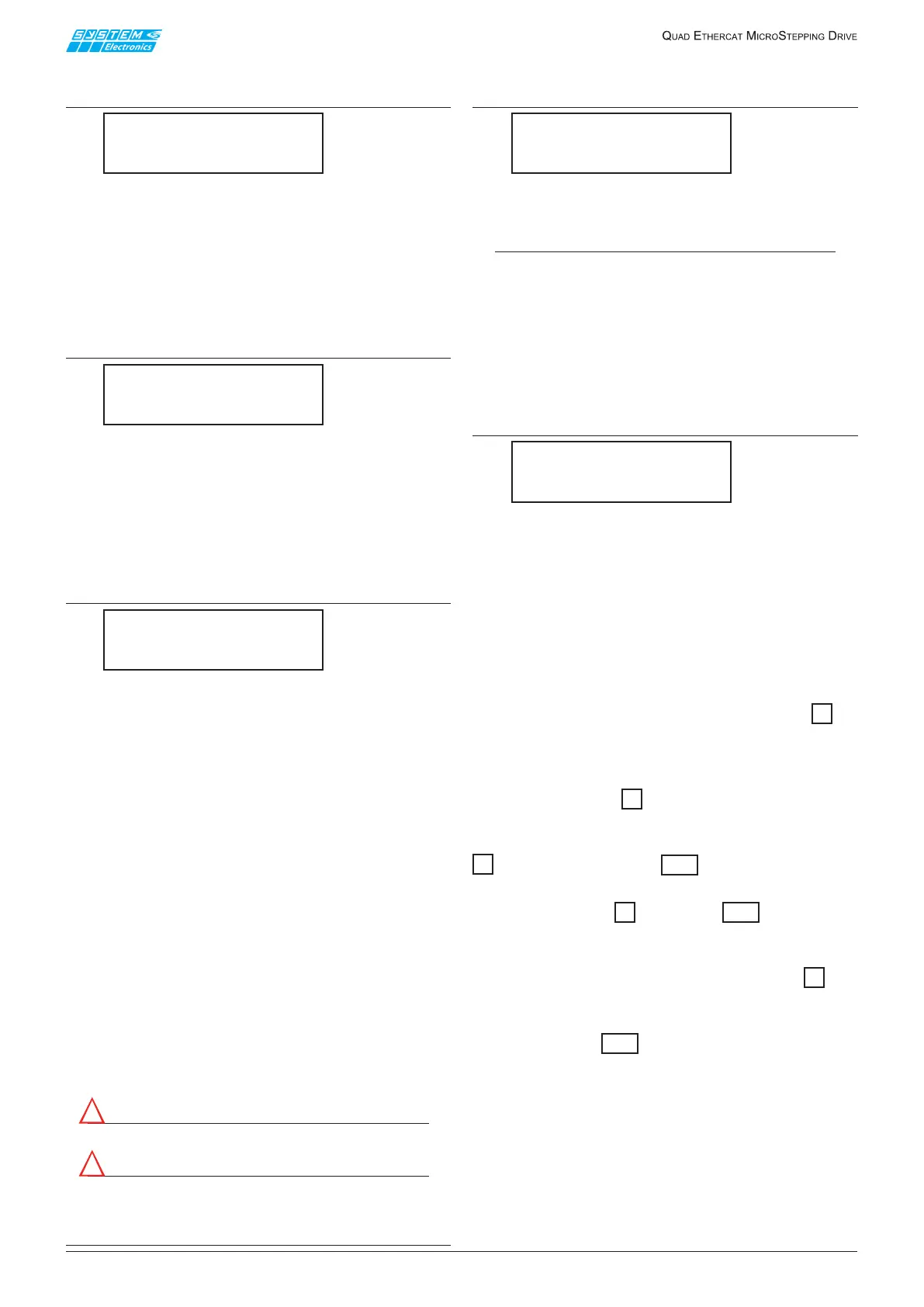
3.1.2 Digital Inputs
status display page
Digital Inputs
0000000000000000
Displaystheinstantaneousstatusofthe16digitalinputs
(fromIN_16toIN_1readingfromlefttoright)
1: active input
0: inactive input
3.1.3 Digital Outputs
status display page
DigitalOutputs
0000000000000000
Displays the instantaneous status of the 16 digital
outputs(from OUT_16 to OUT_1 reading from left to
right)
1: activeoutput
0: inactiveoutput
3.1.4 Power voltages display page
V1:000VV2:000V
V3:000VV4:000V
Displays the power voltage applied to the various
axes.
The voltageis measured in volts with an accuracyof
±3V.
Ifthepowersupplyterminalsarenotconnectedorthe
endsarenotconnectedtothedischargeresistors,itis
typicaltodisplayavoltageofabout10Vduetointernal
pull-ups.
VoltageV1andV2comefromterminals+V12ofthe
terminalboard;voltageV3andV4comefromterminals
+ V34 of the front terminal board: if the voltages
betweenthepairsV1-V2andV3-V4diersignicantly
checktheterminalboardfuses.
The drive always stays live even for a long time when
the power supply is disconnected.
Do not rely on the reading displayed on this page
for maintenance operations: one must measure the
voltage actually on the terminals by means of special
multimeters.
Do not disconnect the terminal board with voltage
present.
Attention!
Dangerous internal active live parts.
Attention!
Parties actives internes à haute tension
dangereuses.
3.1.5 Dissipator temperature
display page
T1:27CT2:28C
T3:27CT4:24C
Displays(indegreesCelsius)theinternaltemperature
ofthepowerdissipatorswithanaccuracyof±3V.
N.B.!
T
i
temperatures are not rigidly associated to the
i-th axis; T1 and T2 are two temperatures read
inside the only dissipator associated to axes 1 and
2; T3 and T4 are two temperatures read inside the
only dissipator associated to axes 3 and 4.
3.1.6 Jumpers J2..J5
display page
J2=OFFJ3=OFF
J4=OFFJ5=OFF
ThispageallowstoknowwhetherjumpersJ2..J5are
inserted(ON)ornot(OFF).
Atthemoment,thepositionofthesejumpersDOESNOT
aectthebehavioroftheaxesmanagementrmware
and this page is only required for tests during drive
production.
3.2 Conguration sub-menu
Asalreadymentionedpreviously,bypressingthe8 key
ontheaxesstatuspageonecanaccessadisplay/editing
sub-menu.
Ifoneisonapagethatdisplaysamodiableparameter
andonepressesthe8key,itswitchestoedit mode;
asmentioned,onecanusethearrowstoeditthevalue
oftheparameterandconrmthevaluebypressingthe
8key;whilepressingtheESCkeycancelstheediting
inprogress.
Pressing either the 8keyortheESCkeyexitsthe
parametereditingmode;if,however,theparameterin
questionisactuallypartofacomplexparameter(i.e.,
theIPaddressorsubnetmask)pressingthe8 key
switchestothenextportionoftheparameter,untilthe
entirecomplexparameterhasbeencompleted(orone
hasnotpressedESCthuscancellingtheeditingof
theentireparameter).


 To Next Page
 Loading...