63 FY operation manual
13.1 Parameter
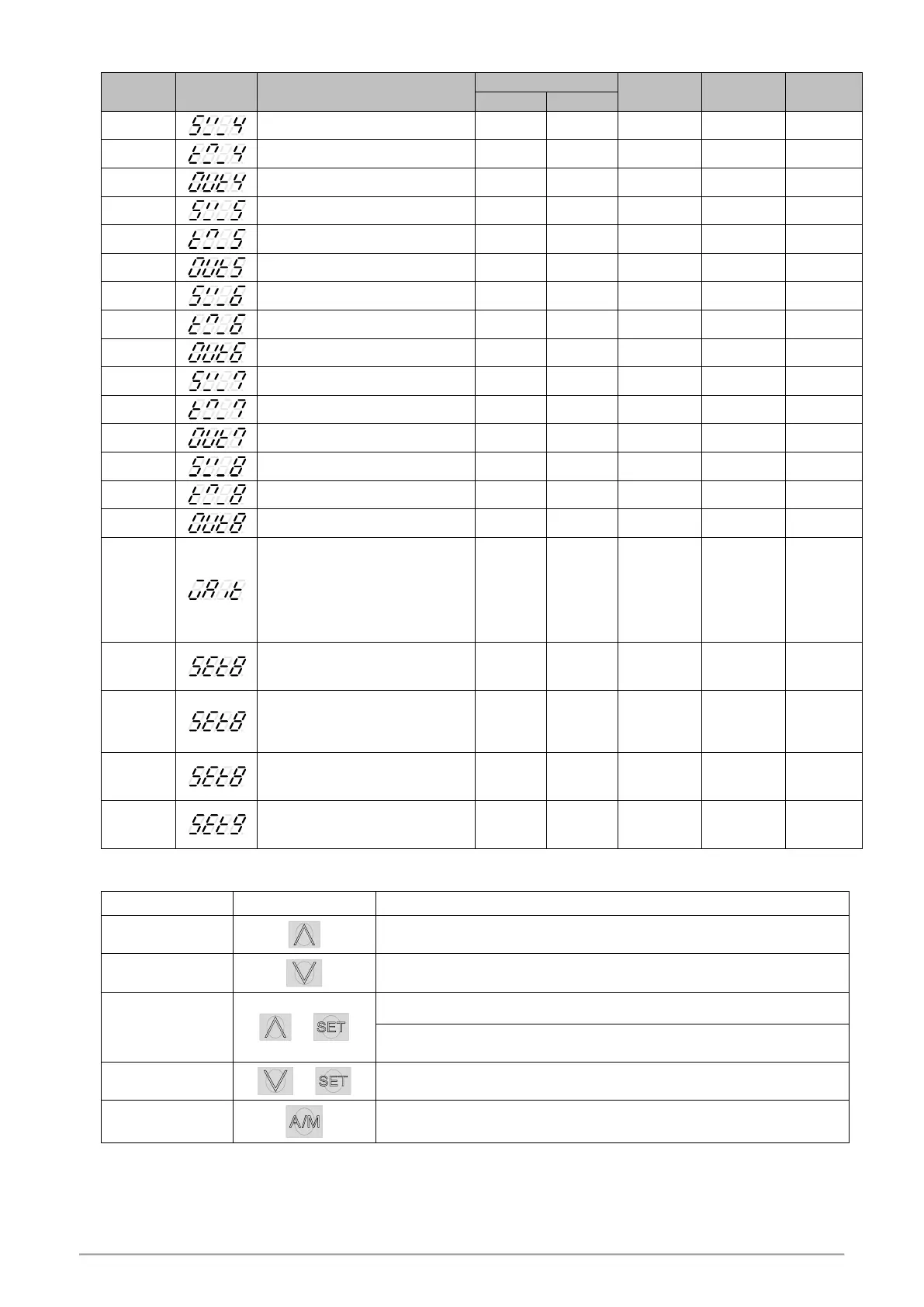
Segment 4 execute time setting
Segment 5 execute time setting
Segment 6 execute time setting
Segment 7 execute time setting
Segment 8 execute time setting
Program execution standby
temperature
0 : when program execute do not
wait for PV temperature
Other values : when PV= (target SV-
WAIT), program entering next
segment
Program execute repeat
0 : disable repeat function
1 : Program execute repeat
Program execute power fail
protection
0 : disable power fail protection
1 : enable power fail protection
Program execute start address
0 : execute from zero
1 : execute from current PV
Program time format
0 : hour.minute
1 : minute.second
13.2 Key Operation Description
Eexecuting program, PRO_LED lamp ON, Upper area shows 3 times "RUN"
messages.
Pause executing program, PRO_LED lamp remains ON, at this moment upper area
will display current temperature value and “HALT” message alternately.
Jump to the next segment, and it can skip segment continuously.
Holding UP key and press SET key 1 time to skip 1 segment, press SET key 2 times
to skip 2 segments, so on and so forth.
Stop executing program, PRO_LED lamp OFF, Upper area shows 3 times "REST"
messages.
Press the A / M key for 2 seconds jump to the parameter OUTL, then pressing the
A / M key for 2 seconds return to PV / SV monitor.


 To Next Page
 Loading...