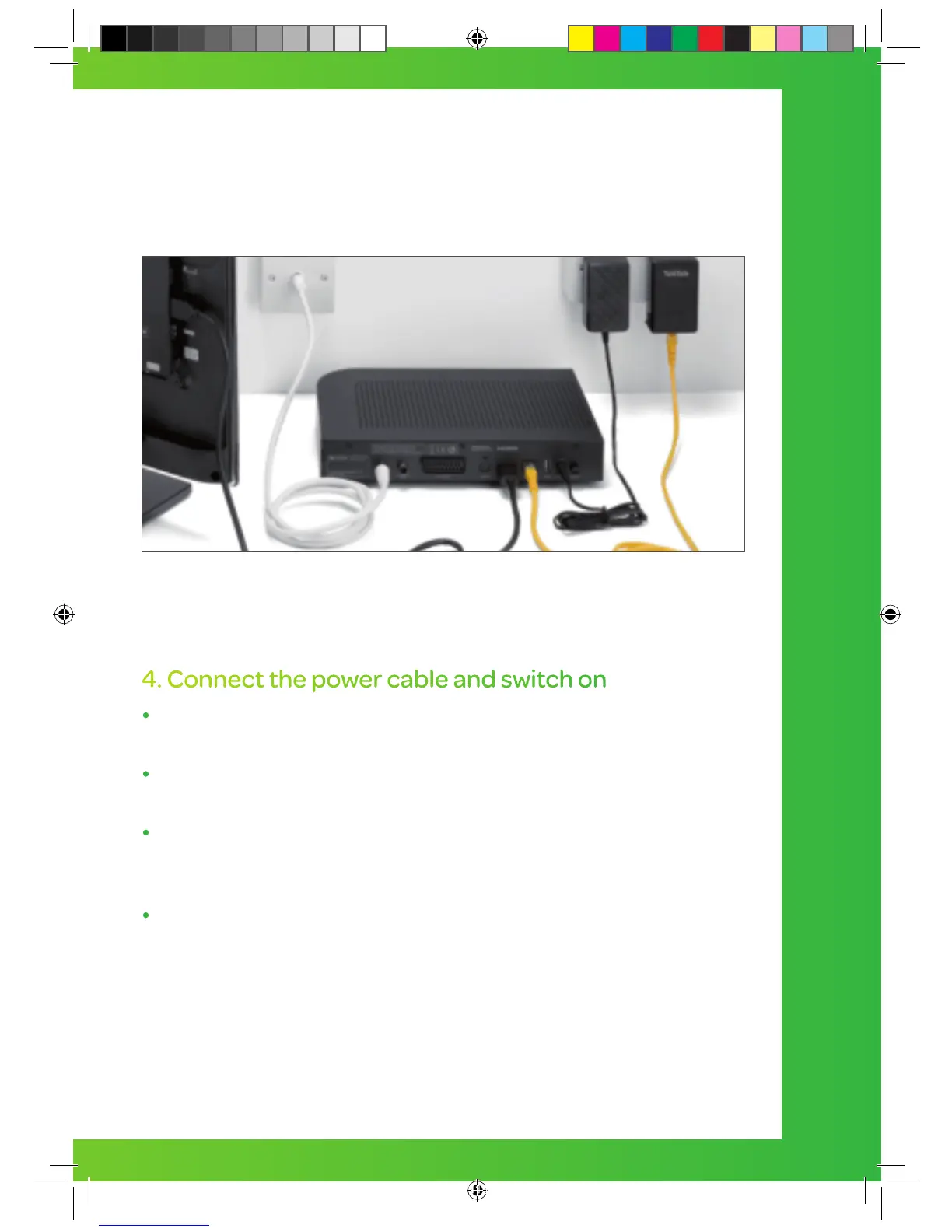
4. Connect the power cable and switch on
Connect one end of the black power supply cable into
your YouView box.
Connect the other end into a power socket near your
YouView box.
There are two On/Off switches on your YouView box. Press
the On/Off switch at the back of the YouView box, then
press the I/O button at the front. Then switch on your TV.
When the middle light on your YouView box comes on,
you are ready to set up YouView.
YouView box
Power cable
Connect the box and cables WITH Powerline Adapters
15


 To Next Page