Tally Dascom 1145/1125+
10
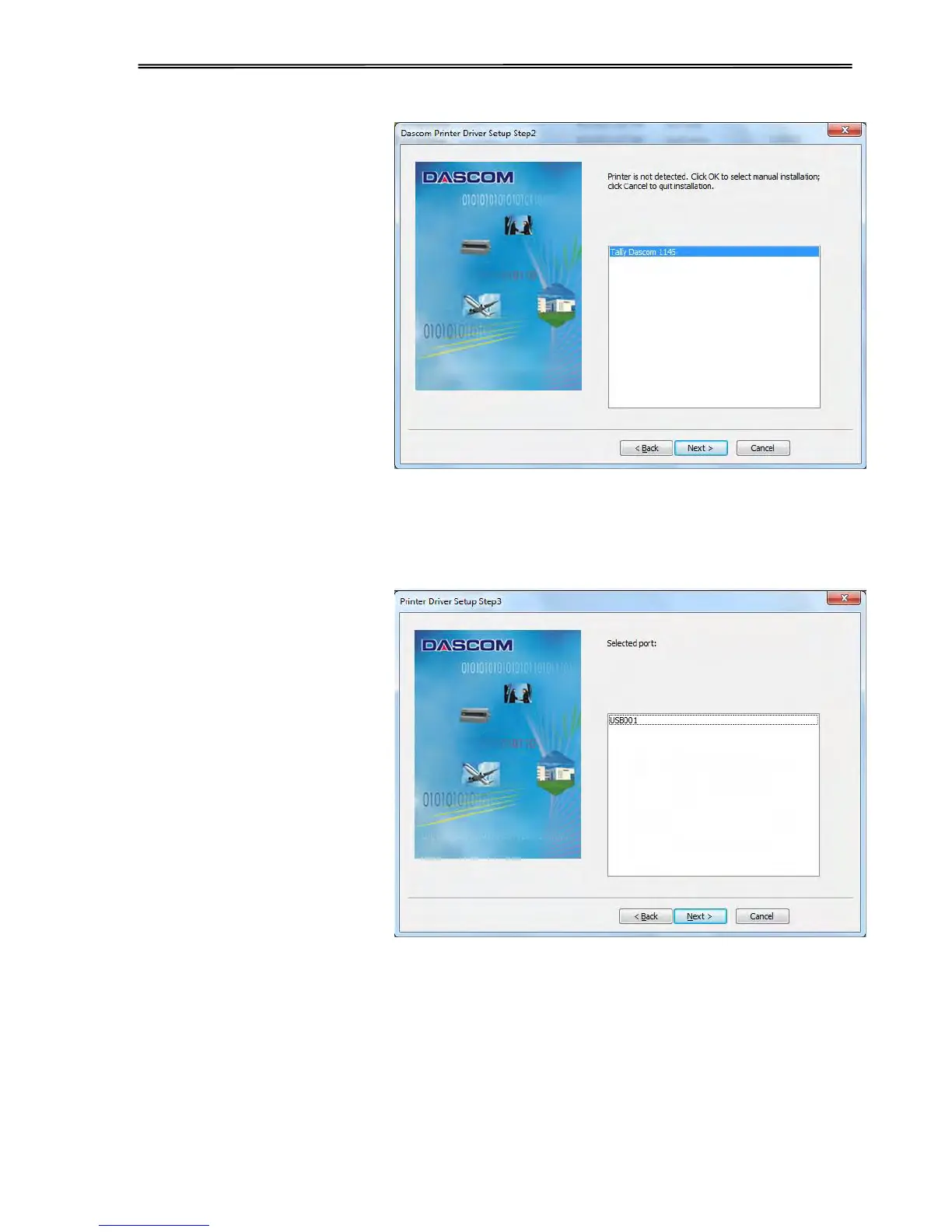
2) If automatical installation is
selected and the printer is
connected with USB cable
and power on, the printer
model will be detected
automatically. As shown in
picture on the right side,
click “Next” to continue.
3) As shown in picture on right
the side, USB port will be
detected automatically. Click
“Next” to continue.



 To Next Page