EasyManua.ls Logo

Tally Dascom 1145 - User Manual

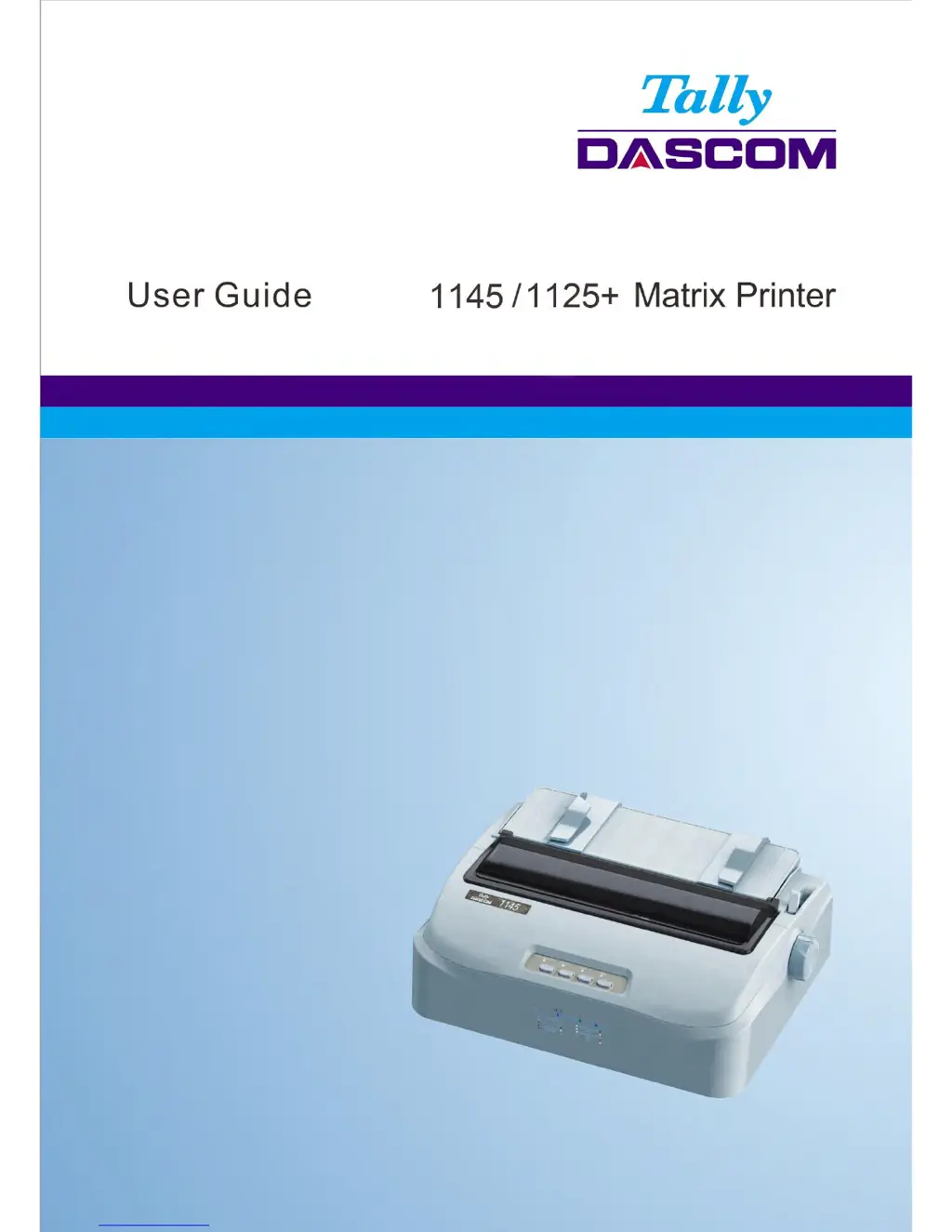
Tally Dascom 1145
126 pages
Print Icon
To Next Page IconTo Next Page
Loading...
Tally Dascom 1145/1125+
I

Table of Contents

Questions and Answers

Summary

Important Safety Instructions

TRADEMARK ACKNOWLEDGEMENTS

Unpacking Guide

Unpacking the Printer

Procedure for safely removing the printer from its packaging and checking contents.

Placing the Printer

Guidance on selecting a suitable location and positioning the printer for optimal use.

Printer Components

Identification and description of the various physical components of the printer.

Setting Up Printer

Install Ribbon

Step-by-step instructions for installing the printer's ribbon cartridge correctly.

Install the Single Sheet Feeder

Instructions for attaching the single sheet feeder mechanism to the printer.

Connecting the Interface Cable

Details on connecting the printer to a computer using various interface cables.

Connecting the Power Supply

Steps for connecting the printer to a power source and checking voltage settings.

Installing the Windows Driver

Guide for installing the necessary printer driver software for Windows operating systems.

Paper Installation Guide

Adjusting the Print Gap Lever

Instructions on how to adjust the print gap lever for different paper types and thicknesses.

Friction Feed Handling

Guide for loading and using single sheets of paper via the friction feed mechanism.

Tractor Feed Handling

Instructions for loading and using continuous fanfold paper with the tractor feed system.

Continuous Paper Placement

Guidance on positioning continuous paper for optimal feeding and to prevent jams.

Control Panel Operation

LED Indicators

Explanation of the meaning and function of the printer's LED status indicators.

Control Panel Keys

Description of the functions associated with each button on the printer's control panel.

Panel Operation

Overview of the different operational states (Online, Setup, Power On) and their functions.

Online State

Details on operations and functions available when the printer is in the Online state.

Setup State

Information on font selection and micro paper feed operations within the Setup state.

Power-On State

Explanation of functions accessible during printer startup, like Hex-dump and firmware updates.

Printer Setting Changes

System Setup

Configuration options for language, emulation, auto CR/LF, and print direction.

Paper Setup

Settings related to paper length, margins, auto-loading, and skip perforation.

Interface Setup

Configuration options for Plug and Play and USB ID settings for printer interfaces.

Character Setup

Settings for character tables, international character sets, fonts, and code pages.

Other Setup

Miscellaneous settings including form length control, print speed, and pitch control.

Black Mark Parameters

Parameters for positioning and printing with pre-printed black marks on fanfold forms.

Bidirectional Alignment

Procedure to adjust bi-directional alignment for grid reports to correct misalignments.

Restore Factory Default

Instructions to reset all printer settings back to their original factory default values.

Customized Form

Customize Cut Sheet Form Length

Procedure to measure and set the custom form length for single sheets.

Customize Cut Sheet TOF

Steps to adjust the Top Of Form (TOF) position for cut sheet paper.

Customize Cut Sheet Bottom Margin

Process for setting the bottom margin for cut sheet paper.

Customize Cut Sheet Left Margin

Instructions to adjust the left margin for cut sheet paper.

Customize Fanfold Page Formatting Parameters

Customization of form length, TOF, bottom, and left margins for fanfold paper.

Maintenance

Cleaning

General guidance on cleaning the printer housing, cover, and internal parts.

Cleaning and Vacuuming the Printer

Detailed steps for cleaning the printer's exterior and interior, including paper bail rollers.

Cleaning the Paper Rollers

Procedure for cleaning the printer's platen and paper bail rollers to ensure proper paper feed.

Troubleshooting

Print Quality Problems and Solutions

Common issues related to print quality (light, dark, smears) and their resolutions.

Paper Handling Problems and Solutions

Solutions for problems like paper not loading, jamming, or slipping off tractors.

Operating Problems and Solutions

Troubleshooting for issues like power not turning on or the printer not printing.

Printer Failures

Guidance for handling unresolvable printer hardware issues.

Error Indications on LEDs

Interpretation of error codes indicated by the printer's LED lights.

Diagnostic Functions

Information on using Self-Test, Hex-dump, and print alignment adjustment functions.

Firmware Update

Steps and recommendations for updating the printer's firmware.

General Specifications

Print Technology and Speed

Details on print technology, speed, font matrix, and proportional spacing.

Printer Components and Capabilities

Specifications for print head, graphics, paper feed, resolution, fonts, barcodes, code pages, and character sets.

Paper Handling and Specifications

Information on paper types, handling methods, and copy capabilities.

Operational and Environmental Specifications

Details on emulation, ribbon, drivers, interface, noise, dimensions, power, and certifications.

Interfaces

Parallel Interface

Pin assignment details and connector diagram for the parallel interface.

USB Interface

Specifications for the USB interface, including connector type and speed.

Serial interface

Pin assignment and wiring diagrams for the serial interface connection.

Character sets & Code Pages

Character Sets

Tables displaying standard, IBM, OCR-A, and OCR-B character sets.

Code Page Commands

List of ESC R parameters for various code pages supported by the printer.

Control Codes Summary

ESC;P2 Emulation Command List

Summary of ESC/P2 emulation commands and their corresponding functions.

IBM Emulation Command List

Summary of IBM emulation commands and their corresponding functions.

FCC STATEMENT

DASCOM REPRESENTATIVES

Tally Dascom 1145 Specifications

General IconGeneral
InterfaceParallel, Serial, USB
Print MethodSerial Impact Dot Matrix
Paper HandlingTractor feed
EmulationIBM ProPrinter
Noise Level55 dBA
Number of Pins24

Related product manuals