EasyManua.ls Logo

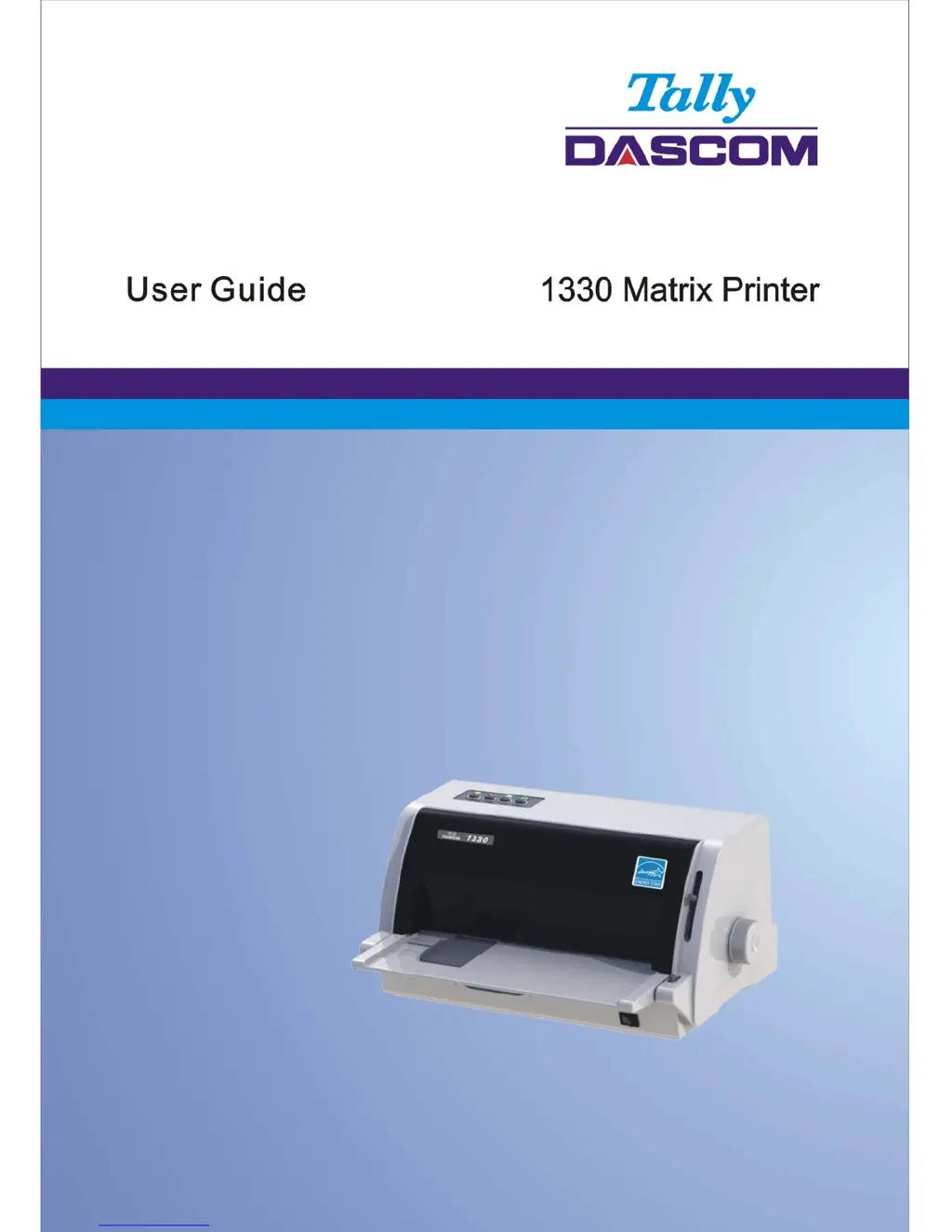
Tally Dascom 1330 - User Manual

Tally Dascom 1330
30 pages
Print Icon
To Next Page IconTo Next Page
Loading...

Questions and Answers

Summary

Printer Safety Instructions

Trademark Information

Unpacking the Printer

Printer Placement

Instructions for positioning the printer on a stable surface for optimal operation and ventilation.

Printer Components Overview

Identifies and describes the various parts and their functions within the printer unit.

Printer Setup

Install Printer Ribbon

Step-by-step guide for installing the ribbon cartridge into the printer.

Install Sheet Feeder

Procedure for attaching the optional sheet feeder to the printer unit.

Connect Interface Cable

Guidance on connecting the printer to a computer using interface cables.

Connect Mains Power

Instructions for connecting the printer to a power source and checking voltage.

Control Panel Operation

Control Panel Keys and LEDs

Explanation of the printer's control panel buttons and status indicator lights.

Printer Startup Procedure

Details on how to perform the printer's self-checking and startup procedure.

Printer Maintenance

Cleaning and Vacuuming Printer

Instructions for cleaning the printer's exterior and interior to remove dust and particles.

Cleaning Paper Rollers

Procedure for cleaning the printer's platen and paper bail rollers to ensure proper paper feed.

Troubleshooting Printer Issues

Print Quality Troubleshooting

Solutions for problems related to print darkness, smearing, and incorrect characters.

Paper Handling Troubleshooting

Troubleshooting steps for paper loading errors, jams, and misalignments.

Operating Problems Troubleshooting

Solutions for power, printing, and paper select lever related operational problems.

Printer Failures

Information on identifying and resolving critical printer failures and error indications.

Error Indications on LEDs

Details on error codes displayed through LED status lights and buzzer sounds.

Diagnostic Functions

Overview of printer diagnostic features like Self-Test and Hex-Dump mode.

Firmware Update

Procedure for updating the printer's firmware to resolve issues or add features.

General Printer Specifications

FCC Compliance Statement

Dascom Representative Contact Information

Tally Dascom 1330 Specifications

General IconGeneral
TypeDot Matrix Printer
Print Width80 columns
Paper HandlingFriction feed, Tractor feed
Resolution360 x 360 dpi
Print Speed300 characters per second
ConnectivityParallel
Paper SizeA4, Letter
Noise Level55 dB
Number of Pins24 pins

Related product manuals