izr
^k
°°«
''
\^
,*
"-,.
;«^
CHANGING IT
ALL
AROUND
(Updating
a Sequential Access File)
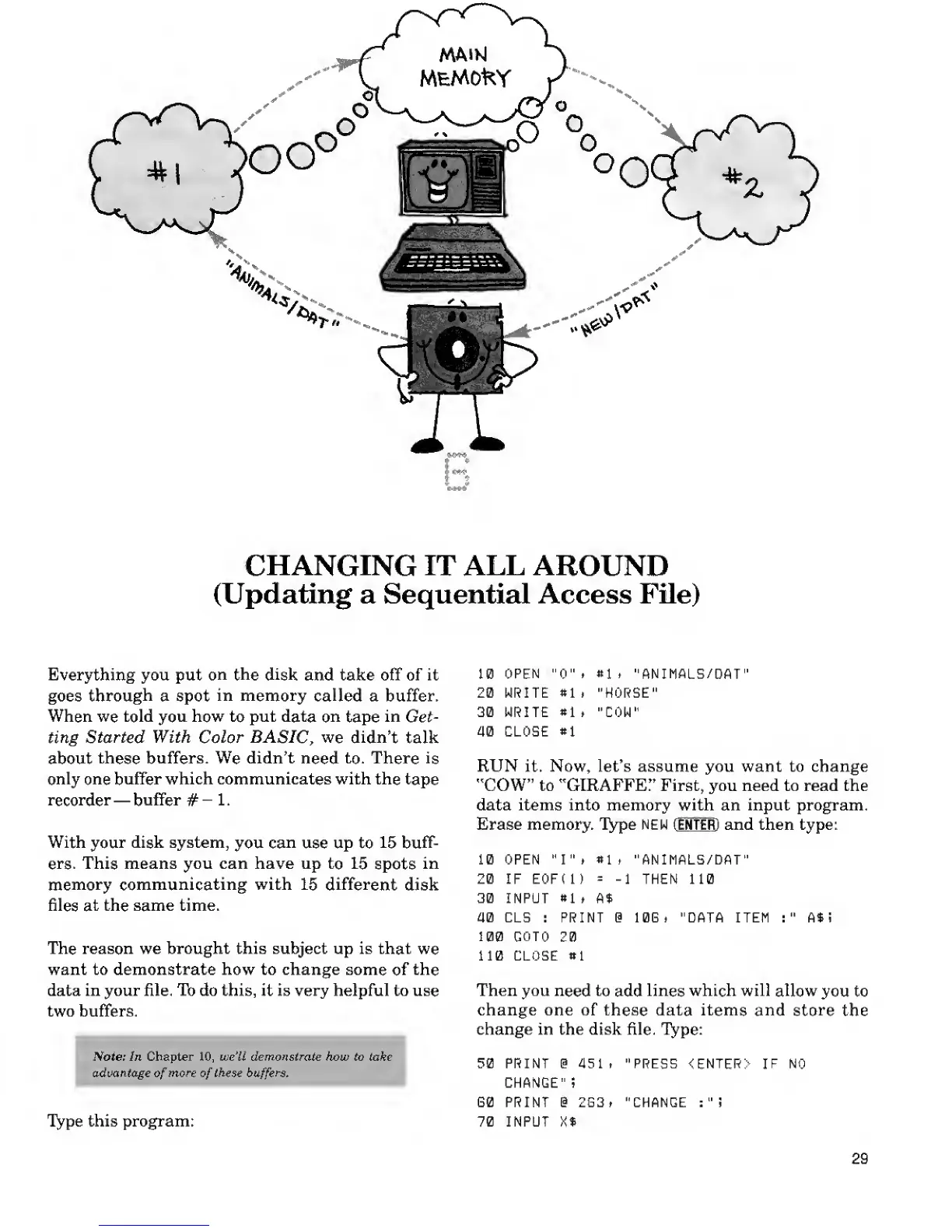
Everything you put
on the disk
and take off of it
goes
through
a spot
in
memory called
a buffer.
When
we
told
you
how
to
put
data on
tape
in
Get-
ting
Started
With
Color
BASIC,
we didn't
talk
about
these
buffers.
We
didn't
need to.
There
is
only
one
buffer which communicates with the
tape
recorder
—
buffer
#-
1.
With
your
disk system,
you
can
use up to
15 buff-
ers.
This means you can have up
to 15
spots
in
memory
communicating with
15 different
disk
files
at
the same time.
The reason we brought this subject up is that
we
want to demonstrate how to change some
of
the
data in your file. Tb do this, it is very helpful to use
two buffers.
Note: In Chapter
10,
we'll demonstrate how to take
advantage
of
more
of
these
buffers
Type this program:
10
OPEN
"0",
Mi "ANIMALS/DAT"
20 WRITE
«1
i "HORSE"
30 WRITE
*1
t "COW"
am CLOSE
*1
RUN it. Now, let's assume you want to change
"COW" to "GIRAFFE!' First, you need to read the
data items into memory with an input program.
Erase memory. Type
NEW
(ENTEffl and then type:
10 OPEN "I"
i
M, "ANIMALS/DAT"
20 IF E0F(1)
= -1
THEM 110
30 INPUT
«1
t A$
40 CLS : PRINT @ LOG . "DATA ITEH
:"
A*
i
109 GOTO
20
112 CLOSE
«1
Then you
need to
add
lines which will
allow
you to
change one of these data items
and store
the
change in the disk file.
Type:
50 PRINT @ 451
t
"PRESS <ENTER>
IF NO
CHANGE" ;
G0 PRINT % 2G3, "CHANGE :
"
!
70 INPUT X%
29










 To Next Page