A MORE OIRECT APPROACH
90 INPUT "TYPE NEW NAME ELSE PRESS
<ENTER>";
At
90 if fi*
=
""
THEN 20
100 WRITE
»1
, A*
110 PUT
*1
t R
120 GOTO 20
130 CLOSE
*1
RUN it. See how all your records initially contain
"NO NAME." Then, you can change the data in
any of the records at
will,
as
many times
as you
want. (To end the program, type a as the
RECORD
NO.)
READING
ALL THE RECORDS
At this point, you might like the Computer
to
print all of the records in your "NAMES/DAT" file
with their appropriate record numbers. SAVE
your program, if you want, erase memory, type,
and RUN:
10 OPEN "D" ,
*1
» "NAMES/DAT"
20 R
=
1
32 GET
*1
. R
40 INPUT
«1
t At
50 PRINT
At
"
60 IF R
=
10 THEN 90
70 R
=
R
+
1
80 GOTO 30
90 CLOSE
*1
13 IN RECORD" R
Line 20 makes R equal to 1. In the next lines, the
Computer GETs, INPUTs, and PRINTs record 1.
Line 70 then makes R equal to 2 and the whole
process is repeated with record 2. When R equals
10
—
the
last record in the file —the program ends.
There
are
many occasions when you will not know
the last record number in the file. Change line 60
and RUN the program:
G0 IF R
L0F(
1 ) THEN 90
LOF looks at the file which buffer #1 (the number
in parenthesis) is communicating with. It tells
the
Computer what the last record number in that
file is.
MORE POWER TO A RECORD
So far, we have been PUTting only one "field" of
data in each record. We can make the file more
organized by subdividing each record into several
fields.
Erase memory, type, and RUN this program:
*1
. "BUG9/DAT"
"FLIE9" t 1000000* "HAIRY"
10 OPEN "D"
20 WRITE
*1
30 PUT
»1
. 2
34 GET
#1
. 2
35
INPUT *i . D*. N. T$
38
PRINT Dt
, Nt Tt
W
CLOSE
#1
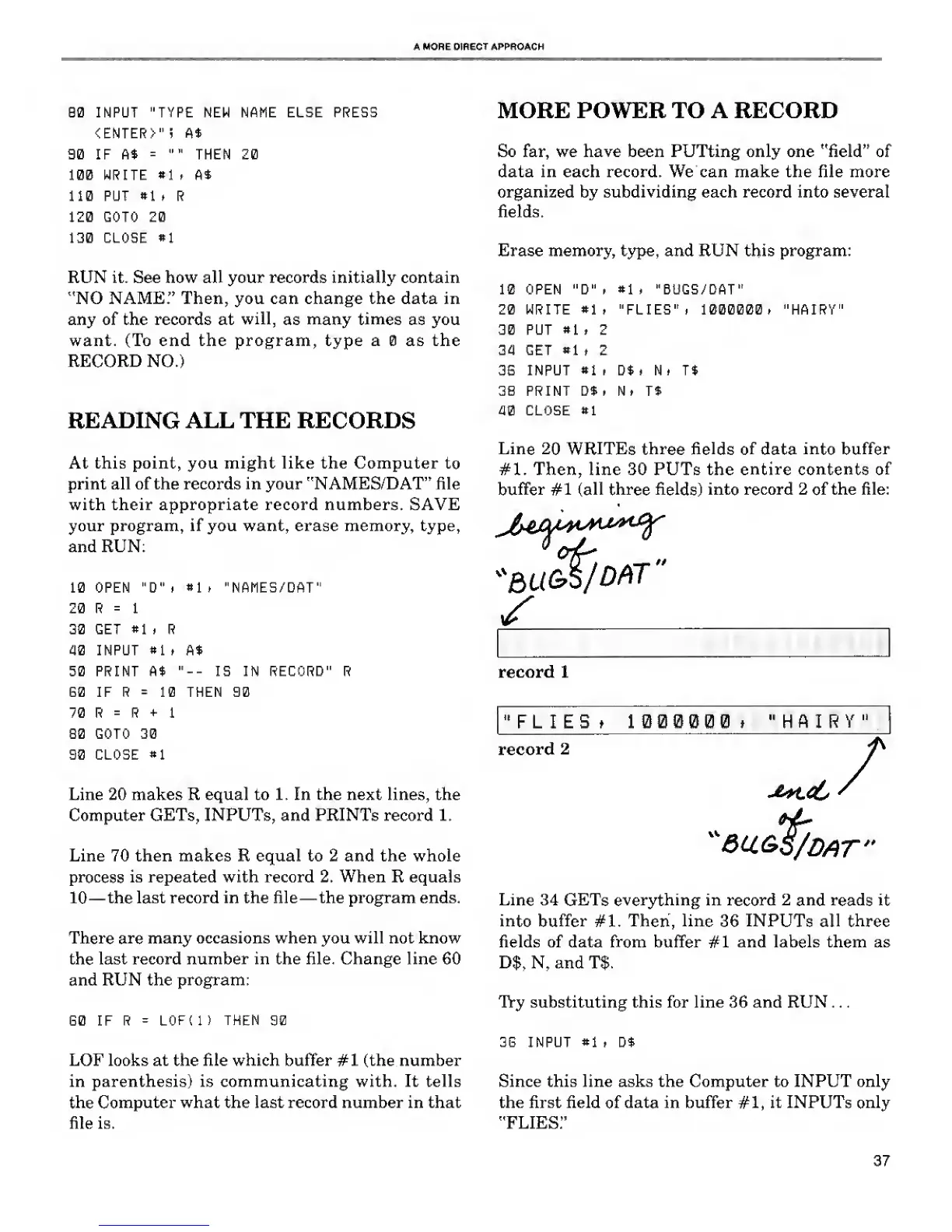
Line
20 WRITEs three fields of
data
into buffer
#1. Then, line 30 PUTs the
entire contents of
buffer #1
(all
three fields)
into record 2
of
the file:
*BU&S/
DfilT
"
record 1
"FLIES t I 000000 »
"HAIRY"
record 2
/
Line 34
GETs
everything in
record
2
and reads it
into buffer
#1.
Then,
line
36
INPUTs all three
fields of data from buffer #1 and labels them as
D$, N, and T$.
Try substituting this for line 36 and RUN . .
.
38 INPUT *1 i Dt
Since this line asks the Computer to INPUT only
the first field
of
data in buffer
#1,
it INPUTs only
"FLIES."
37










 To Next Page