EasyManua.ls Logo

Tandy TRS-80 - Page 46

Tandy TRS-80
104 pages
Print Icon
To Next Page IconTo Next Page
To Previous Page IconTo Previous Page
Loading...
A MORE DIRECT APPROACH
PROGRAMMING
EXERCISE
7.1
Change
lines 32
and 34 so that your
Computer will use
record 3 to PUT
and GET
"BILL
SMITH."
itV-,
:
*W
;*&*&&*
,1
-
DEALING
WITH
GARBAGE
You
have
not yet PUT
anything in record 1
.
Ask
the
Computer to GET
record
1 and see what hap-
pens.
Type
this and RUN:
34 GET
»1
> 1
Since
the
Computer didn't
PUT
anything in
record
1,
record 1 contains
whatever
"garbage" is
already there.
When you
ask the
Computer to GET and
INPUT
it, it will
either get
the "garbage" or
give
you
an
OS (Out of
String Space)
error. The OS error sim-
ply means the
garbage
consumes more than 200
bytes (characters).
Since your empty
records
will contain garbage
until you fill them
with
something, it's a good idea
to put some kind
of data
in all of them in advance.
Erase memory
and
type
this program:
10
OPEN "D"
t
*1
i
"NAMES/DAT"
20 FOR
;; =
1 TO 10
30
WRITE
*1
. "NO NAME"
40 PUT »l
, X
50
NEXT
X
G0
CLOSE
«1
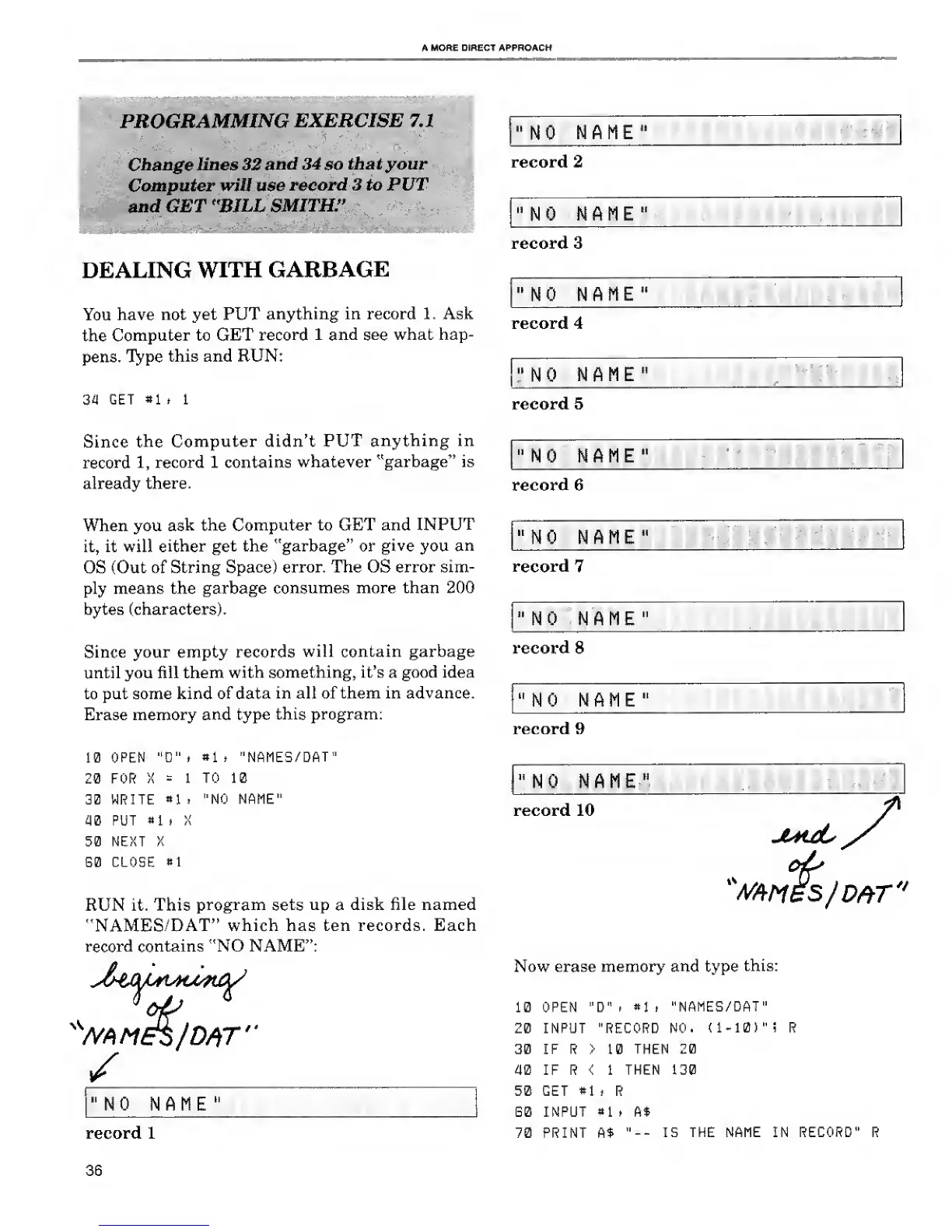
RUN it. This
program sets up
a
disk file named
"NAMES/DAT"
which has ten records. Each
record
contains "NO NAME":
K
Mtie$fD#r"
"NO NAME
"
record
1
36
"NO
NAME"
record 2
"NO
NAME"
record 3
"NO
NAME"
record 4
"NO
NAME"
record 5
"NO NAME"
record 6
"NO NAME"
record
7
"NO NAME"
record 8
"NO NAME"
record 9
"NO NAME"
record 10
juhjL
x
WfiM5S/D#T"
Now erase memory
and
type
this:
10 OPEN "D"
i
#1
> "NAMES/DAT"
20
INPUT "RECORD
NO.
(1-10)
"i R
30 IF R >
10
THEN 20
40 IF R < 1 THEN
130
50 GET
«1
. R
G0 INPUT
«1
. A$
70 PRINT
A$
"--
IS THE NAME IN RECORD" R

Related product manuals